
Your CRM records deals. The real question for sales planning is whether it also helps you set quotas, design territories, and forecast against capacity, and most do not, by design. The cost of that gap is measurable: The Bridge Group’s 2024 SaaS AE Metrics Report, covering more than 170 B2B SaaS companies, found the share of AEs hitting quota fell to 51% in 2024 from 66% in 2022, and RepVue’s Q2 2025 Cloud Sales Index measured average quota attainment of 42.69% across roughly 47,000 rep ratings. Most of those misses passed through a well-administered CRM that faithfully recorded a plan nobody derived.
A disclosure before the ranking, because this category is full of undisclosed self-rankings: Lative is our product, and it sits at number one because plan-readiness is the criterion this list is built around. It is judged on the same criteria as everyone else, including a plain statement of what it is not, and it is the only entry here that is not a CRM at all, which is exactly the point.
Quick picks by use case
- Best planning layer on top of any CRM: Lative
- Most capable CRM-native planning: Salesforce Sales Cloud
- Best for SMB and mid-market: HubSpot Sales Hub
- Best in the Microsoft stack: Dynamics 365 Sales
- Best value on a budget: Zoho CRM
- Best pipeline-first simplicity: Pipedrive
- Best for high-velocity inside sales: Close
- Fastest time to a working pipeline: Freshsales
- Best no-code process control: Creatio
- Best flexible deployment: SugarCRM
- Best workflow layer on the record: Salesloft
- Best forecast inspection on Salesforce: Clari
Comparison at a glance
| Tool | Best for | Published pricing | Standout for planning |
|---|---|---|---|
| Lative | Capacity, quota + forecast planning on the CRM | Custom quote, no per-user pricing | Ramp-adjusted capacity model |
| Salesforce | Enterprise system of record | Enterprise from $175/user/mo | Native territory + forecasting |
| HubSpot | SMB and mid-market | Pro from $100/seat/mo | Clean data reps keep current |
| Dynamics 365 | Microsoft-stack enterprises | From $65 to $150/user/mo | Power BI analysis depth |
| Zoho CRM | Budget-conscious SMBs | From $14 to $52/user/mo | Planning basics above its price |
| Pipedrive | Pipeline-first small teams | From $14 to $79/seat/mo | Visual pipeline discipline |
| Close | High-velocity inside sales | From $9 to $139/mo | Calling + pipeline in one screen |
| Freshsales | Fast-start growing teams | From $9 to $59/user/mo | Built-in forecasting, low lift |
| Creatio | Process-heavy teams | Composable; see vendor site | No-code workflow control |
| SugarCRM | Flexible deployment needs | Custom quote | Forecasting + on-prem options |
| Salesloft | Engagement on the record | Custom quote | Consistent deal workflows |
| Clari | Forecast cadence on Salesforce | Custom quote | Deal inspection + roll-ups |
Pricing verified on vendor pricing pages in June 2026 (annual billing where offered); custom-quote vendors do not publish rates. Always confirm current pricing directly.
How we evaluated
Five criteria, applied to every tool including ours. Data quality mechanics: does the product make clean stages and honest close dates easier than dirty ones, since every plan inherits CRM hygiene? Native planning depth: territory, quota, and forecast tools in the box, not on the roadmap. Ecosystem gravity: how deeply the planning, intelligence, and comp tools you will add later integrate with it. API openness: can a planning layer read closed-won history, rep fields, and stage transitions without an ETL project? And capacity awareness, the criterion every other ranking in this category skips: can the system tell you what the team can actually produce, ramp-adjusted, or only what the pipeline says?
The 12 best CRMs and planning tools for sales planning in 2026
1. Lative: best planning layer on top of any CRM
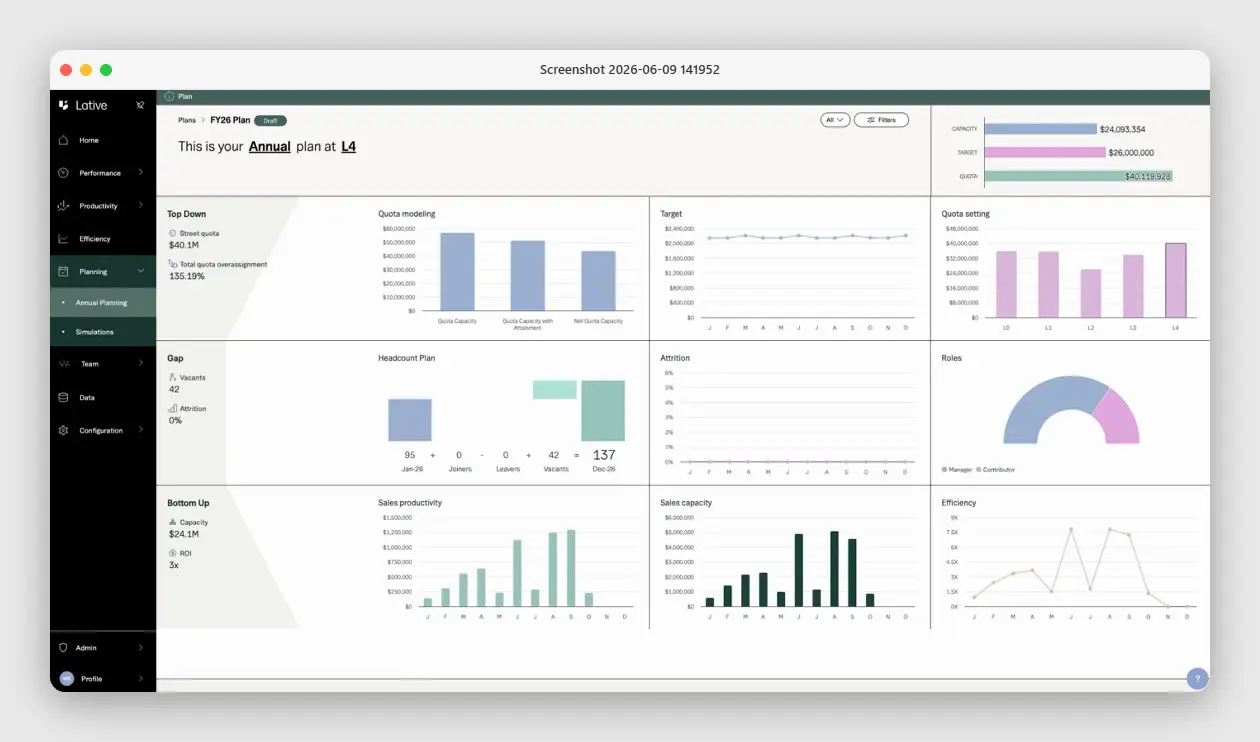
Full disclosure: Lative is our product, so apply the same skepticism here you should apply to every vendor self-ranking in this category. What earns it the top spot is the criterion the rest of this list cannot fill: a CRM is the system of record, and Lative is the system of planning that reads it. The Productivity module computes production per rep from closed-won data, tenure-adjusted and segmented; Average Ramping Time derives ramp curves from your real hire cohorts; the Capacity view turns roster, ramp, and attainment into productive capacity; and Annual Planning reconciles that capacity against target and quota on one screen, with Quota Modeling and Quota Setting rolling out numbers the roster can actually carry.
What it is not: a CRM. It does not store contacts, route leads, or replace any record system below; it makes the data in them plan-ready. Werner Schmidt, Lative’s CEO and co-founder, has described the founding logic directly: “Lative was born out of a need to accurately measure sales teams’ true impact on the organisation and turn bottom-up operating data into structured plans to ensure teams hit their targets.”
- Key features: ramp-adjusted capacity modeling, tenure-adjusted productivity per rep, quota modeling in fully ramped equivalents, territory-to-capacity balance checks, long-range what-if simulations.
- Pricing: custom quote; no per-user pricing, so RevOps, finance, and sales leadership share one model without seat negotiations.
- Pros: the only capacity-aware planning entry on this list; works on top of Salesforce or HubSpot. Cons: not a CRM; sales-planning scope rather than full FP&A.
2. Salesforce Sales Cloud: most capable CRM-native planning
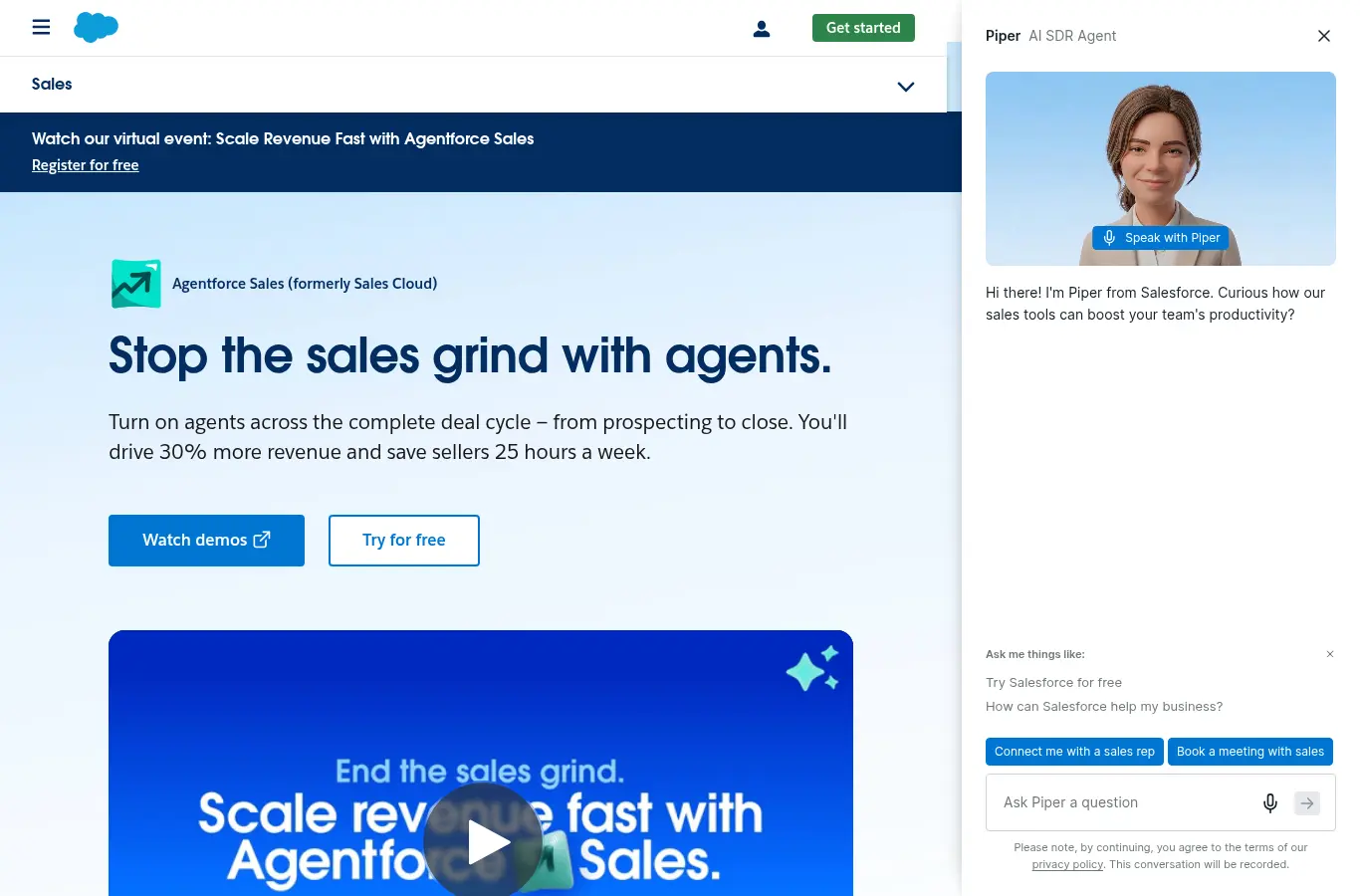
Salesforce remains the most capable planning platform in the CRM market: native territory management, collaborative forecasting, the Sales Planning add-on for annual carving, and the deepest integration ecosystem, which matters because every planning tool you add later integrates Salesforce-first. For mid-market and enterprise teams with real admin capacity, nothing else in the record layer comes close.
The honest limitation is administration: every planning feature assumes someone owns the configuration, stage probabilities default to folklore until an admin derives real ones, and an unowned instance degrades into an expensive contact list. Budget the admin or do not budget the features.
- Key features: collaborative forecasts, Enterprise Territory Management, Sales Planning add-on, Einstein predictive scoring, custom objects and flows.
- Pricing: planning-relevant features ship with Enterprise edition, from $175/user/month billed annually (vendor-published, July 2026).
- Pros: deepest native planning; widest ecosystem. Cons: admin tax; no ramp-adjusted capacity math.
3. HubSpot Sales Hub: best for SMB and mid-market
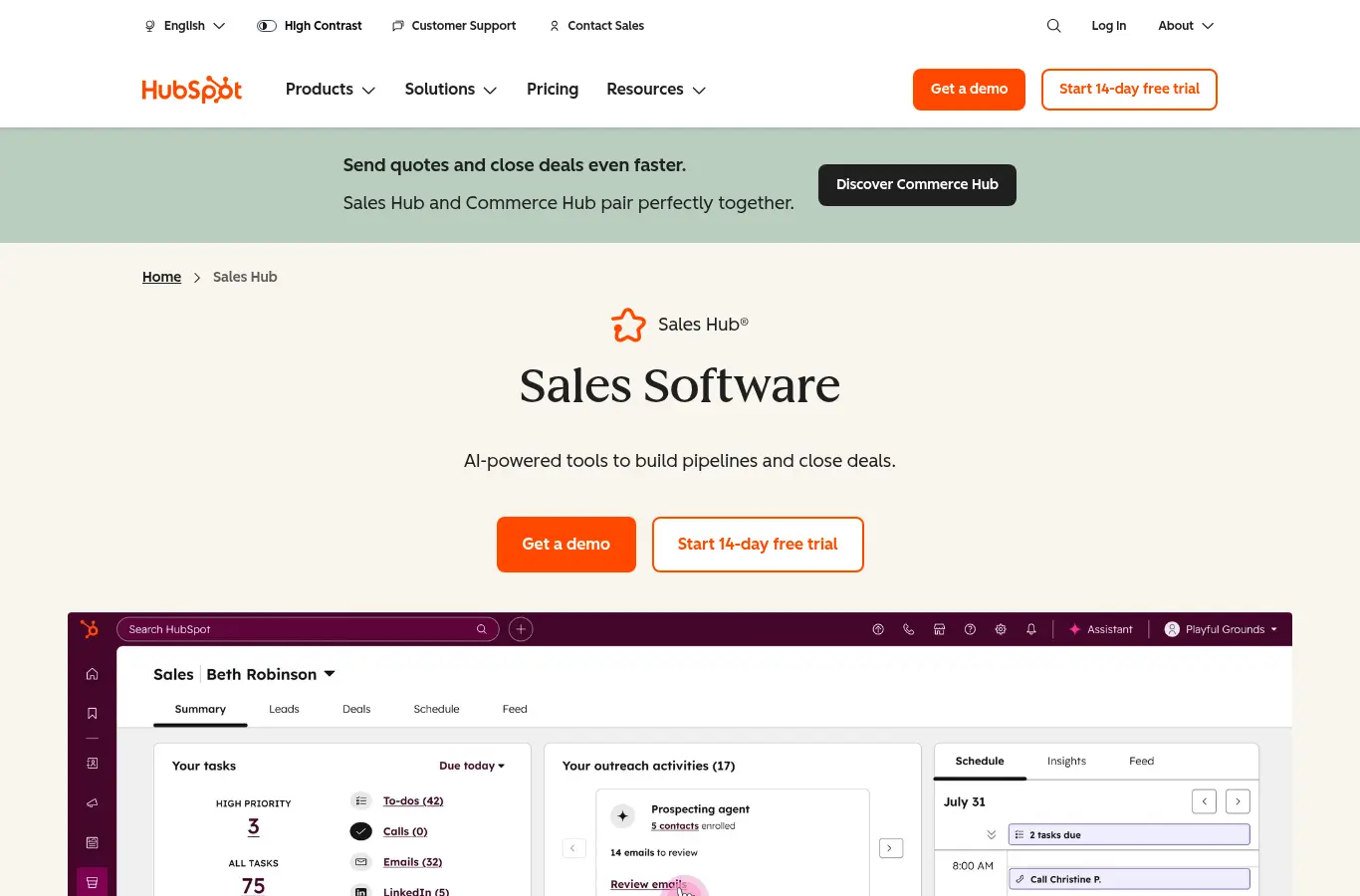
HubSpot’s planning advantage is sociological, not architectural: a pipeline UX reps actually keep current, which means the data a plan is built on is fresher than most Salesforce instances can claim. Forecasting, goals, and clean reporting ship in the box, and one ops person can genuinely run it.
The limitation is depth: native quota and territory tooling is lighter than Salesforce’s, and past 30 to 40 reps or a second segment, planning questions outgrow what the platform models natively.
- Key features: weighted and category forecasts, goals and quota tracking, pipeline snapshots, native reporting, fast onboarding.
- Pricing: forecasting requires Sales Hub Professional, from $100/seat/month (vendor-published, June 2026).
- Pros: adoption-friendly data quality; fast time to value. Cons: planning ceiling at multi-segment scale.
4. Microsoft Dynamics 365 Sales: best in the Microsoft stack
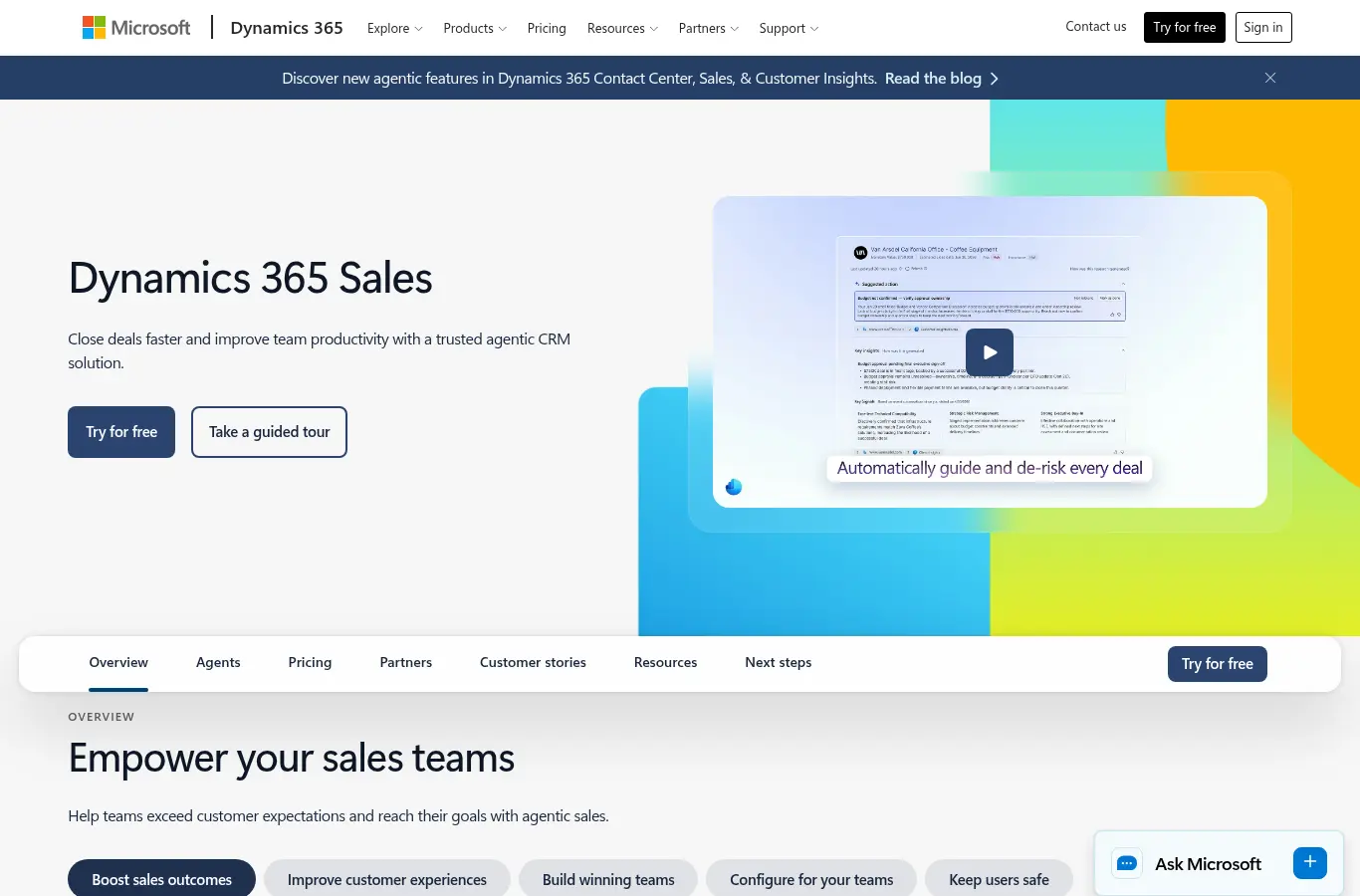
For organizations already running Microsoft, Dynamics 365 Sales brings serious planning assets: Power BI for analysis finance actually accepts, Excel integration that planning teams genuinely use, and enterprise-grade territory and forecast modeling. The stack coherence is the draw: identity, data, and analytics in one vendor relationship.
The honest read: implementation weight is comparable to Salesforce, and outside Microsoft-first companies the ecosystem of sales tools integrates Dynamics second, which compounds over the life of the stack.
- Key features: forecasting with predictive scoring, territory management, Power BI integration, Excel-native planning workflows, Copilot assistance.
- Pricing: Professional $65, Enterprise $105, Premium $150 per user/month (vendor-published, June 2026).
- Pros: analysis depth; stack coherence. Cons: heavy rollout; second-priority for third-party sales tools.
5. Zoho CRM: best value on a budget
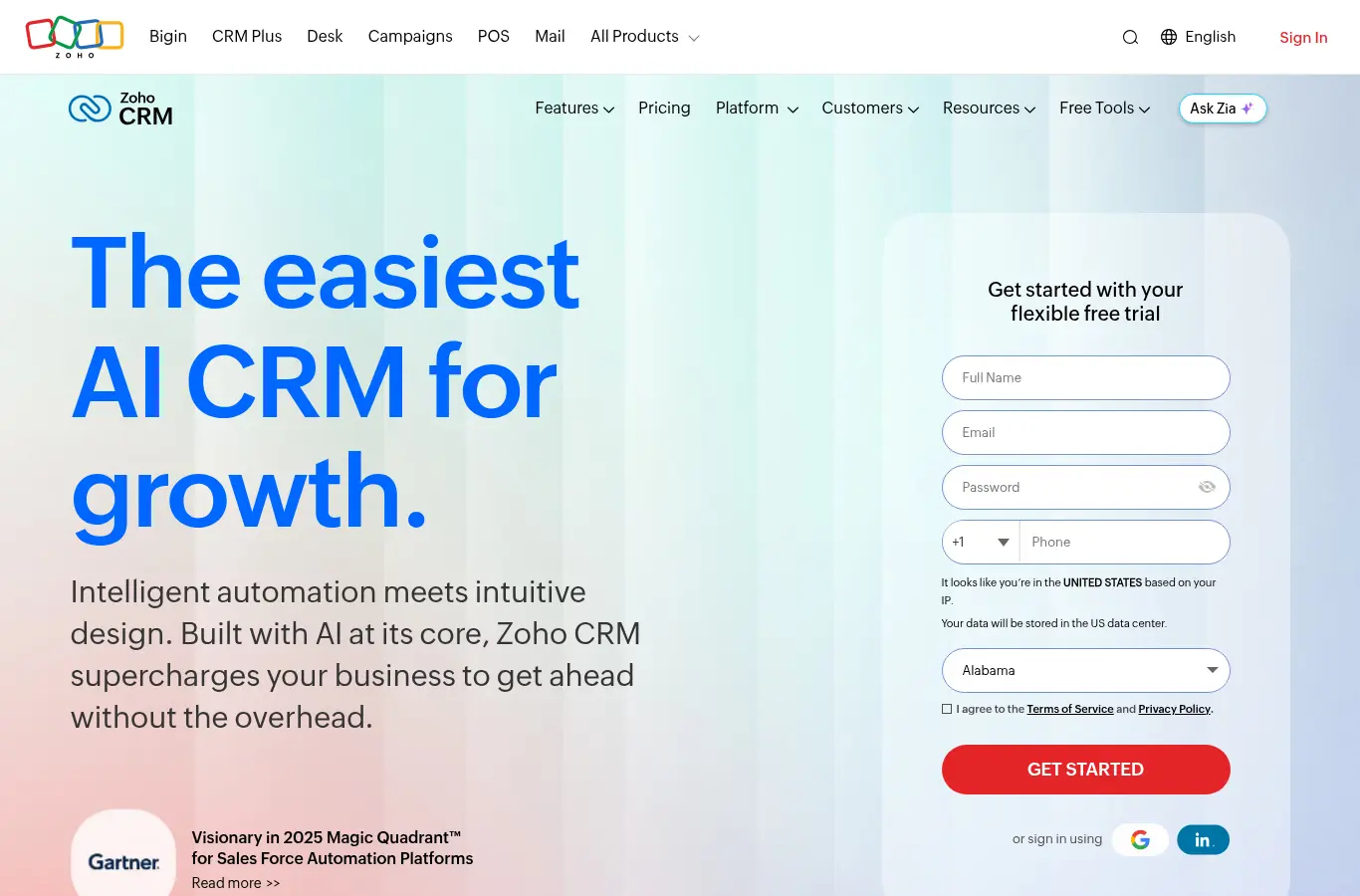
Zoho covers more of the planning basics than its price suggests: forecasting, territory management, and an analytics layer, at per-user prices a quarter of the enterprise platforms. For budget-conscious SMBs that still want structure, it is the honest value pick.
The ceiling is the ecosystem: fewer planning and intelligence tools integrate Zoho-first, so teams that expect to build a serious stack later should weigh that gravity now.
- Key features: forecasting by territory and hierarchy, territory management, Zia AI predictions, analytics, broad suite integration.
- Pricing: Standard $14, Professional $23, Enterprise $40, Ultimate $52 per user/month billed annually (vendor-published, June 2026).
- Pros: price-to-capability; suite breadth. Cons: thinner third-party ecosystem.
6. Pipedrive: best pipeline-first simplicity
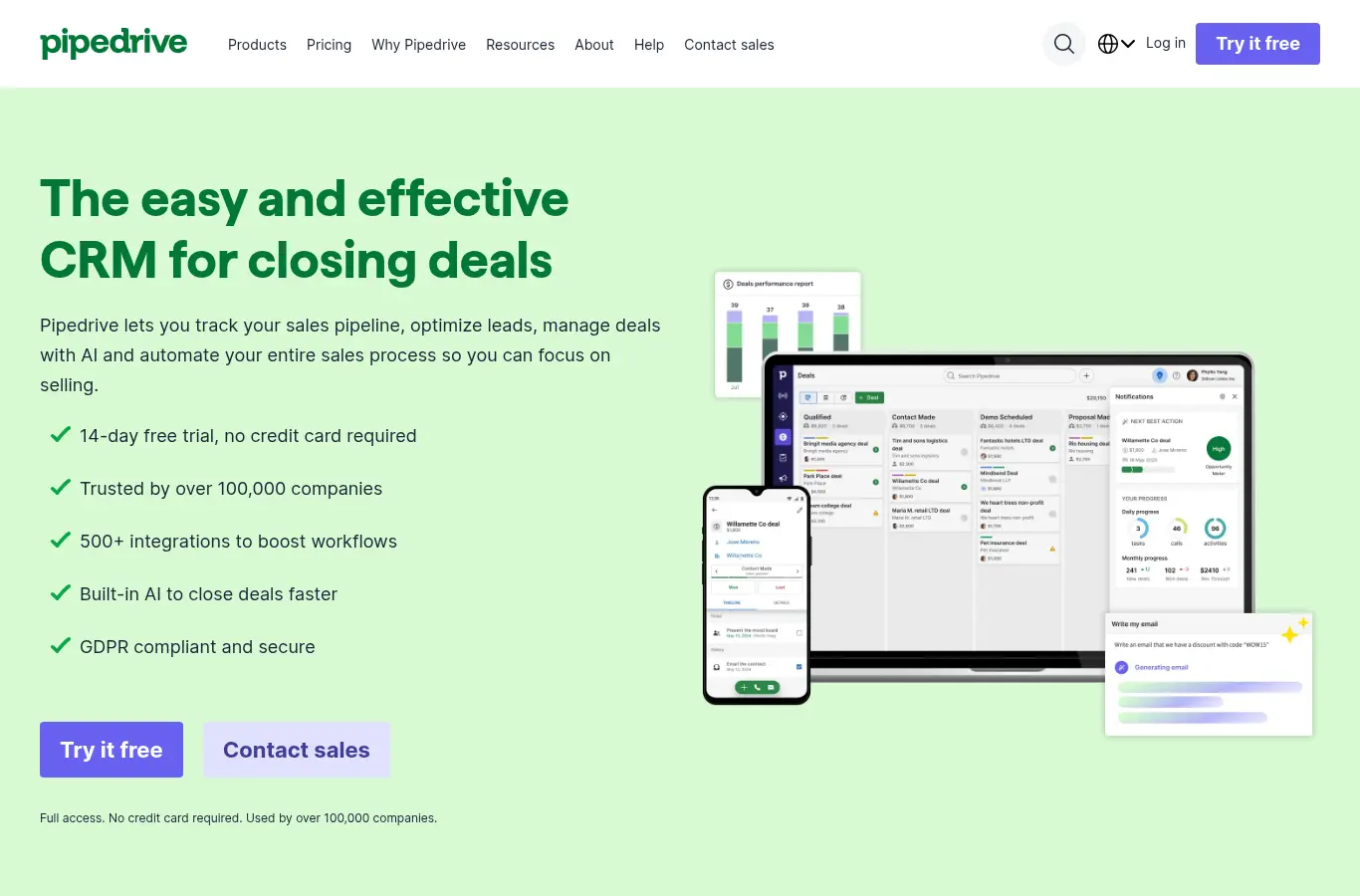
Pipedrive is built around one idea: make the pipeline visual, fast, and impossible to ignore. For early-stage teams, that discipline is worth more than planning features they would not use yet, and clean pipeline data now is planning capability later.
The limitation is intentional: formal planning, quota modeling, territory scoring, capacity math, lives elsewhere. Treat Pipedrive as the record layer it wants to be.
- Key features: visual kanban pipelines, activity-based selling, revenue forecasts, automations, a clean mobile app.
- Pricing: Lite $14, Growth $39, Premium $59, Ultimate $79 per seat/month billed annually (vendor-published, June 2026).
- Pros: adoption and clarity; honest scope. Cons: planning depth by design absent.
7. Close: best for high-velocity inside sales
Close is the inside-sales specialist: calling, SMS, and email native in the CRM, so high-velocity teams work and record in one screen. For transactional motions with short cycles, the speed is the strategy.
Planning is correspondingly light: pipeline reports and goals, not quota architecture or territory design. The right teams will not care; scaling multi-segment orgs will.
- Key features: built-in calling and SMS, email sequences, pipeline views, AI assistant, fast search.
- Pricing: Solo $9, Essentials $35, Growth $99, Scale $139 per month billed annually (vendor-published, June 2026).
- Pros: velocity in one tool; clean data capture. Cons: minimal planning surface.
8. Freshsales: fastest time to a working pipeline
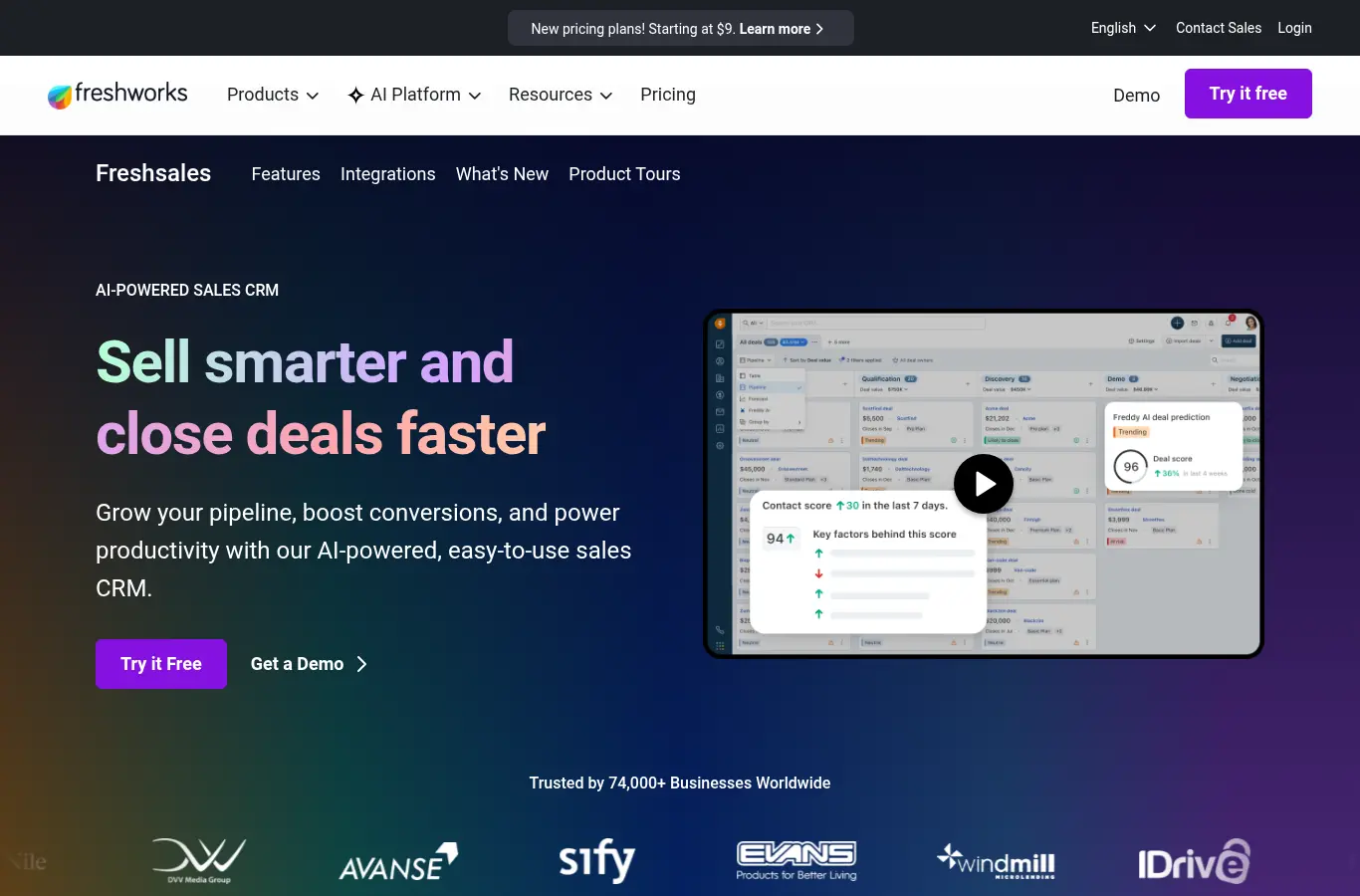
Freshsales gets a growing team from zero to a working, forecastable pipeline faster than almost anything in the category, with built-in forecasting and AI scoring at SMB prices.
The trade is the familiar one at this tier: less depth than the leaders and a thinner ecosystem, which matters only when you outgrow it, and successful teams do.
- Key features: sales forecasting, Freddy AI scoring, sequences, built-in phone, workflow automation.
- Pricing: Growth $9, Pro $39, Enterprise $59 per user/month billed annually (vendor-published, June 2026).
- Pros: speed and price. Cons: outgrowable depth and ecosystem.
9. Creatio: best no-code process control
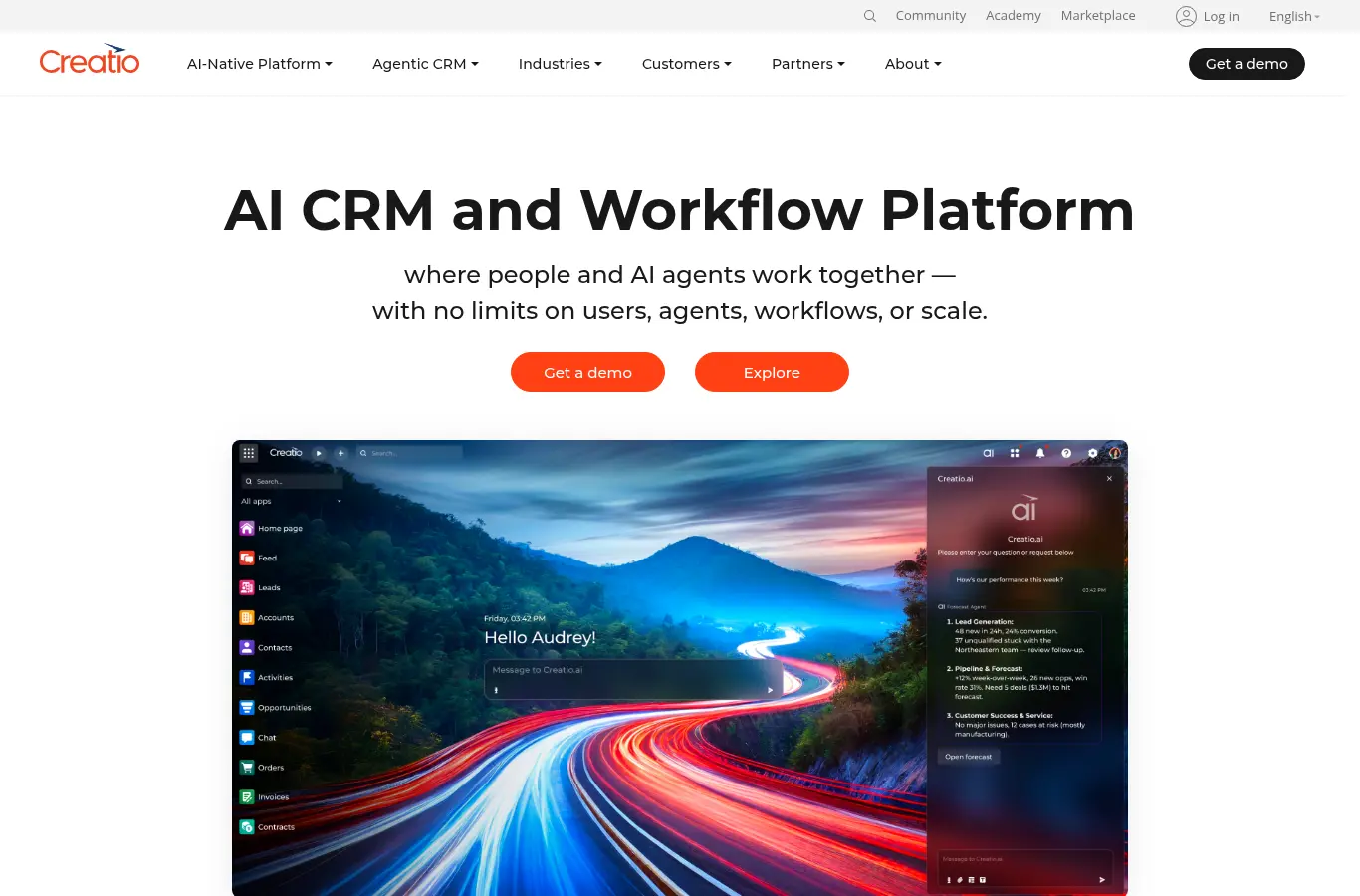
Creatio’s edge is process: no-code customization of stages, approval flows, and planning workflows that would need developer time elsewhere. Teams whose sales motion is genuinely process-heavy, regulated industries, complex approvals, get control the bigger platforms charge consulting rates for.
The limitation: a smaller North American ecosystem and community, and planning features that are workflow-deep rather than capacity-aware.
- Key features: no-code process designer, pipeline and forecast tools, workflow automation, composable architecture.
- Pricing: composable per-user pricing published on the vendor site; confirm current configuration rates directly.
- Pros: process control without code. Cons: smaller ecosystem; capacity math absent.
10. SugarCRM: best flexible deployment
SugarCRM serves the mid-market that wants forecasting and predictive features with deployment flexibility the larger vendors no longer offer, including on-premises options that still matter in some industries.
The honest read: the ecosystem and pace of the category leaders are elsewhere, and Sugar wins on fit, not momentum.
- Key features: sales forecasting, predictive insights, flexible deployment, process automation.
- Pricing: custom quote; no published rates.
- Pros: deployment fit; mid-market focus. Cons: ecosystem gravity elsewhere.
11. Salesloft: best workflow layer on the record
Salesloft is not a CRM, and earns its slot anyway: its cadences, deal workflows, and engagement data add planning-relevant structure, consistent stages, real activity signals, to whatever record system sits underneath.
The limitation is the category’s: it structures execution, not planning. Pair it with the record layer and a planning layer rather than expecting either job from it.
- Key features: cadences and sequencing, deal workflows, conversation intelligence, forecasting module, CRM sync.
- Pricing: custom quote; no published rates.
- Pros: execution consistency; signal-rich data. Cons: neither record nor planning system.
12. Clari: best forecast inspection on Salesforce
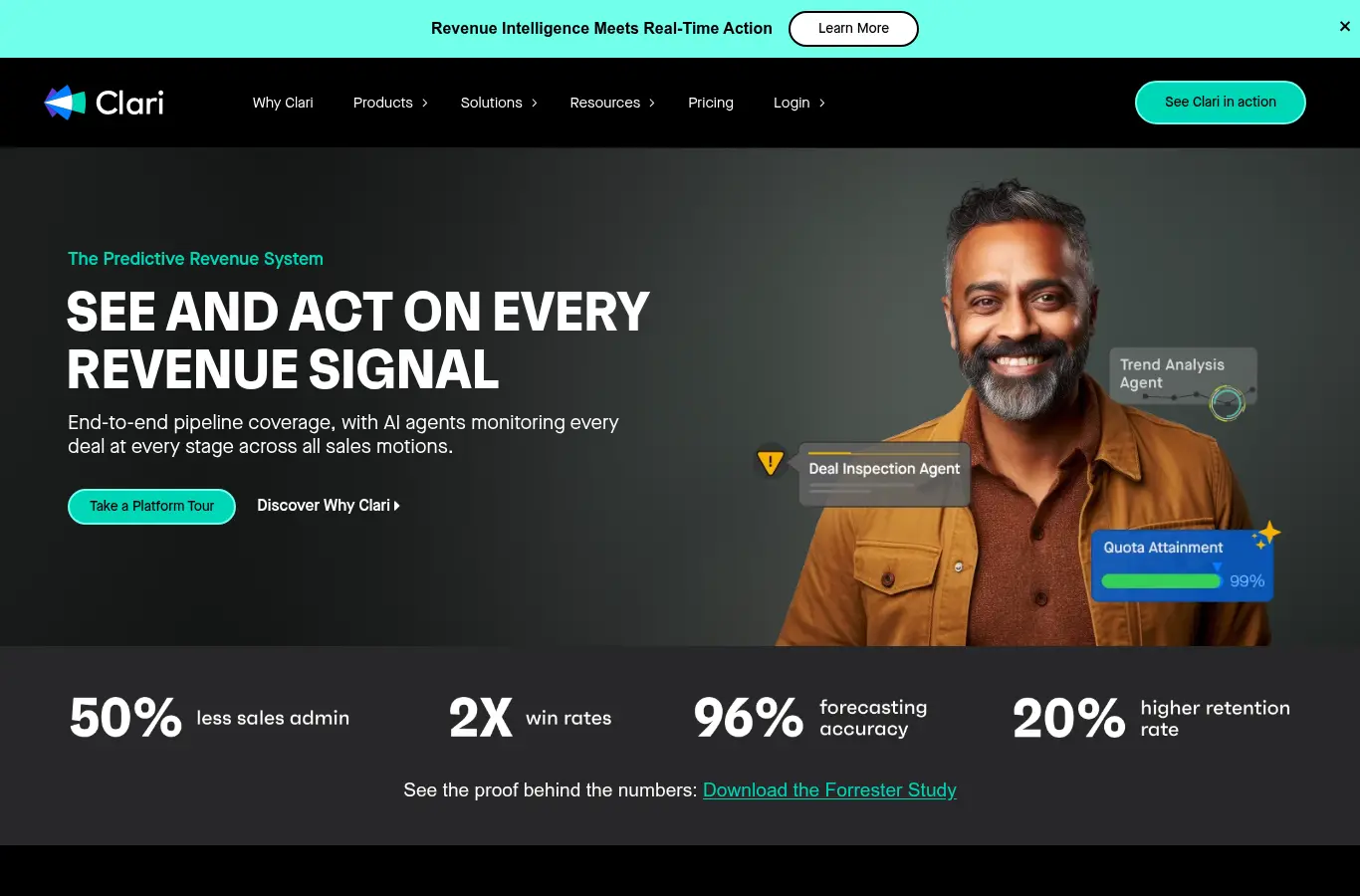
Clari is what many Salesforce teams add when native forecasting stops being trusted: deal inspection, AI risk flags, and a weekly forecast cadence that enforces discipline at enterprise scale.
It plans this quarter’s number, not next year’s team: no capacity, ramp, or quota architecture, which is the boundary between forecast inspection and sales planning that this whole list keeps drawing.
- Key features: forecast roll-ups, AI deal-risk scoring, pipeline inspection, activity capture, forecast audit trail.
- Pricing: custom quote; no published rates.
- Pros: the strongest forecast cadence on Salesforce. Cons: enterprise economics; capacity-blind.
The gap no CRM closes
Here is the test that exposes the category. A hypothetical $20M ARR company runs a clean, well-administered Salesforce instance: enforced fields, honest stages, trustworthy dashboards. Planning season arrives with one question: can the current team plus six proposed hires deliver $27M next year? The CRM, holding every closed deal and every rep record, cannot answer it, because the answer requires objects no CRM models: trailing attainment by segment, cohort ramp curves, attrition drag, and ramp-adjusted capacity per hire by start month. The team exports to a spreadsheet, builds the model over three weeks, and it is stale before the board meeting. That is not a Salesforce failure; recording was never the same job as planning. It is the reason a planning layer exists, and why the capacity math in how to calculate sales capacity and what is a sales capacity model belongs on top of whichever record system you pick, not inside it.
How to choose for your stage
- Early stage, under $10M ARR. HubSpot, Pipedrive, Zoho, Close, or Freshsales: simple, clean, kept current. Data discipline now is planning capability later, and a disciplined spreadsheet still beats unused software.
- Scaling, $10M to $100M ARR. Salesforce or HubSpot as the record, plus a planning layer (Lative) the moment cohort hiring and a second segment make spreadsheet planning unreliable. Add inspection (Clari) if forecast trust is the pain.
- Enterprise. Salesforce or Dynamics with named admin ownership, forecast inspection on top, and capacity modeling feeding the planning cycle, each layer with an owner.
- And the audit before any of it: ten CRM fields determine plan-readiness, close date, amount, stage with written exit criteria, created date, rep owner, rep start date, segment, product line, opportunity type, and closed-lost reason. Anything under 90% complete on the last four quarters gets fixed before it feeds a model.
Common buying mistakes
Buying planning features you will not staff. Salesforce territory management unowned is shelfware with a license fee. Match planning ambition to admin capacity honestly.
Treating CRM forecasting as planning. CRM forecasts predict this quarter from open pipeline; planning derives next year from capacity. Different objects, different math; see what is sales forecasting for the boundary.
Migrating CRMs to fix a planning gap. If the record layer works, the missing capability is almost always the planning layer on top, a far cheaper addition than a migration that freezes the org for two quarters.
Ignoring ecosystem gravity. Every tool you add later integrates Salesforce and HubSpot first, deepest, and cheapest. Niche CRMs save license cost up front and repay it in integration friction for years.
FAQ
What is the best CRM for sales planning?
Salesforce offers the deepest native planning for enterprises; HubSpot wins SMB and mid-market on data quality reps maintain. Either becomes genuinely plan-capable with a capacity layer like Lative on top.
Is a CRM enough for sales planning?
For early teams, yes. As you scale, CRMs handle pipeline well but do not model capacity, ramp, or quota architecture, which is where a dedicated planning layer comes in.
Can you plan quotas inside a CRM?
Salesforce and a few others administer quotas natively, but none derive them from ramp-adjusted rep capacity, which is why quota-setting failures persist alongside excellent CRMs. See how to set quotas.
Should you switch CRMs to get better planning?
Rarely. If the record layer is healthy, adding a planning layer is faster, cheaper, and far less painful than a migration.
How much does a sales planning CRM cost?
Published entry points run from $9 to $14 per user/month (Freshsales, Zoho, Pipedrive, Close) through $100 to $175 (HubSpot Professional, Salesforce Enterprise), with Dynamics from $65 to $150 (all vendor-published, June 2026).
What data does a CRM need to support capacity planning?
Clean closed-won history with dates and amounts, stage transitions, rep and segment fields, rep start dates, and honest close dates. The planning layer derives everything else.
Pick the record layer for data quality and ecosystem, keep it clean enough to trust, and add the capacity layer when planning questions outgrow what a report can answer. See the full sales capacity planning guide, or book a demo to see capacity-based planning running on top of your CRM.