
I have watched more capacity plans die from a bad territory carve than from a bad hire. You divide the accounts, publish the quotas, and by Q2 half the team is working patches that were never going to hit the number while the pipeline sits in territories nobody owns. The carve looked balanced on the map. It was not balanced on opportunity.
Territory planning software splits into two groups. On one side are RevOps planning tools built to carve account books, balance them, model scenarios, and write the result back to your CRM. On the other are map-first tools built for geographic coverage and field routing. A disclosure before the ranking: Lative is our product, and it leads this list on one specific test, whether the carve you draw actually holds up against capacity and quota. It is judged on the same criteria as everyone else, including a plain statement of what it is not.
Lative does not draw the map. What it does is tell you, before you publish anything, whether a proposed carve is winnable: whether the reps in each patch have the productive capacity to cover it and hit the quota attached to it. For the carve itself, a dedicated engine like BoogieBoard, our number two, is the right tool, and the two work well together.
Quick picks by use case
- Best for tying the carve to capacity and quota: Lative
- Best RevOps carving engine: BoogieBoard
- Best territory as continuous policy: Fullcast
- Best Salesforce-native option: Salesforce Territory Planning / Maps
- Best enterprise connected planning: Anaplan
- Best map-based alignment inside SPM: Xactly AlignStar
- Best when territory and comp share a suite: Varicent
- Best map-first coverage: eSpatial
- Best quick browser-based mapping: Maptive
- Best Salesforce-native mapping: Geopointe
- Best outside-sales routing: Badger Maps
Comparison at a glance
| Tool | Best for | Strongest use case | Weak spot | Salesforce fit |
|---|---|---|---|---|
| Lative | Territory tied to capacity and quota | Testing whether a carve is winnable before you publish it | Not a map-based carving engine on its own | Reads Salesforce actuals; pairs with a carving tool |
| BoogieBoard | RevOps territory carving | Balanced books, scenario modeling, AI auto-carving, Salesforce writeback | Overkill for very small teams | Flexible push (ownership, custom object, fields, native Territories, API, MCP) |
| Fullcast | Territory as continuous policy | Rules, routing, and account changes that write through to Salesforce all year | Broader GTM ops platform than a carving tool | Native, continuous writeback |
| Salesforce Territory Planning / Maps | Salesforce-native planning | Territory design and field routing inside the Salesforce ecosystem | Heavier setup and Salesforce-bound workflow | Native |
| Anaplan | Enterprise connected planning | Territory modeled with quota and capacity at scale | Heavy build and lifetime maintenance | CRM and data integration |
| Xactly AlignStar | Alignment inside SPM | Map-based design, balancing, alignment grading, and what-if modeling | Enterprise buying and implementation motion | CRM and ERP integration |
| Varicent | Territory inside an SPM suite | Territory, quota, and incentive comp administered together | SPM-led; territory is secondary | CRM and ERP integration |
| eSpatial | Map-first territory management | Geographic design, optimization, and coverage visualization | Less focused on RevOps account book design | Salesforce integration (AppExchange) |
| Maptive | Quick geographic mapping | Fast, browser-based territory maps and coverage views | No opportunity or quota logic underneath | Data import; not deeply native |
| Geopointe | Salesforce-native mapping | Territory visualization inside the CRM | Visualization-first, not book design | Native (AppExchange) |
| Badger Maps | Outside sales | Route planning, in-person coverage, mobile rep workflow | Not a RevOps carving engine | CRM sync, field front end |
Fit assessed for RevOps-led territory planning at a company with a real rep count and a non-trivial data model.
How we evaluated them
These are the criteria RevOps teams actually use to buy and pressure-test a territory tool. No single tool wins on all of them, so I was specific about where each one earns its place.
- Capacity and quota tie: whether the carve connects to what reps can actually produce, so the quota on each patch is winnable and not just even on a map.
- AI capabilities: how much the tool does the real work, from suggesting a carve to running what-if iterations, instead of leaving every step manual.
- Ease of use: how fast a RevOps owner gets productive without a long implementation or heavy admin lift.
- CRM integration and writeback: how cleanly the tool reads from your CRM and pushes the finished plan back, so assignments land in production without manual reconciliation.
- Scenario modeling: whether you can build what-if alignments and preview the impact on coverage and quota before publishing anything to the field.
- Segmentation flexibility: carving by more than geography, including revenue potential, segment, industry, named accounts, product line, and intent.
- Sales leader collaboration: whether leadership and managers can work the model alongside RevOps, with the back-and-forth a real carve requires.
- Mapping: visualizing accounts and territories geographically for coverage and field routing.
- Disruption limitation: minimizing in-year churn during a realignment so a redesign protects active deals instead of resetting them.
- Balance and equity: distributing opportunity and workload fairly across reps so no book is starved or buried.
The 11 best territory planning tools in 2026
1. Lative: best for tying the carve to capacity and quota
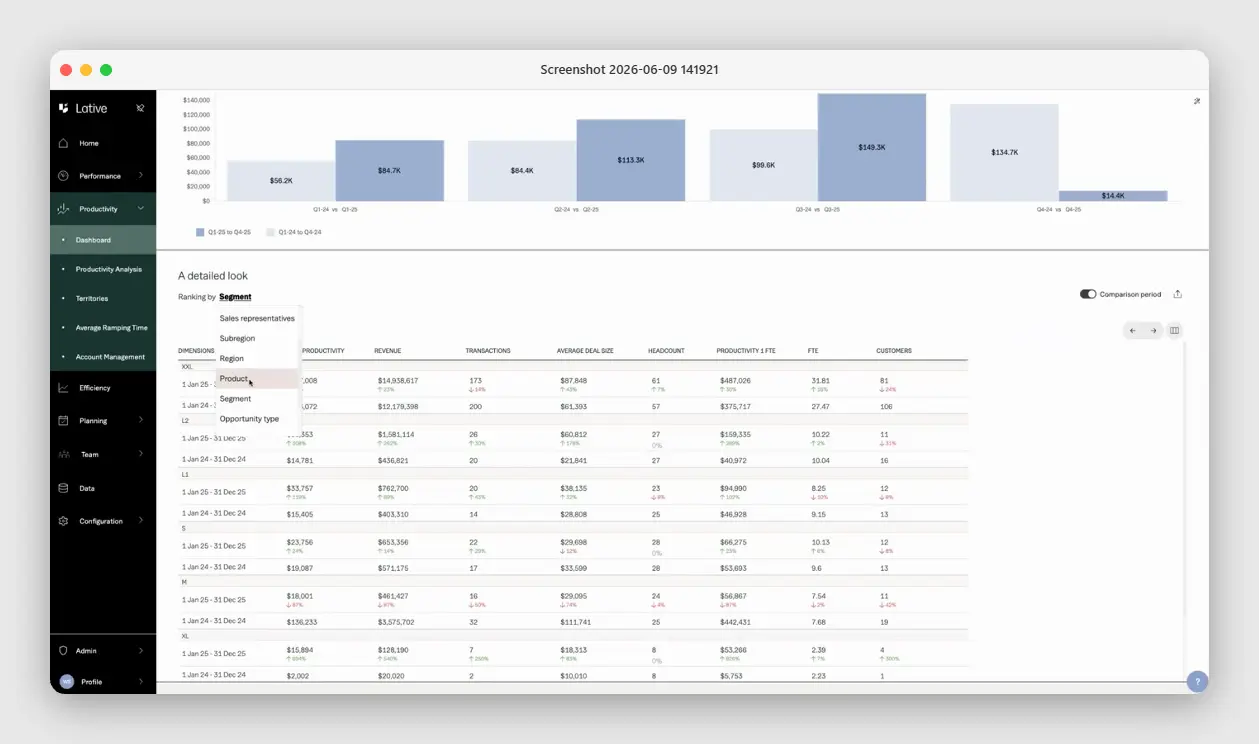
Full disclosure: Lative is our product, so weigh this with the skepticism every self-ranking deserves. Lative is not a map-based carving tool, and it does not pretend to be. It is the layer that tells you whether a carve is worth publishing. The Productivity module shows production per rep by region, segment, and opportunity type; Capacity turns roster, ramp, and attainment into productive capacity per patch; and Quota Modeling rolls that into net quota capacity, so you can see before you commit whether the reps in a territory can cover it and hit the number attached to it.
What it is not: the tool that draws account books on a map. For that, pair it with a dedicated carving engine like BoogieBoard below. The division of labor is clean. The carving tool balances the books and writes them to Salesforce, and Lative checks that the resulting quotas are winnable against real capacity, not even on paper. Start with the truth of what the team can produce, then carve to it.
2. BoogieBoard: best RevOps carving engine
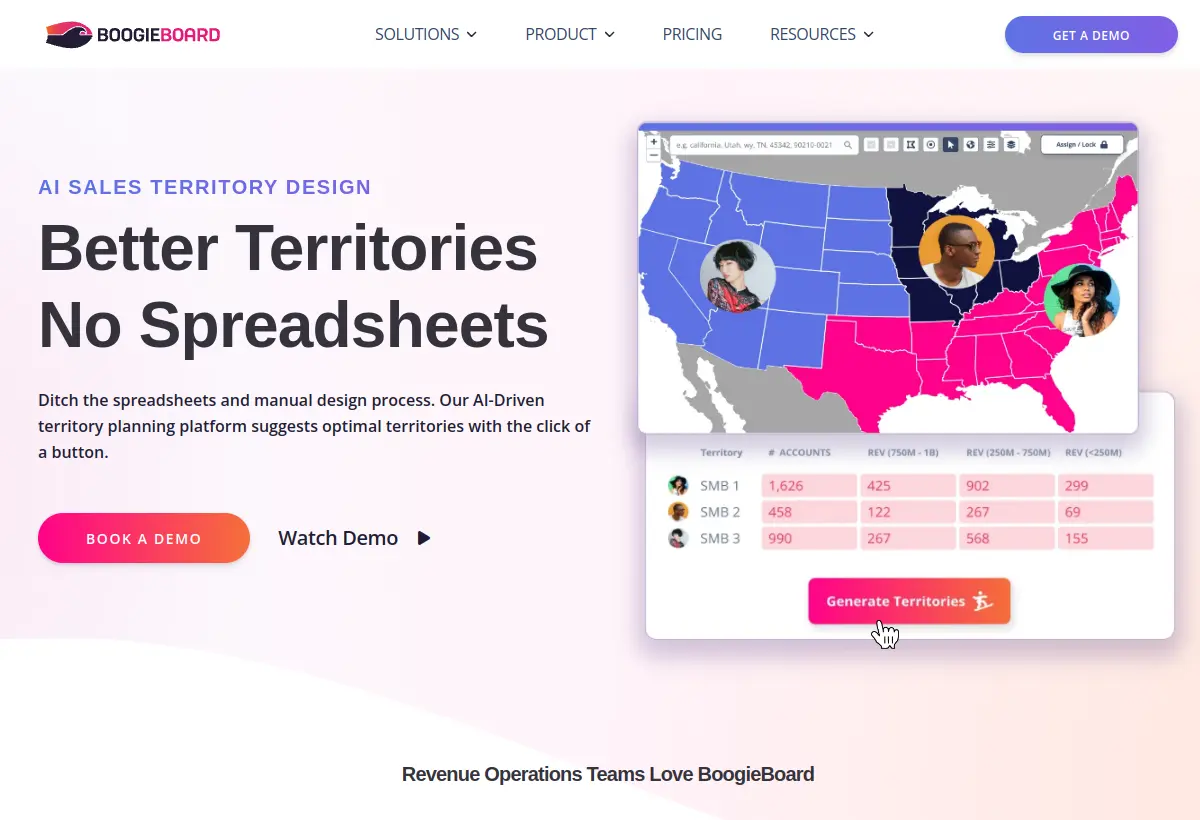
BoogieBoard is built around the RevOps territory-planning workflow itself. You model account hierarchies, carve account books, balance rep opportunity, review scenarios with sales leaders, and push the final plan back to Salesforce. It handles complex data models and large rep counts without turning the process into a spreadsheet cleanup project, and several people can work the same model at once, which is what real territory planning looks like once leadership, RevOps, and sales managers are all in the room.
Two things set it apart. The Salesforce push is flexible: account ownership, custom objects, account fields, native Sales Territories, account teams, API, or MCP, so you match the push method to how your org is built instead of bending your org to the tool. And the AI auto-carving is the real differentiator, drawing balanced territories on a map for you, then letting you iterate what-if scenarios in seconds instead of hours. BoogieBoard reports that first-time clients finish territory planning more than four times faster than the year before. It is the carving engine we point Lative customers to.
3. Fullcast: best territory as continuous policy
Fullcast treats territory as ongoing policy rather than an annual map. Instead of carving once and living with it, you define the rules, routing, and account-assignment logic, and changes flow through to Salesforce continuously as accounts move, reps join, or segments shift. For SaaS teams whose territories are segments and named-account lists rather than postcodes, that policy-first model fits how the business actually changes across the year.
It sits close to the RevOps operating model, so the same platform that designs the territory also runs the day-to-day routing and rules of engagement behind it. The tradeoff is scope. It is a broader go-to-market operations platform than a single-purpose carving tool, so you are buying the operating layer, not just the plan, and it does not check the carve against productive capacity, which is where pairing it with a capacity layer earns its keep.
4. Salesforce Territory Planning / Maps: best Salesforce-native option
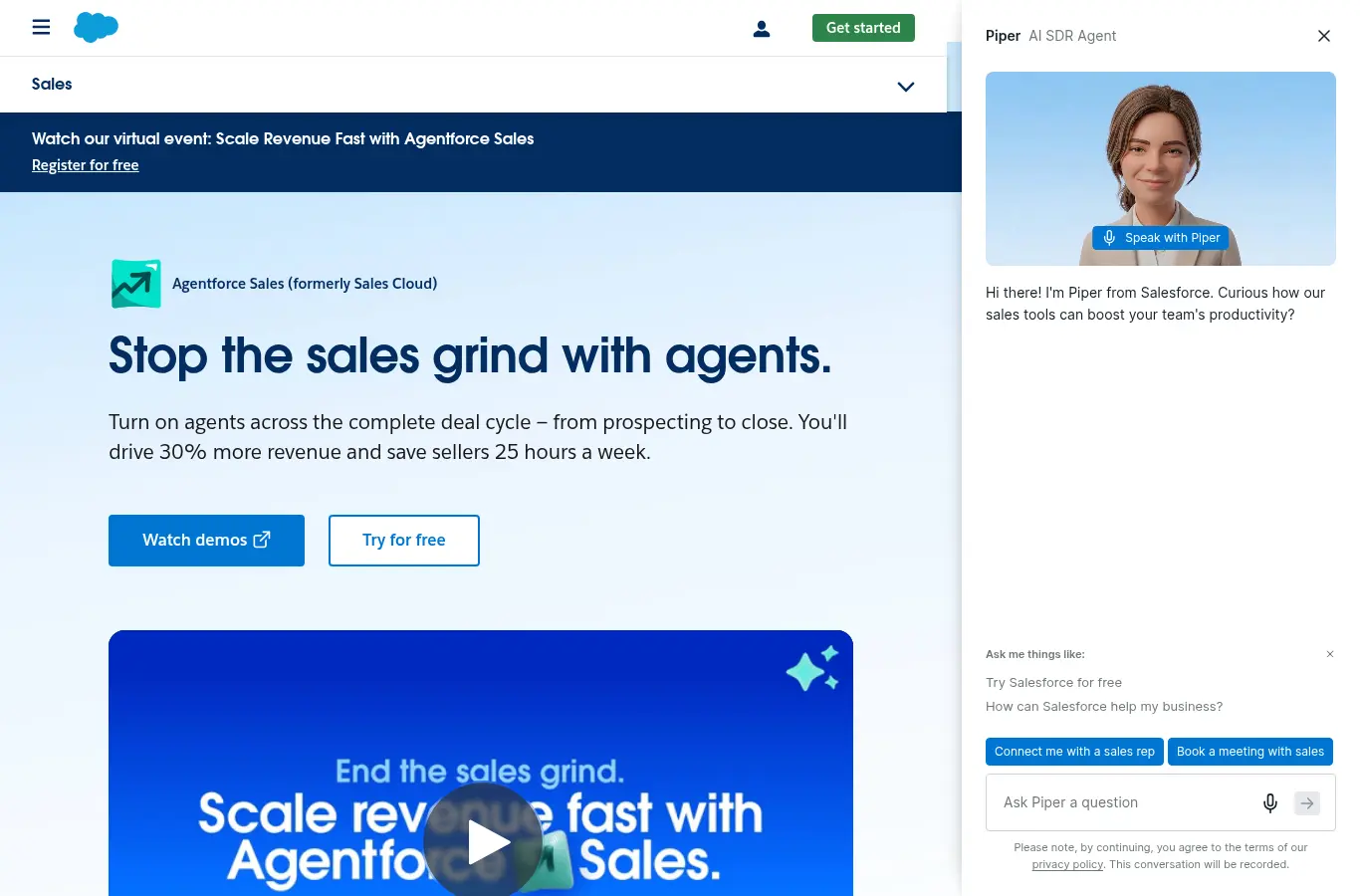
This is really two connected products. Salesforce Territory Planning, part of Salesforce Sales Planning, lets you design territories against Salesforce data, compare scenarios, balance for workload and equity, collaborate on a map interface, and publish alignments to Sales Territories, object fields, or Salesforce Maps. Salesforce Maps is the mapping and field-routing layer that visualizes accounts geographically. Together they cover planning and field execution inside one ecosystem.
If you are all-in on Salesforce and want everything to live inside it, the native path is the draw. The tradeoffs are real. Territory Planning runs as an add-on to the Salesforce Maps managed package, so you take on package installs, an admin lift, and a Salesforce-bound workflow before you carve anything. The standalone Salesforce Maps mobile app and Live Tracking subscriptions are being retired on August 31, 2026, with the core managed package and Territory Planning continuing, so confirm the current roadmap before you commit.
5. Anaplan: best enterprise connected planning

Anaplan models territory alongside quota, capacity, and the rest of the plan at enterprise scale. For a large org with a dedicated planning team, the depth is real: you can build territory logic into the same connected model that holds finance, sales, and operations, so a carve and its quota and coverage implications live in one place instead of three.
The trade is weight. Implementations run for months, the model needs an owner for life, and the cost structure assumes enterprise budgets. For territory alone it is more platform than the problem needs, and the territory-specific logic, opportunity scoring and balancing, is yours to build inside the model rather than a productized workflow.
6. Xactly AlignStar: best map-based alignment inside SPM

AlignStar is a real territory mapping and alignment product, not a generic planning platform. It gives you a drag-and-drop, map-based interface to build and rebalance territories, an Optimizer with what-if analysis to model alignments before you commit, and an Alignment Report Card that grades how balanced your current territories are against your objectives. Heat maps and sales-density views surface whitespace, and it integrates with CRM and ERP systems to pull data in.
It earns its slot as the enterprise comparison point. Buyers who already live in Xactly for incentive comp and quota planning get territory design that connects to the rest of that stack, which matters if you run territory, quota, and comp as one motion. The tradeoffs are a more traditional mapping-and-alignment feel and a more enterprise-style buying and implementation motion. It is map-and-potential oriented rather than built around account-level RevOps book design.
7. Varicent: best when territory and comp share a suite
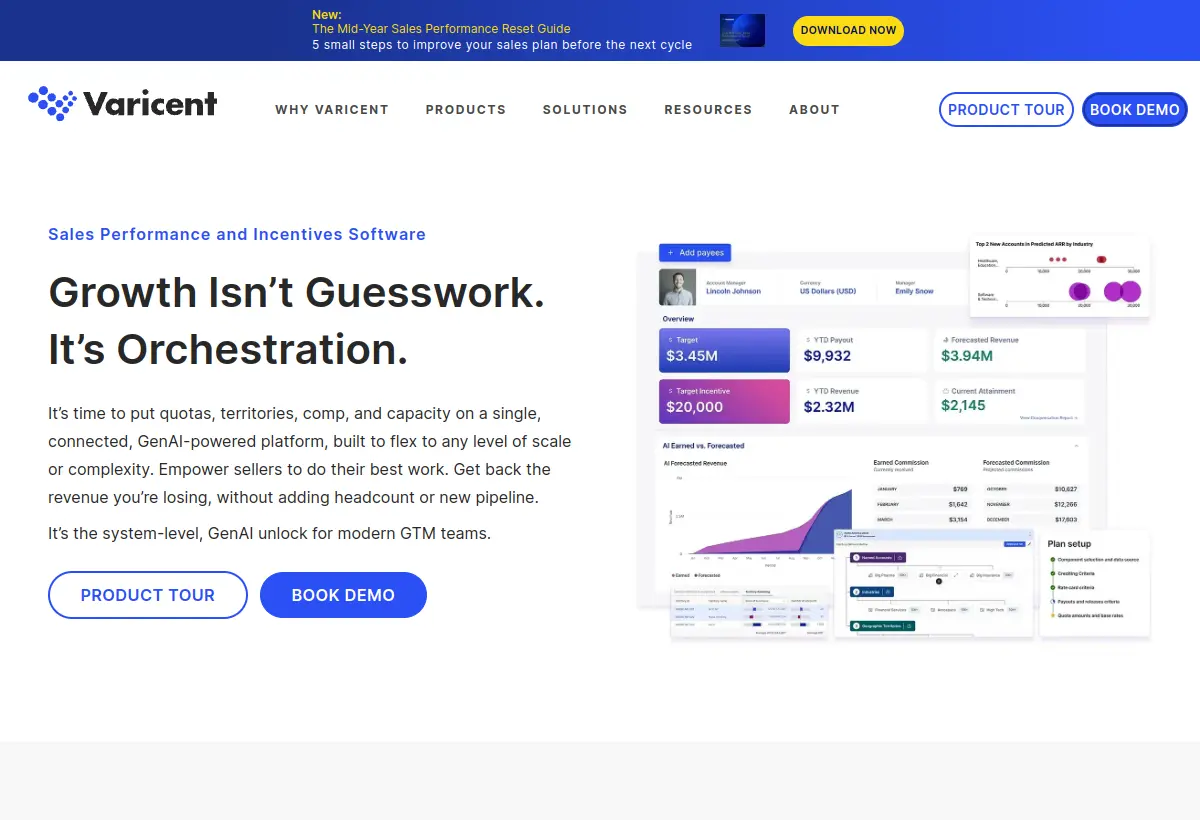
Varicent brings territory and quota planning with deep sales performance management roots. For larger orgs that want territory, quota, and incentive comp administered in one suite, it puts the carve next to the comp plan it feeds, which matters when a territory change has to reconcile against how reps are actually paid.
Its center of gravity is SPM, so territory design is one capability among many rather than the core product. Like Xactly AlignStar, it is the right neighborhood when comp administration is the anchor and territory rides alongside it, and less so when you want a fast, purpose-built carving experience on its own.
8. eSpatial: best map-first coverage
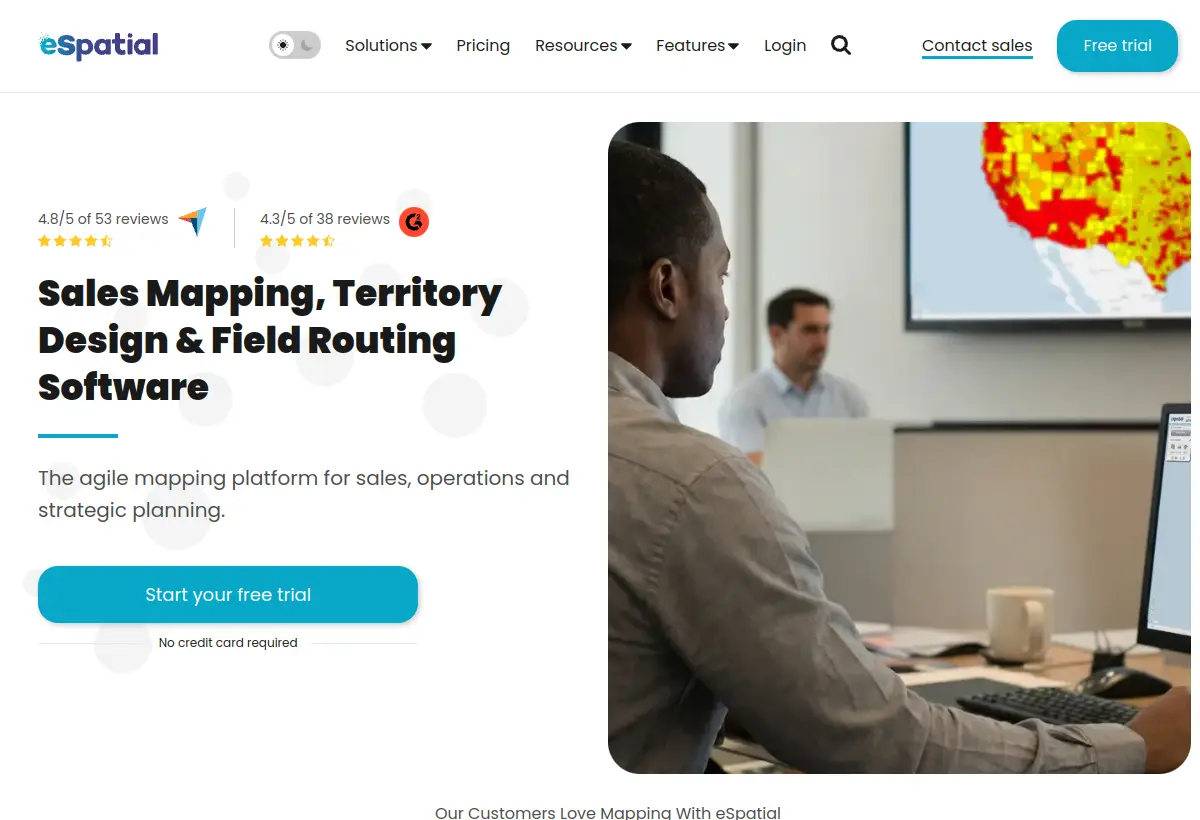
eSpatial is a credible map-first territory management tool, and it positions itself as a more agile alternative to the heavier mapping suites. The core strength is geographic: build geographic or account-based boundaries, run what-if scenarios with side-by-side before-and-after views, and balance territories on any metric you choose, from workload to potential to a custom index. It layers Salesforce data alongside external datasets, integrates through the AppExchange, and can push territory updates back to Salesforce hierarchies. Heat, hotspot, and drive-time maps make coverage gaps and overlaps obvious.
For teams whose planning problem is mostly about seeing the map clearly, optimizing coverage, and realigning fast, eSpatial is strong and quick to stand up. The weak spot for a RevOps audience is that it is map-first, so it is less focused on the account-level book design, named-account logic, and planning governance that a RevOps-led carve depends on.
9. Maptive: best quick browser-based mapping
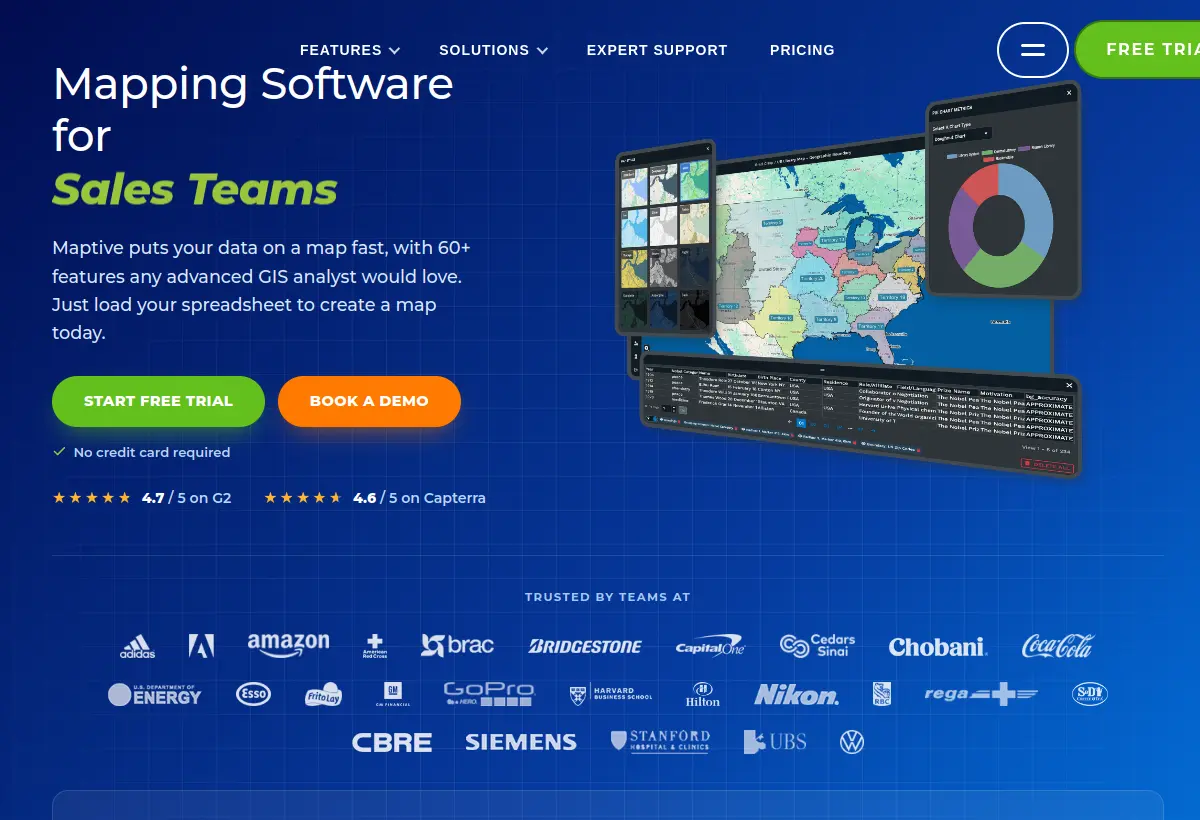
Maptive is browser-based mapping for territory design and visualization, quick to stand up for straightforward geographic carving. Upload your accounts, draw or auto-build territories on the map, and get heat maps and routing without an implementation project. For a team whose territory problem really is geographic, it gets you to a working map fast.
The limit is the one every map-first tool shares for a RevOps audience. It renders geography well and account-level book design poorly. There is no opportunity scoring, capacity match, or quota derivation underneath the map, so it is a visualization and coverage tool, not a planning system of record for a segment-driven SaaS carve.
10. Geopointe: best Salesforce-native mapping

Geopointe brings geolocation and mapping inside Salesforce, so territory visualization lives in the system of record rather than a separate app. For Salesforce teams that want to see accounts, routes, and boundaries on a map next to their CRM data, the native footprint is the draw, and there is no separate data sync to maintain.
Like the other map-first tools here, it is strong on visualization and geographic coverage and light on the account-book design, opportunity scoring, and quota logic a RevOps-led carve depends on. Treat it as the mapping layer on top of Salesforce, paired with a planning layer that handles the balance and quota math.
11. Badger Maps: best outside-sales routing

Badger Maps is the leader in its lane, and that lane is field sales. If your reps drive to accounts, Badger turns a customer list into an optimized route, cuts drive time, and lets reps check in, log notes, and prospect nearby accounts from a phone. For pharma, medical device, distribution, and home services teams, it earns its keep on gas and meeting volume alone, and it syncs with Salesforce and other CRMs as a field front end.
It does offer territory features, but the lane matters. Territory alignment leans geographic and is built around drive efficiency and coverage, not account book design across revenue, segment, and named-account logic. It is a field productivity and mapping tool that pairs with a CRM, so it sits alongside your planning process rather than running it.
Lightweight alternatives, not full platforms
These two get used for territory work all the time, and they are fine inside their limits. They are not territory planning platforms, so treat them as starting points, not systems of record.
Spreadsheets are still fine for very small teams, first drafts, or one-time planning. Zero learning curve and total flexibility mean you can stand up a rough carve today. They become painful the moment the model gets collaborative, the moment Salesforce needs to stay in sync, or the moment leadership wants to compare multiple scenarios. There is no automation, version control breaks down with more than one editor, and reconciling the sheet against your CRM at publish time is its own project.
Claude and ChatGPT are useful for rough cuts, sanity checks, summarizing planning rules, or generating a first-pass carve from clean data. They are genuinely handy at the lightweight end of AI territory planning. But they are not systems of record. There is no live Salesforce sync, no audit trail, no collaboration, and no controlled publishing. Use them as a smart scratchpad, then move the real carve into a platform that can push to production.
How to choose
- Choose Lative when you need to know whether a carve holds up against capacity and quota before you publish it, and you want to pair that with a dedicated carving engine.
- Choose BoogieBoard when RevOps needs to design balanced account books and run a real planning process, with AI auto-carving and flexible Salesforce writeback.
- Choose Fullcast when you want territory run as continuous policy that writes through to Salesforce, not a map you redraw once a year.
- Choose Salesforce Territory Planning / Maps when native Salesforce is the top requirement and your team is comfortable with the setup and admin overhead.
- Choose Anaplan when you are an enterprise that wants territory modeled inside one connected plan with quota and capacity.
- Choose Xactly AlignStar or Varicent when you want territory alignment administered next to incentive comp inside a broader SPM suite.
- Choose eSpatial, Maptive, or Geopointe when the biggest problem is geographic mapping and visual coverage, with Geopointe the pick if it must live inside Salesforce.
- Choose Badger Maps when the real problem is field routing and outside sales productivity.
- Use spreadsheets or ChatGPT only when the team is small, the stakes are low, or the output does not need to be pushed into production.
Frequently asked
What is territory carving?
Carving is dividing your total addressable accounts into individual territories, then assigning each to a rep. A good carve balances the books so every rep has a fair, winnable set of accounts, and it ties back to quota and coverage. The test is not whether the map looks even, it is whether the reps in each patch can actually cover it.
What is book design?
A rep’s book is the set of accounts they own. Book design decides what goes in each book, by revenue potential, segment, named accounts, geography, or propensity to buy, so the books are balanced and aligned to your go-to-market plan. Carving produces the territories; book design makes the resulting books fair and strategic.
What is the difference between territory planning and territory mapping?
Territory planning is designing rep books, balancing account opportunity, modeling coverage, and publishing assignments back to your CRM. Territory mapping is the geographic layer: seeing accounts, routes, boundaries, gaps, and overlaps on a map. Some tools do both, but many map-first tools are stronger for field coverage than for RevOps account book design.
Can you use AI for territory planning?
Yes, in two ways. General tools like Claude and ChatGPT can produce a quick first-pass carve for a simple model and a small team. Purpose-built platforms like BoogieBoard use AI inside a real workflow, with auto-carving that draws balanced territories for you, while Lative uses your capacity and quota data to check whether the resulting carve is winnable before you publish it. The first is a scratchpad; the second is a system you can run the business on.
What is the best territory planning software for a RevOps team?
It comes down to the job. Lative is strongest when you need to know whether a carve holds up against capacity and quota. BoogieBoard is the strongest dedicated carving engine, and Fullcast is the pick when you want territory run as continuous policy. Salesforce Territory Planning fits native-Salesforce teams, Anaplan fits enterprises that want one connected plan, and Xactly AlignStar or Varicent fit orgs that run territory next to comp in an SPM suite. For mostly-geographic problems, eSpatial, Maptive, or Geopointe map coverage well, and Badger Maps fits outside sales focused on field routing.
A territory carve is only as good as whether the reps in each patch can cover it and hit the quota attached to it. Before you publish the next alignment, see how Lative reconciles a carve against productive capacity and territory-level quota so your CRO can defend it. Book a demo.
Werner Schmidt — Werner Schmidt is the CEO and Co-founder of Lative, with over 20 years of experience in Revenue Operations with companies including Forcepoint, Aruba Networks, Citrix, and Sage.