

Headcount planning software decides the most expensive line in the budget, and for sales it hides a trap: most tools plan heads to cost, not to capacity. A hire approved on the budget line looks affordable and shows up late, because ramp means a rep hired in Q1 is not full capacity for two to four quarters.
The Bridge Group’s 2024 SaaS AE Metrics Report (170+ B2B SaaS companies) found 51% of AEs hit quota, and a chunk of every miss traces to hiring plans that counted heads on their start date instead of the capacity they would actually produce.
One disclosure: Lative is our product, and it leads for sales headcount because it plans hiring to ramp-adjusted capacity, not cost. It is judged on the same criteria as everyone else, including what it is not.
Quick picks by use case
- Best sales-capacity headcount layer: Lative
- Best enterprise connected planning: Anaplan
- Best modern modeling platform: Pigment
- Best for Workday finance shops: Workday Adaptive Planning
- Best spreadsheet-native FP&A: Cube
- Best live headcount governance: TeamOhana
- Best org-design planning: Agentnoon
- Best people analytics: ChartHop
- Best strategic-finance view: Mosaic
- Best structured FP&A: Planful
- Best global hiring execution: Deel
- Best free starting point: Spreadsheets
Comparison at a glance
| Tool | Best for | Pricing | Standout |
|---|---|---|---|
| Lative | Hiring planned to capacity | Custom quote, no per-user | Ramp-adjusted capacity per hire |
| Anaplan | Enterprise connected planning | Custom quote | Multi-domain modeling |
| Pigment | Modern modeling | Custom quote | Clean build and scenarios |
| Workday Adaptive | Workday finance shops | Custom quote | Governed finance and workforce |
| Cube | Spreadsheet-native FP&A | Published; confirm rate | Excel and Sheets, centralized |
| TeamOhana | Live headcount governance | Custom quote | Plan vs actual, live |
| Agentnoon | Org-design planning | Custom quote | Visual org scenarios |
| ChartHop | People analytics | Custom quote | Org, comp and headcount |
| Mosaic | Strategic-finance view | Custom quote | Headcount to runway |
| Planful | Structured FP&A | Custom quote | Budgeting and consolidation |
| Deel | Global hiring execution | Published; confirm rate | Global payroll and hiring |
| Spreadsheets | Early-stage teams | Free | Total flexibility |
Pricing verified on vendor pricing pages in June 2026 where published; custom-quote vendors do not list rates. Always confirm current pricing directly.
How we evaluated
Four criteria separate real headcount planning from a headcount tracker. Hire-timing math: does it account for ramp, so a hire needed for Q4 capacity is approved and started in time? Capacity vs cost: does it model what a hire produces, or only what it costs? Plan-to-actual: does it reconcile approved, hired, and forecast heads in real time? And who owns it: does it give finance, HR, and the CRO one shared plan, or three? The first two are where sales headcount plans quietly fail.
The 12 best headcount planning tools in 2026
1. Lative: best sales-capacity headcount layer
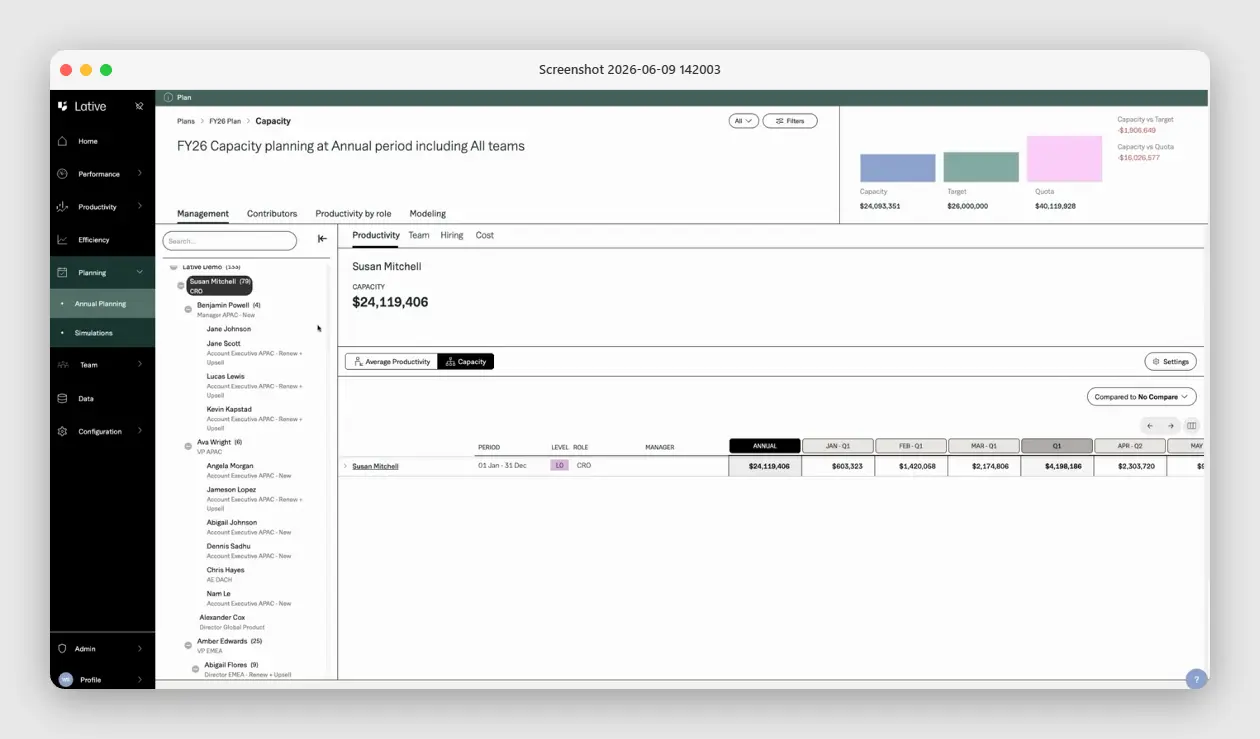
Full disclosure: Lative is our product, so weigh this with skepticism. It leads for sales headcount because it plans hiring to capacity, not cost. Ramp-adjusted, it shows how much productive selling capacity each hire adds and when it arrives, so the plan is sized to the target rather than to the budget line.
It is not an HRIS or a general workforce-planning tool; it does not run payroll, org charts, or non-sales headcount. It models the selling-capacity half of the headcount plan and reconciles it to the finance target, so pair it with an HR platform for the rest.
2. Anaplan: best enterprise connected planning
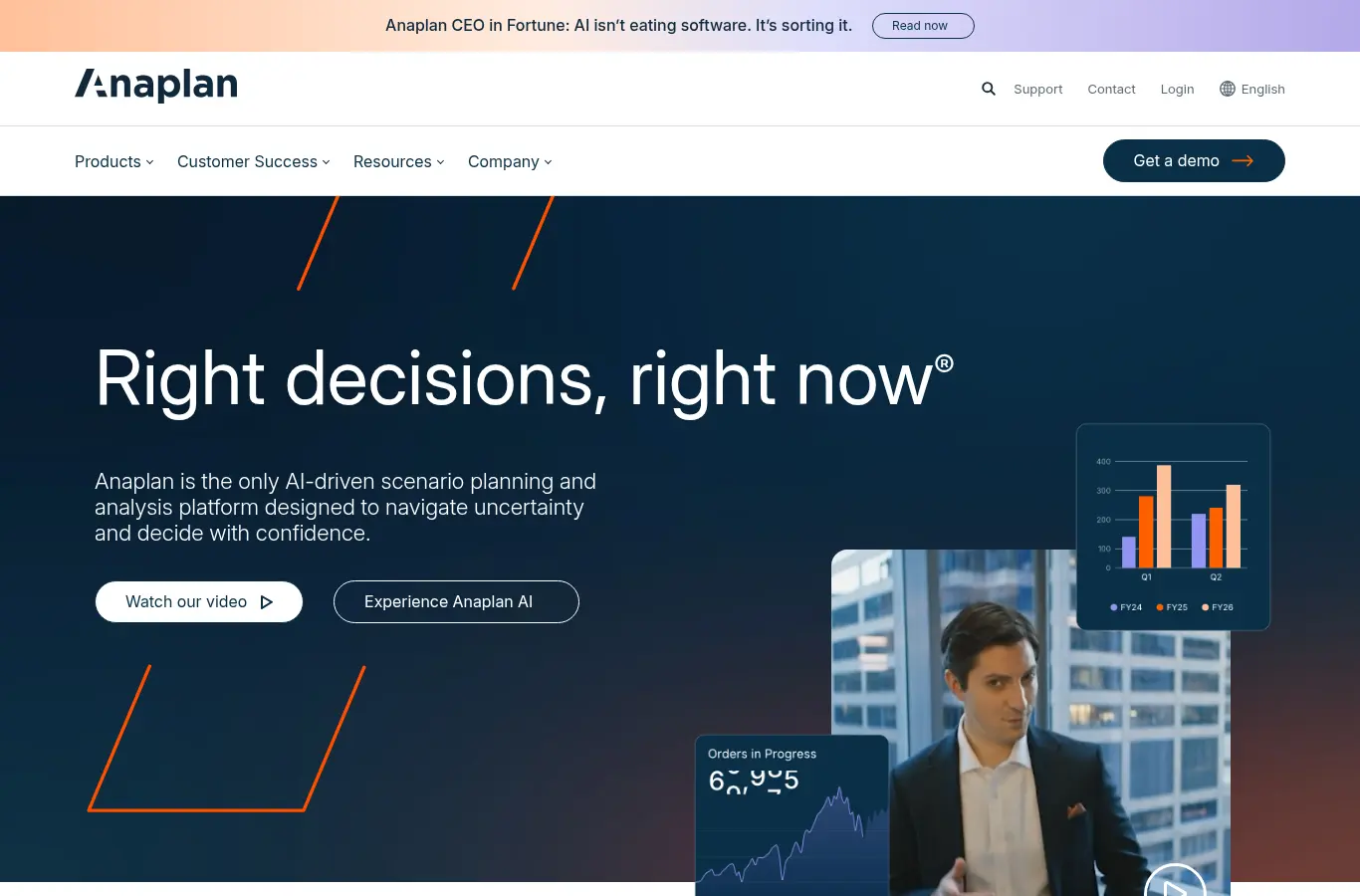
Enterprise connected planning with near-unlimited modeling flexibility across finance, sales, and operations. It is the default when a dedicated planning team owns a multi-domain model and this problem is one province of a much larger map.
The trade-off is weight: implementations run in months, model maintenance is a standing job, and the domain logic is yours to build inside the platform. For a single job it is more platform than the problem needs.
3. Pigment: best modern modeling platform
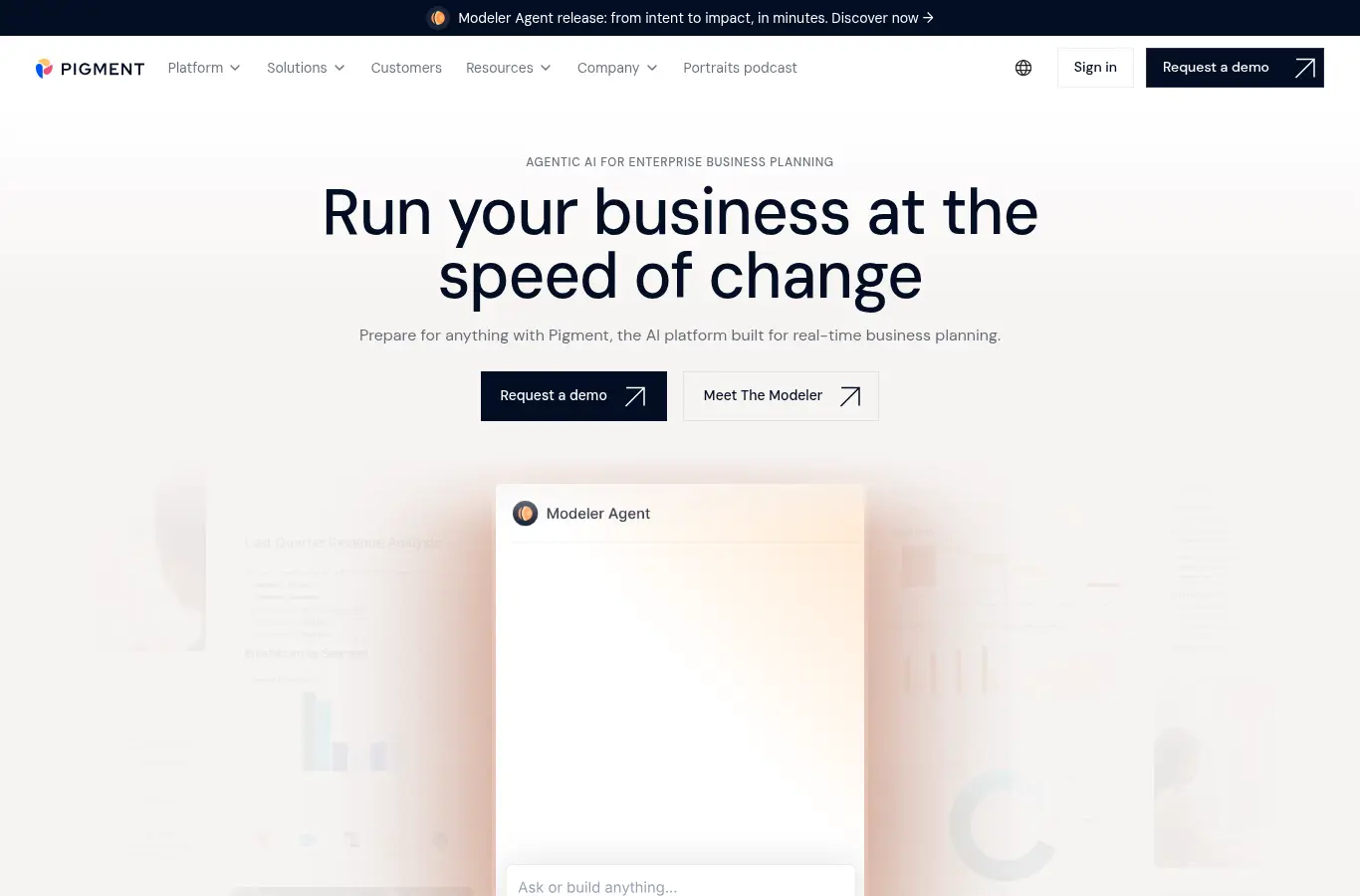
A modern business-planning platform with finance-grade models and a noticeably cleaner build experience than legacy suites. Scenario work is strong and the GTM-planning practice is growing fast.
It is platform-first rather than domain-specific, so the logic and cohort math are yours to build and maintain rather than productized out of the box. You get a great canvas; you still paint the model.
4. Workday Adaptive Planning: best for Workday finance shops

Finance-first planning that extends into workforce and sales. It is the natural pick when finance already runs Workday and wants headcount, opex, and the revenue plan governed inside one environment.
Sales-specific inputs like ramp curves and per-rep attainment are modeled generically rather than natively, so the detail a CRO needs is custom build on top of a finance-shaped model.
5. Cube: best spreadsheet-native FP&A

Spreadsheet-native FP&A that lets finance keep working in Excel or Google Sheets while centralizing the data underneath. A pragmatic step up from raw spreadsheets.
It carries the category’s structural limit: the domain logic is whatever you build in the sheet. Ramp curves and per-rep attainment are not native objects.
6. TeamOhana: best live headcount governance
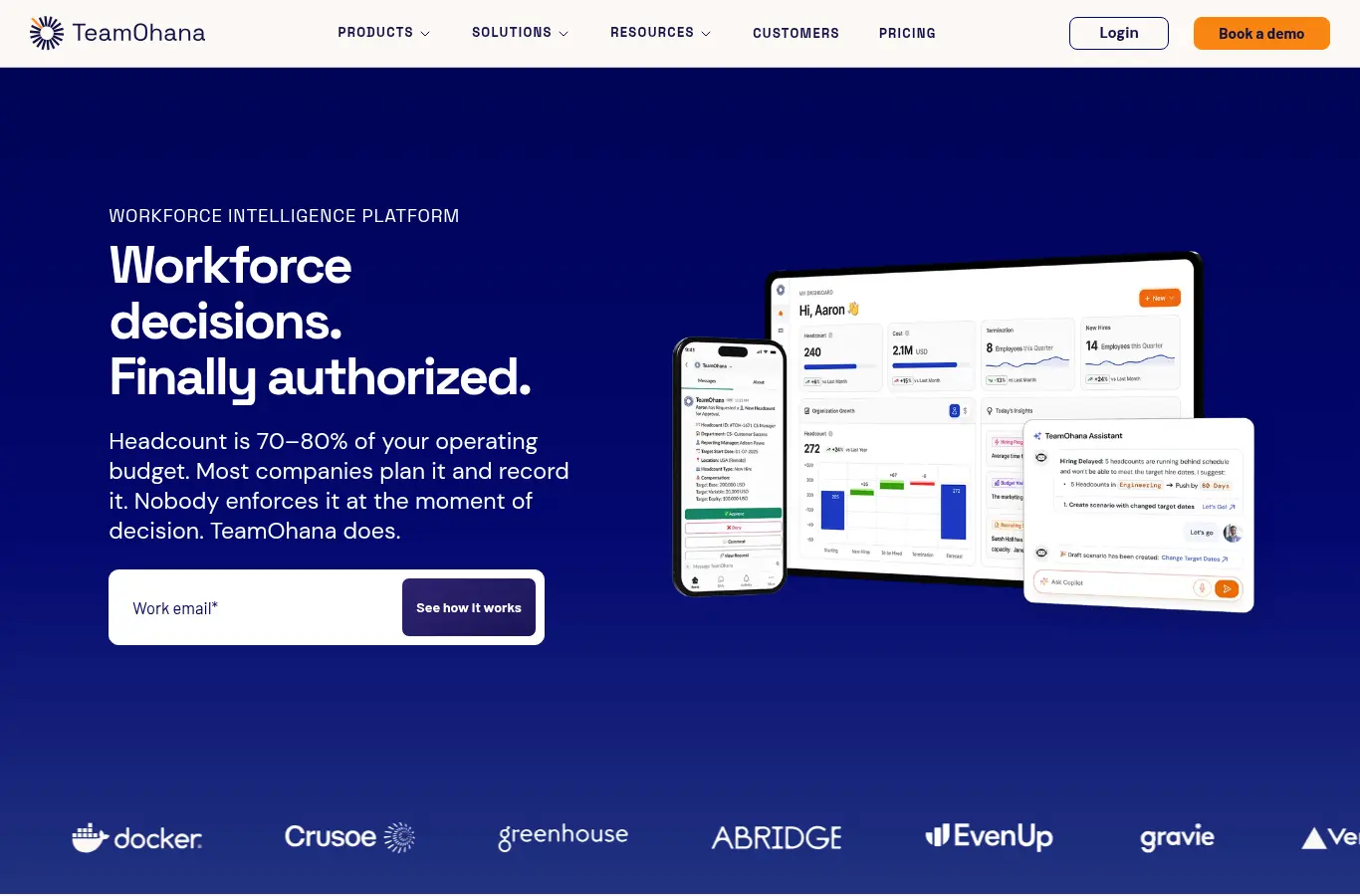
A headcount management platform that connects the hiring plan, the ATS, and the HRIS into one live view, so finance and HR track approved, hired, and forecast headcount together in real time.
It is headcount-first: excellent at governing the plan-to-hire process, but it models heads and cost rather than the ramp-adjusted selling capacity those hires produce.
7. Agentnoon: best org-design planning
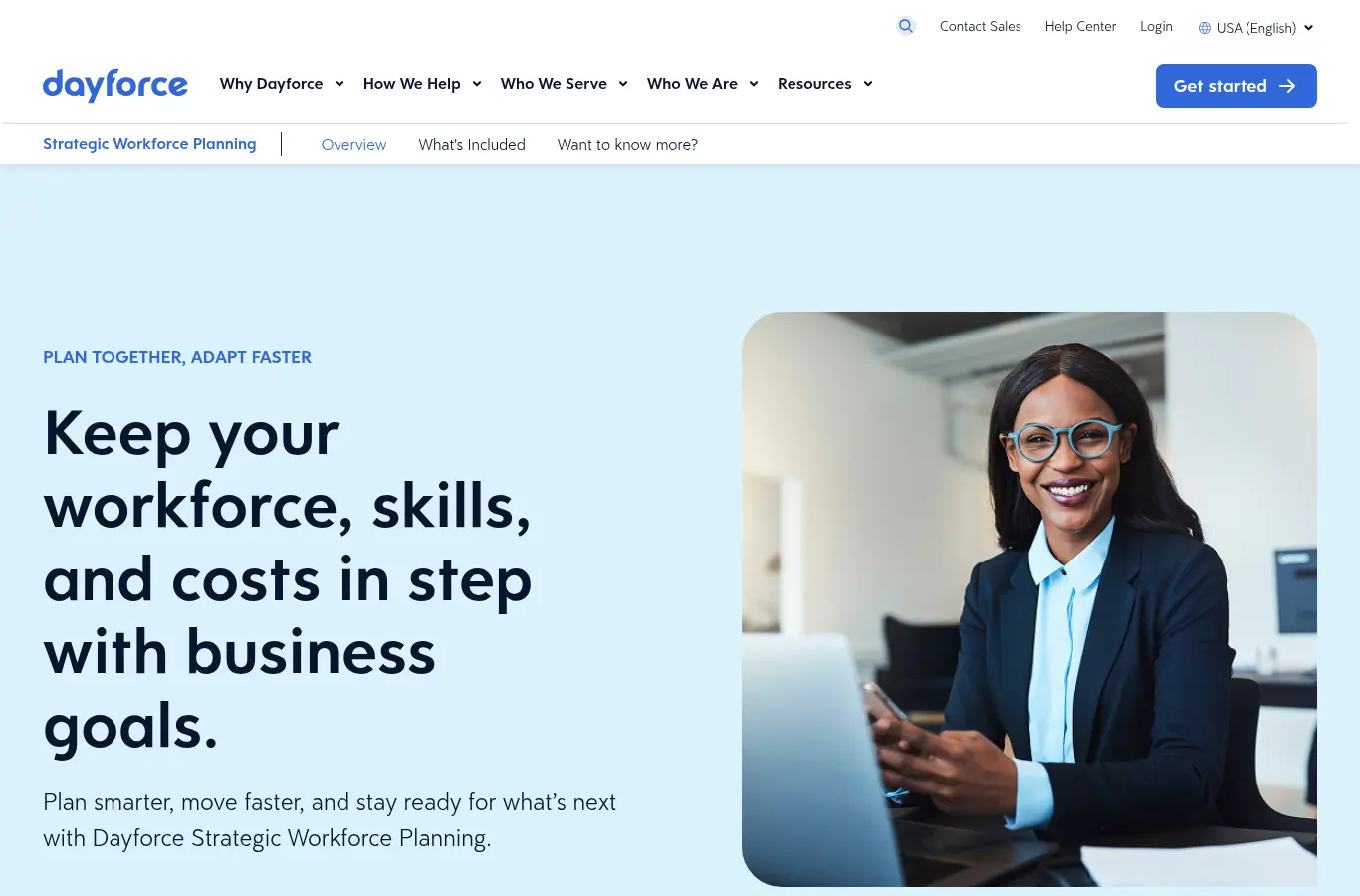
Org-design and workforce-planning software with strong visual org charts and scenario modeling for reshaping teams, headcount, and cost.
Its lens is org structure and cost, not sales output. It shows what the org looks like and costs, not the ramp-adjusted quota capacity a sales plan needs.
8. ChartHop: best people analytics
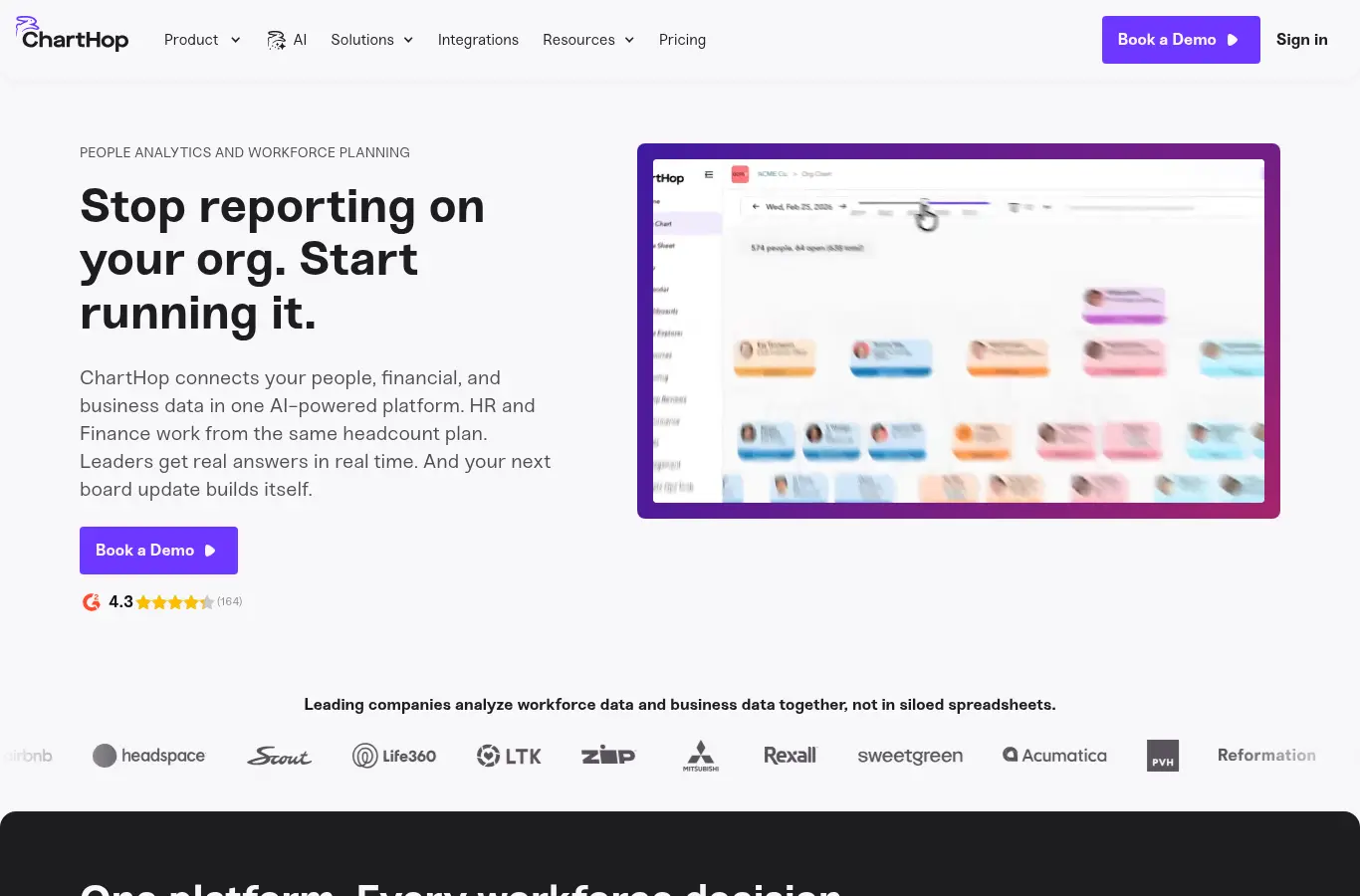
A people-operations and analytics platform with org charts, compensation, and headcount planning in one place, aimed at HR-led workforce planning.
It plans and analyzes people and cost rather than selling capacity. For a sales plan it is the headcount half; the ramp-adjusted quota-capacity half lives in a sales model.
9. Mosaic: best strategic-finance view

Strategic finance software with strong headcount planning and revenue views out of the box. Good for connecting hiring plans to burn and runway with a clean, board-ready picture.
Headcount appears at the cost level rather than the per-rep, ramp-adjusted level a CRO needs for quota. It tells you what the team costs, not what it can carry.
10. Planful: best structured FP&A

A mature FP&A platform for budgeting, forecasting, and financial consolidation, with structured workforce planning for mid-market and enterprise finance teams.
It is finance-shaped: headcount and cost planning are strong, but ramp-adjusted selling capacity is a custom build on top of a financial model.
11. Deel: best global hiring execution

A global HR platform for hiring, payroll, contractors, and compliance across countries. It is where an international headcount plan actually gets executed once approved.
It executes hiring rather than planning capacity. It is the operational layer that turns an approved plan into people on payroll, not the model that decides the plan.
12. Spreadsheets: best free starting point
Where a lot of planning still happens, and genuinely fine early: a disciplined sheet beats no model at all, and the flexibility is total.
The breaking point is structural. Multiple segments, cohort hiring, and mid-year changes turn the sheet into three diverging copies owned by finance, RevOps, and the CRO. When reconciling versions takes longer than planning, a model has to take over.
The hire-timing math every plan should run
Two numbers turn headcount debates into arithmetic. First, the in-year yield of a hire by start month: with a six-month ramp, a January start delivers roughly 60% of a full-year equivalent, April about 40%, July about 15%, and October effectively zero, which means a quarter of slip costs roughly a fifth of a rep-year of capacity.
Second, the cost of a vacant ramped seat: a departing rep who produced $800K annually costs about $15K of capacity per week unfilled, before counting the backfill’s own ramp.
Put both numbers in the plan and timing stops being a negotiation: accelerating two starts from April to January is worth a known dollar figure, and so is every week recruiting shaves off time-to-fill. Plans that carry these two conversion rates get hiring budgets approved faster, because the ask arrives denominated in revenue instead of heads.
How to pick
- Whole-company headcount and cost. Anaplan, Pigment, Workday Adaptive, or ChartHop, with an owner for the model.
- Operational hiring control. TeamOhana or Agentnoon, connected to the ATS so the plan tracks reality weekly.
- Finance-led, fast time to value. Mosaic, Planful, or Cube.
- Sales hiring tied to revenue. Lative, so rep hiring, ramp, and attrition connect to the number the hires were meant to produce. See headcount planning and the CFO-CRO conversation for the operating pattern.
A worked example: the same plan, two readings
A hypothetical Series B company approves eight sales hires for next year, phased two per quarter. Finance’s headcount tool prices it precisely: $1.6M fully loaded, comp ratios in policy, runway intact, plan approved.
The capacity reading nobody ran: at a six-month ramp, the Q1 cohort delivers roughly 60% of a full-year equivalent each, Q2 around 40%, Q3 around 15%, and Q4 effectively nothing this fiscal year, so eight approved heads contribute about 2.3 full-year equivalents of new capacity, not eight.
If the revenue plan assumed even five equivalents, the company is short roughly a third of its expected new capacity while paying for all eight seats, and the gap will read as a sales execution failure in Q3. Same plan, two readings, and only one of them predicts the year. The fix is not better cost modeling, it is ramp-aware revenue modeling next to it; see what is sales ramp time for the curve math.
Connecting the plan to recruiting reality
The plan is only as good as its slip detection. Wire the ATS into the review so every open revenue role shows days-open against the assumed start date, and convert slips to capacity cost weekly using the yield math above.
When a backfill has been open 45 days against a 30-day assumption, the plan should already show the Q4 revenue impact, and the conversation about recruiting priority happens in week seven instead of the post-mortem. This single feedback loop, slips priced in revenue, weekly, is worth more than most platform features, and it is the first thing to configure in whatever tool wins.
Common buying mistakes
Planning heads instead of capacity. Headcount is an input. For revenue roles the planning object is productive capacity, ramp-adjusted and attrition-adjusted, and tools that cannot model it leave the revenue line fictional.
Ignoring the attrition tax. At 20 to 25% first-year sales attrition, one approved hire in four is a replacement. Plans that skip this overstate the back half every year.
Quarterly reconciliation lag. A plan that syncs with the ATS quarterly is a historical document. Slipped starts are the single most common plan-versus-reality gap, and they cost a known amount of revenue per week of slip.
One tool for two questions. “What does the org cost?” and “what will the org produce?” are different models. Buy the cost tool for the company and the capacity tool for the revenue team, and run the monthly tie-out between them.
Frequently asked
What is headcount planning software?
Software for planning, approving, and tracking roles and their cost across the company, and, in the strongest setups for revenue teams, connecting each role to the capacity and revenue it is expected to produce.
What is the difference between headcount planning and capacity planning?
Headcount planning counts roles and cost. Capacity planning models what those roles produce after ramp and attrition. For sales teams, hiring decisions need both numbers side by side.
Why does ramp matter so much in sales headcount planning?
Because a rep hired mid-year contributes a small fraction of a full-year equivalent while costing a full seat. Phasing and ramp determine how much approved headcount becomes actual capacity; see how to calculate sales capacity.
Who should own sales headcount planning?
Jointly: finance owns cost and approval workflow, RevOps owns the capacity model, sales leadership owns the ask. One shared model is what keeps the three honest.
When should headcount planning move off spreadsheets?
When hiring volume makes start-date slips frequent, typically the first year of cohort hiring, because slip tracking is where spreadsheets quietly fail.
The right tool depends on whether you are planning all heads or specifically the reps who carry the number, and revenue teams need the capacity reading either way. See the full sales capacity planning guide, or book a demo to price your hiring plan in capacity, not just cost.