
Sales capacity planning answers one deceptively hard question: do you have enough productive selling capacity to hit the number, and if not, what do you do about it? Most teams answer it in a spreadsheet until the spreadsheet breaks, usually somewhere between the second hiring class and the third segment. The cost of getting it wrong is measurable: The Bridge Group’s 2024 SaaS AE Metrics Report, covering more than 170 B2B SaaS companies, found the share of AEs hitting quota fell to 51% in 2024 from 66% in 2022, and a large share of that decline traces to plans built without a real capacity check.
A disclosure before the ranking, because this category is thick with undisclosed self-rankings: Lative is our product, and it sits at number one because capacity-awareness is the criterion this list is built around. It is judged on the same five criteria as everyone else, including a plain statement of what it is not, and it is the only entry here built specifically to model what a team can produce rather than what it costs.
Quick picks by use case
- Best capacity-aware planning layer: Lative
- Best enterprise connected planning: Anaplan
- Best modern modeling platform: Pigment
- Best when capacity sits next to comp: Varicent
- Best comp-led planning: Xactly
- Best for Workday finance shops: Workday Adaptive Planning
- Best CRM-native carving: Salesforce Sales Planning
- Best lightweight SMB and mid-market pick: Forecastio
- Best capacity inside a connected financial plan: Drivetrain
- Best spreadsheet-native FP&A: Cube
- Best strategic-finance headcount view: Mosaic
- Best free starting point: Spreadsheets
Comparison at a glance
| Tool | Best for | Pricing | Standout for capacity |
|---|---|---|---|
| Lative | Capacity-aware planning on the CRM | Custom quote, no per-user | Ramp-adjusted capacity per rep |
| Anaplan | Enterprise multi-domain planning | Custom quote | Near-unlimited modeling depth |
| Pigment | Modern scenario modeling | Custom quote | Clean build + strong scenarios |
| Varicent | Capacity next to comp | Custom quote | Territory + quota + incentives |
| Xactly | Comp-led planning | Custom quote | Comp benchmark dataset |
| Workday Adaptive | Workday-stack finance | Custom quote | Governed finance + workforce |
| Salesforce Sales Planning | CRM-native carving | Add-on to Sales Cloud (Enterprise $175/user/mo) | Native territory + quota |
| Forecastio | SMB & mid-market forecasting | Published per-seat; confirm current rate | Fast forecast + planning |
| Drivetrain | Plan inside the financial plan | Custom quote | Driver-based revenue models |
| Cube | Spreadsheet-native FP&A | Published; confirm current rate | Excel/Sheets + central data |
| Mosaic | Strategic finance + headcount | Custom quote | Headcount-to-runway view |
| Spreadsheets | Early-stage teams | Free | Total flexibility |
Pricing verified on vendor pricing pages in June 2026 where published; custom-quote vendors do not list rates. Always confirm current pricing directly.
How we evaluated
Five criteria separate real sales capacity planning software from a planning suite with a sales tab. Ramp-adjusted capacity math: does the tool model productive capacity per rep from ramp curves and trailing attainment, or does it count heads? Live data connection: does the model update from CRM actuals continuously, or wait for someone to re-key a spreadsheet each cycle? Scenario modeling: can you flex hiring timing, attrition, and ramp and see the capacity impact immediately? Quota and territory linkage: does capacity connect to the quotas you actually roll out, so targets stay achievable? And time to value: can a RevOps team of one stand it up, or does it need a systems integrator and a quarter of build? The first criterion is the one the rest of the category quietly skips.
The 12 best sales capacity planning tools in 2026
1. Lative: best capacity-aware planning layer
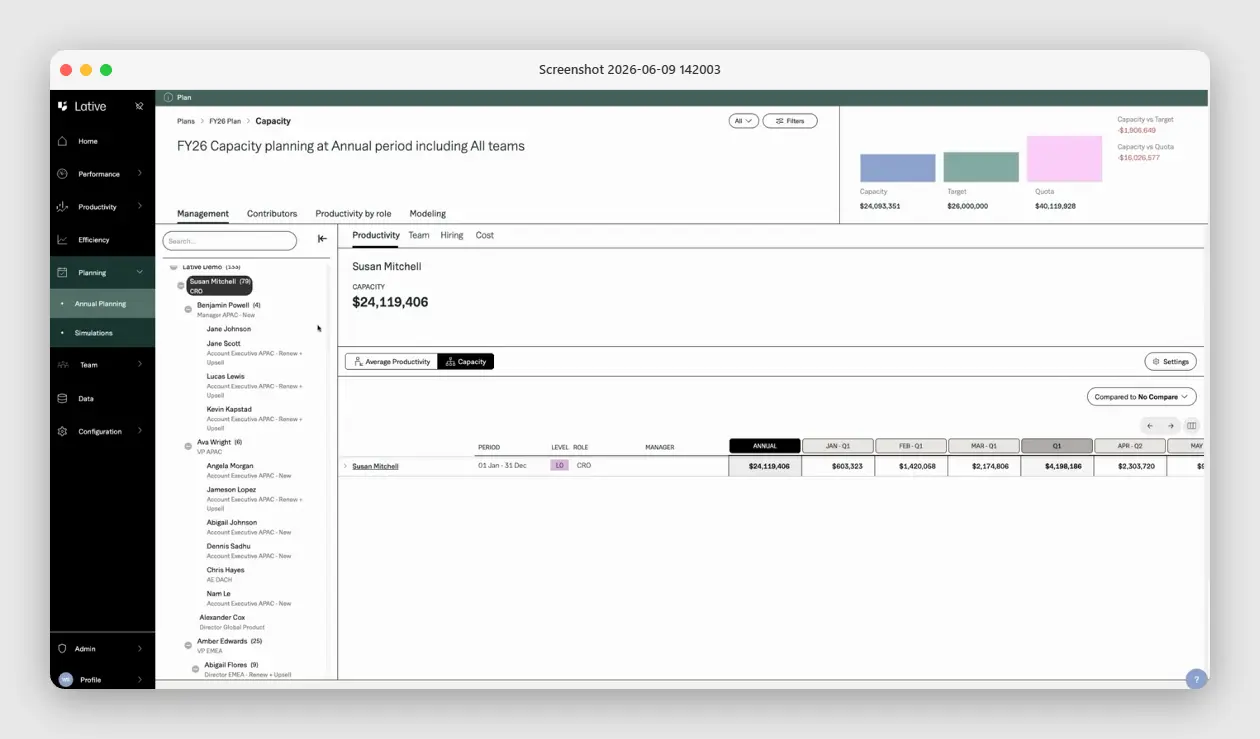
Full disclosure: Lative is our product, so weigh this entry with the skepticism every vendor self-ranking deserves. What earns it the top slot is the criterion the rest of this list mostly skips: it models what the team can actually produce, ramp-adjusted, not just what headcount or pipeline imply. The Productivity module computes production per rep from closed-won data, tenure-adjusted and segmented; Average Ramping Time derives ramp curves from your real hire cohorts; the Capacity view turns roster, ramp, and attainment into productive capacity; and Annual Planning reconciles that bottom-up number against top-down target and quota on one screen.
What it is not: a full FP&A suite or a CRM. It does not model the whole P&L or store your pipeline; it reads the systems that do and makes their data plan-ready. Werner Schmidt, Lative’s CEO and co-founder, put the founding logic plainly: “Lative was born out of a need to accurately measure sales teams’ true impact on the organisation and turn bottom-up operating data into structured plans to ensure teams hit their targets.” For pure sales capacity that focus is the point; if you also need supply-chain and opex modeling, pair it with an enterprise platform.
2. Anaplan: best enterprise connected planning
Enterprise connected planning with near-unlimited modeling flexibility across finance, sales, and operations, plus mature territory and quota capabilities at scale. It is the default when a dedicated planning team owns a multi-domain model and capacity is one province of a much larger map.
The trade-off is weight. Implementations are measured in months, model maintenance is a standing job, and the cost structure assumes enterprise budgets. For sales capacity alone it is more platform than the problem needs, and the ramp and cohort logic is still yours to build inside the model.
3. Pigment: best modern modeling platform
A modern business-planning platform with finance-grade models and a noticeably cleaner build experience than legacy suites. Scenario work is strong and the GTM-planning practice is growing fast, which makes it a credible Anaplan alternative for teams that value the build UX.
It is platform-first rather than sales-first, so the capacity logic, ramp curves, attainment, and cohort math are yours to build and maintain rather than productized out of the box. You get a great canvas; you still paint the capacity model.
4. Varicent: best when capacity sits next to comp
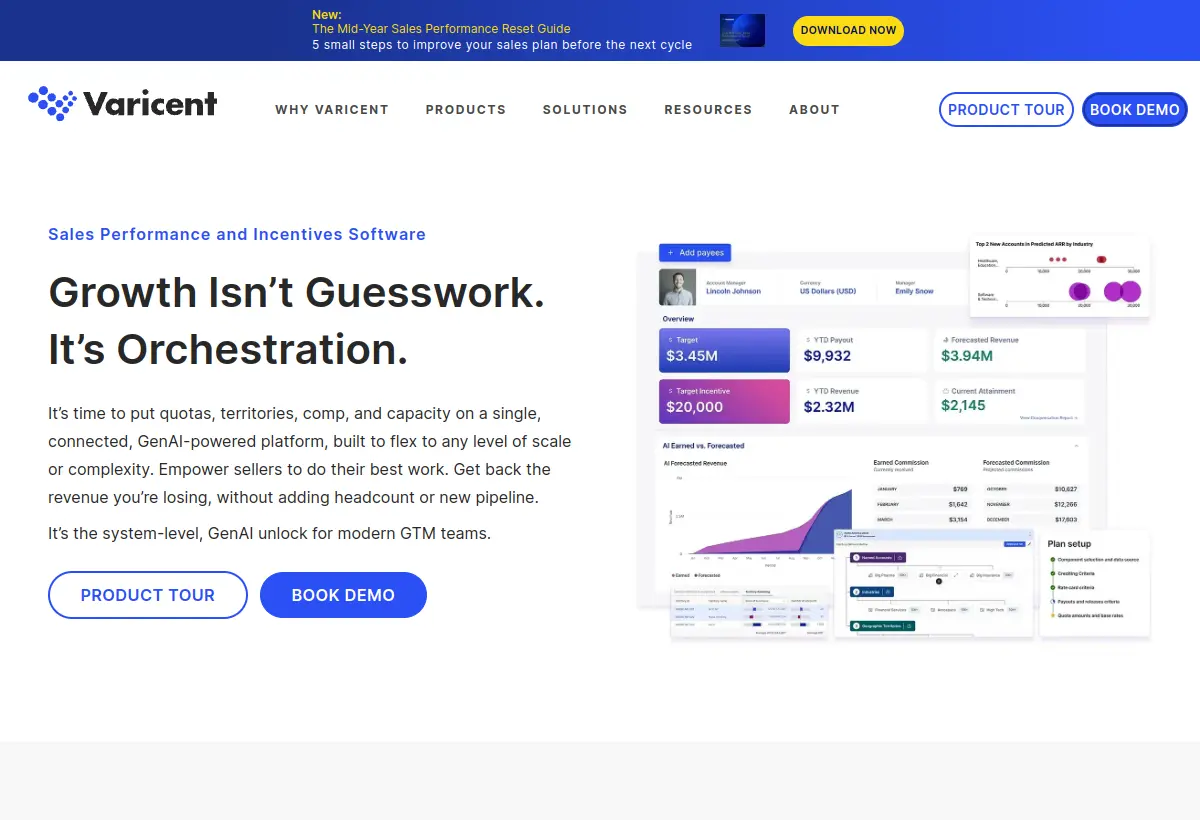
Sales performance management with deep roots in territory, quota, and incentive planning for larger sales orgs. Varicent is the right neighborhood when capacity planning needs to live next to comp administration and territory carving rather than off on its own.
Its center of gravity is SPM, so capacity modeling is one capability among many rather than the core product. Ramp-adjusted, per-rep capacity is lighter here than in a tool built for it.
5. Xactly: best comp-led planning
Best known for incentive compensation, with planning modules and a benchmark dataset accumulated over years of comp data. It is a sensible pick when comp and capacity should share a vendor and you genuinely value the benchmarking.
Like Varicent, it is comp-led: the capacity model serves the comp plan rather than the other way around, and ramp-cohort math is not a native object. Buy it for comp first and capacity second.
6. Workday Adaptive Planning: best for Workday finance shops
Finance-first planning that extends into workforce and sales. It is the natural pick when finance already runs Workday and wants headcount, opex, and the revenue plan governed inside one environment, with identity and data already in place.
Sales-specific inputs like ramp curves and per-rep attainment are modeled generically rather than natively, so the capacity detail a CRO needs for quota decisions is custom build on top of a finance-shaped model.
7. Salesforce Sales Planning: best CRM-native carving
Native territory and quota planning inside Salesforce. It is convenient, requires no integration project, and is fine for straightforward annual carving on data your team already trusts and maintains.
It is lighter than dedicated tools on ramp-adjusted capacity math and continuous scenario modeling, which is exactly where capacity plans break mid-year. It carves the plan; it does not keep it live against the team that has to deliver it.
8. Forecastio: best lightweight SMB and mid-market pick
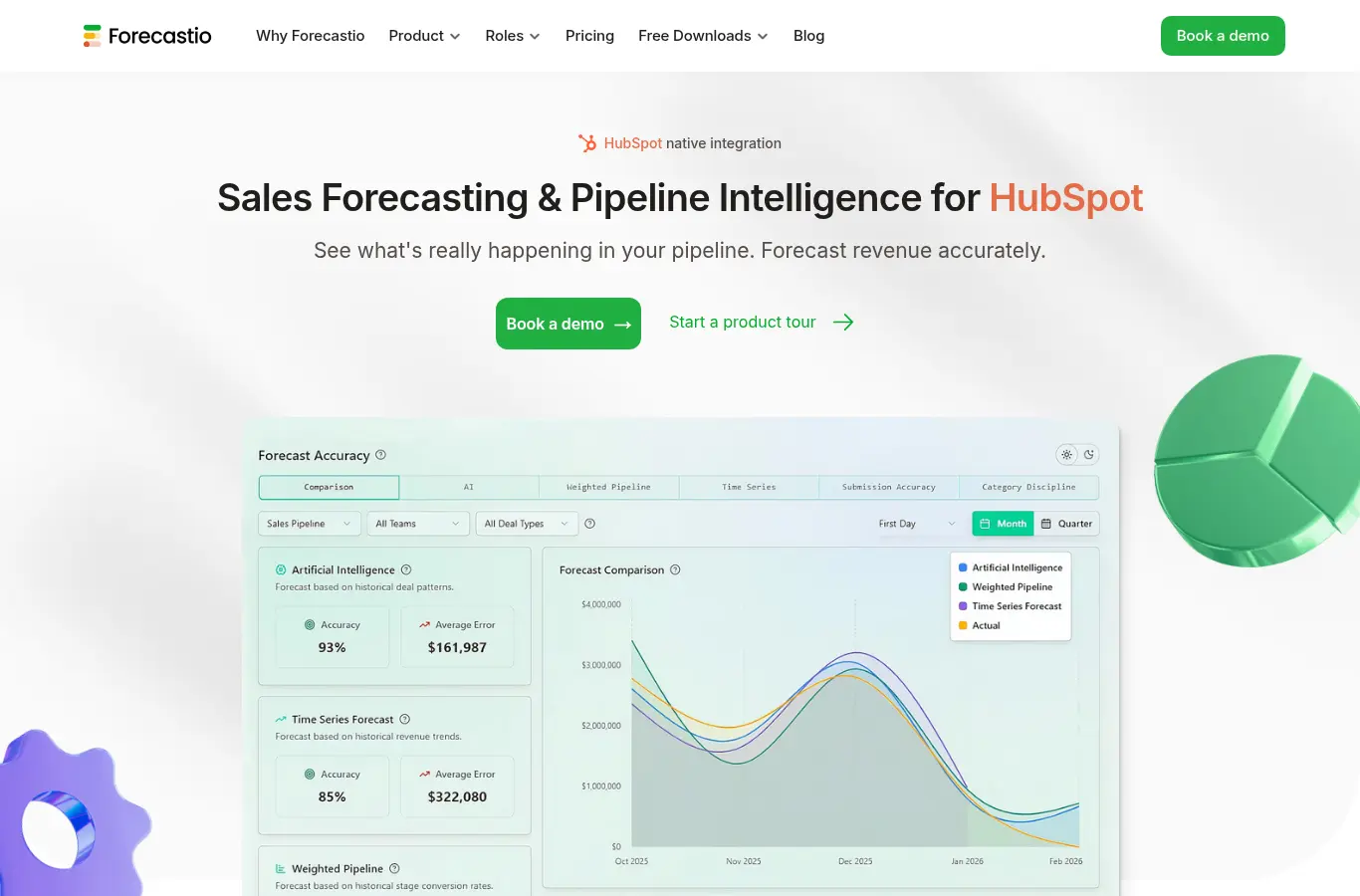
A focused forecasting and planning tool for SMB and mid-market teams on HubSpot or Salesforce. It is fast to stand up and priced for smaller teams, which is exactly what an early org needs before a capacity model becomes a full-time job.
It is forecast-led rather than capacity-led: good at calling the number, lighter on modeling the team that produces it. Multi-segment orgs with cohort hiring will outgrow it.
9. Drivetrain: best capacity inside a connected financial plan
FP&A and business planning with revenue models built in. Drivetrain fits teams that want the sales plan to live inside a connected financial plan, with driver-based modeling tying capacity to burn and runway.
Like most FP&A tools, rep-level ramp and attainment detail requires custom model work; capacity is a driver you build rather than a native object the tool already understands.
10. Cube: best spreadsheet-native FP&A
Spreadsheet-native FP&A that lets finance keep working in Excel or Google Sheets while centralizing the data underneath. For finance-led capacity models it is a pragmatic step up from raw spreadsheets without forcing a new interface on anyone.
It carries the category’s structural limit: the sales logic is whatever you build in the sheet. Ramp curves and per-rep attainment are not native objects, so the capacity model is as good as the formulas behind it.
11. Mosaic: best strategic-finance headcount view
Strategic finance software with strong headcount planning and revenue views out of the box. It is good for connecting hiring plans to burn and runway and giving finance a clean, board-ready picture of the team’s cost.
Sales capacity appears at the headcount level rather than the per-rep, ramp-adjusted level a CRO needs for quota decisions. It tells you what the team costs, not what it can carry.
12. Spreadsheets: best free starting point
Where most capacity planning still happens, and genuinely fine early: a disciplined sheet with ramp adjustments beats no model at all, and the flexibility is total. For a single-segment team it is often the honest right answer.
The breaking point is predictable and structural. Multiple segments, cohort hiring, and mid-year changes turn the sheet into three diverging copies owned by finance, RevOps, and the CRO. When reconciling versions takes longer than planning, the spreadsheet has failed and a model has to take over.
The gap no spreadsheet closes
Here is the test that exposes the category. A hypothetical $25M ARR company runs a clean, well-disciplined capacity model in Google Sheets: enforced inputs, honest ramp assumptions, a roll-up finance trusts. Planning season arrives with one question: can the current team plus seven proposed hires deliver $34M next year? The sheet, holding every rep and every closed deal, can answer it for exactly as long as nobody changes a hire date, a ramp assumption, or a conversion rate, which is to say until the second week. The real answer needs objects a static model does not keep live: trailing attainment by segment, cohort ramp curves, attrition drag, and ramp-adjusted capacity per hire by start month. Rebuild it by hand each time and it is stale before the board meeting. That is not a spreadsheet failure; keeping assumptions current was never the same job as recording them once. It is the reason a capacity layer exists, and why the math in how to calculate sales capacity and what is a sales capacity model belongs in a live model, not a tab.
How to choose for your stage
- Early stage, under $10M ARR. A disciplined spreadsheet with ramp adjustment is enough. Spend the budget on pipeline, not planning software, and keep the inputs clean so the model that replaces it inherits good data.
- Scaling, $10M to $100M ARR. This is where the spreadsheet breaks and capacity mistakes start costing millions. A sales-first layer like Lative keeps capacity, quota, and ramp live without an enterprise rollout; if finance is simultaneously building a company-wide planning function, pair it with an FP&A layer rather than forcing one tool to do both jobs.
- Enterprise, $100M+ ARR. Connected planning (Anaplan, Pigment, Workday Adaptive) for the multi-domain model, usually with a sales-specific capacity layer feeding it. At this scale the capacity number is a board input and needs an owner, a refresh cadence, and an audit trail.
- The audit before any of it. Capacity models run on closed-won history, hire dates, segment, and stage data. Anything under 90% complete on the last four quarters gets fixed before it feeds a model, because no tool fixes inputs it cannot trust.
Common buying mistakes
Buying for the demo, not the refresh. Every tool models capacity once. The real question is what happens in month four when two hires slip and a top rep resigns. Ask vendors to show the update path, not the build path.
Assuming FP&A coverage equals capacity coverage. FP&A suites model headcount cost well and rep productivity poorly. If ramp curves and per-rep attainment are not native objects, you will rebuild the sales logic by hand in the tool you bought to avoid hand-building.
Skipping the data audit. Capacity models run on closed-won history, hire dates, and stage data. If your CRM stage definitions are ambiguous, fix that first; see how to calculate sales capacity for which inputs matter.
Confusing forecasting with capacity planning. Forecasting predicts this quarter from open pipeline; capacity planning models what the team can structurally produce next year. Different objects, different math, often two different tools.
Frequently asked
What is sales capacity planning software?
Software that models how much revenue a sales team can realistically produce, based on rep count, ramp, attainment, and attrition, and reconciles that capacity against revenue targets and quotas.
How is capacity planning software different from forecasting software?
Forecasting tools predict what will close this period from current pipeline. Capacity tools model what the team is structurally able to produce. Strong revenue teams run both and reconcile them.
When should a company buy a capacity planning tool?
Typically between $10M and $25M ARR, when cohort hiring and multiple segments make a static spreadsheet impossible to keep current. Earlier than that, a disciplined sheet works.
Can you do capacity planning in a CRM?
Partially. Salesforce offers native territory and quota planning, but ramp-adjusted capacity math and continuous scenario modeling generally require a dedicated planning layer on top of the CRM.
What inputs does capacity planning software need?
A rep roster with hire dates, trailing attainment by segment, ramp curves from cohort actuals, attrition by tenure band, and clean CRM stage data.
For the method behind the tools, see how to calculate sales capacity, the full sales capacity planning guide, or what is a sales capacity model. To see your own roster as a live capacity model, book a demo.