
Sales analytics software should answer the questions a revenue team asks every week: is the forecast real, where is coverage thin, which segment is slipping, and can the team produce the number. Most of the category answers a narrower one, what happened, and leaves whether the team can deliver to you.
The Bridge Group’s 2024 SaaS AE Metrics Report (170+ B2B SaaS companies) found 51% of AEs hit quota, and most teams had dashboards the whole way down. Reporting on a miss is not the same as seeing it coming.
One disclosure: Lative is our product, and it appears because it treats capacity, ramp, and quota-to-attainment as native analytics objects rather than calculated fields you rebuild in a workbook. It is judged on the same criteria as everyone else, including what it is not.
Quick picks by use case
- Best capacity and planning analytics: Lative
- Best BI flexibility: Tableau
- Best Microsoft-native BI: Power BI
- Best governed metrics: Looker
- Best native CRM analytics: Salesforce CRM Analytics
- Best conversation intelligence: Gong
- Best forecast analytics: Clari
- Best revenue intelligence: BoostUp
- Best enterprise AI forecasting: Aviso
- Best analytics plus enablement: Mediafly
- Best built-in CRM reporting: HubSpot Reporting
- Best free native reporting: Salesforce Reports and Dashboards
Comparison at a glance
| Tool | Best for | Pricing | Standout |
|---|---|---|---|
| Lative | Capacity and planning analytics | Custom quote, no per-user | Capacity as a native object |
| Tableau | BI flexibility | Published; confirm rate | Any view you can build |
| Power BI | Microsoft-native BI | Published; confirm rate | Low-cost, Microsoft stack |
| Looker | Governed metrics | Custom quote | One source of truth (LookML) |
| Salesforce CRM Analytics | Native CRM analytics | Add-on; custom quote | AI insight on CRM data |
| Gong | Conversation intelligence | Custom quote | Call and deal insight |
| Clari | Forecast analytics | Custom quote | AI forecast and inspection |
| BoostUp | Revenue intelligence | Custom quote | Forecast and pipeline risk |
| Aviso | Enterprise AI forecasting | Custom quote | Predictive revenue insight |
| Mediafly | Analytics plus enablement | Custom quote | Reporting plus content |
| HubSpot Reporting | Built-in CRM reporting | Published; confirm rate | Native, easy dashboards |
| Salesforce Reports and Dashboards | Free native reporting | Included with CRM | No-cost starting point |
Pricing verified on vendor pricing pages in June 2026 where published; custom-quote vendors do not list rates. Always confirm current pricing directly.
How we evaluated
Four criteria separate a sales analytics stack from a pile of dashboards. Answers, not charts: does it answer the weekly questions, is the forecast real, where is coverage thin, which segment is slipping, or just render data? Sales-native metrics: are capacity, ramp, and quota-to-attainment first-class, or fields you build? Trust and governance: does everyone read the same numbers, or does each dashboard tell a different story? And time to insight: can a RevOps lead get the answer, or does it need a data engineer? General BI wins on flexibility; sales-native tools win on the second.
The 12 best sales analytics tools in 2026
1. Lative: best capacity and planning analytics
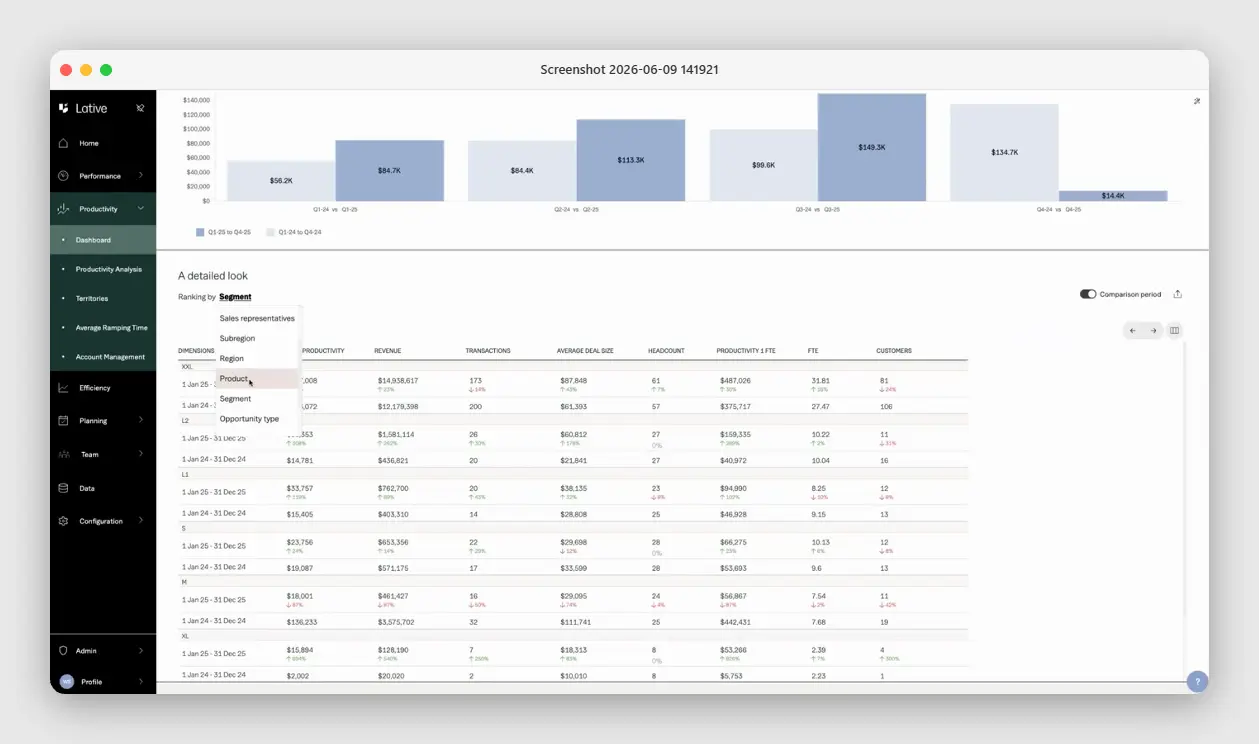
Full disclosure: Lative is our product, so weigh this with skepticism. It sits here because it answers the analytics question general BI leaves to you: not just what happened, but whether the team can produce the number. Productivity, ramp, and capacity are native objects in Lative, sliced by rep, segment, region, and opportunity type, not calculated fields you rebuild in a workbook each quarter.
It is not a general BI tool; it will not replace Tableau for arbitrary reporting across the business. It is the sales-planning analytics layer, purpose-built for capacity and quota, that a general BI stack cannot produce without heavy custom modeling.
2. Tableau: best BI flexibility
The business-intelligence standard: connect any data source and build any visualization, including deep sales analytics, with near-total flexibility for analysts who can build it.
It is a general BI tool, not a sales model. It renders whatever you design; the capacity, ramp, and quota logic are yours to build and maintain in the workbook.
3. Microsoft Power BI: best Microsoft-native BI
Microsoft’s business-intelligence platform: cost-effective, tightly integrated with the Microsoft stack, and capable of strong sales dashboards for teams already on Dynamics or Office.
Like all BI tools it visualizes data rather than modeling sales capacity. The analytics are as good as the model you build behind them.
4. Looker: best governed metrics
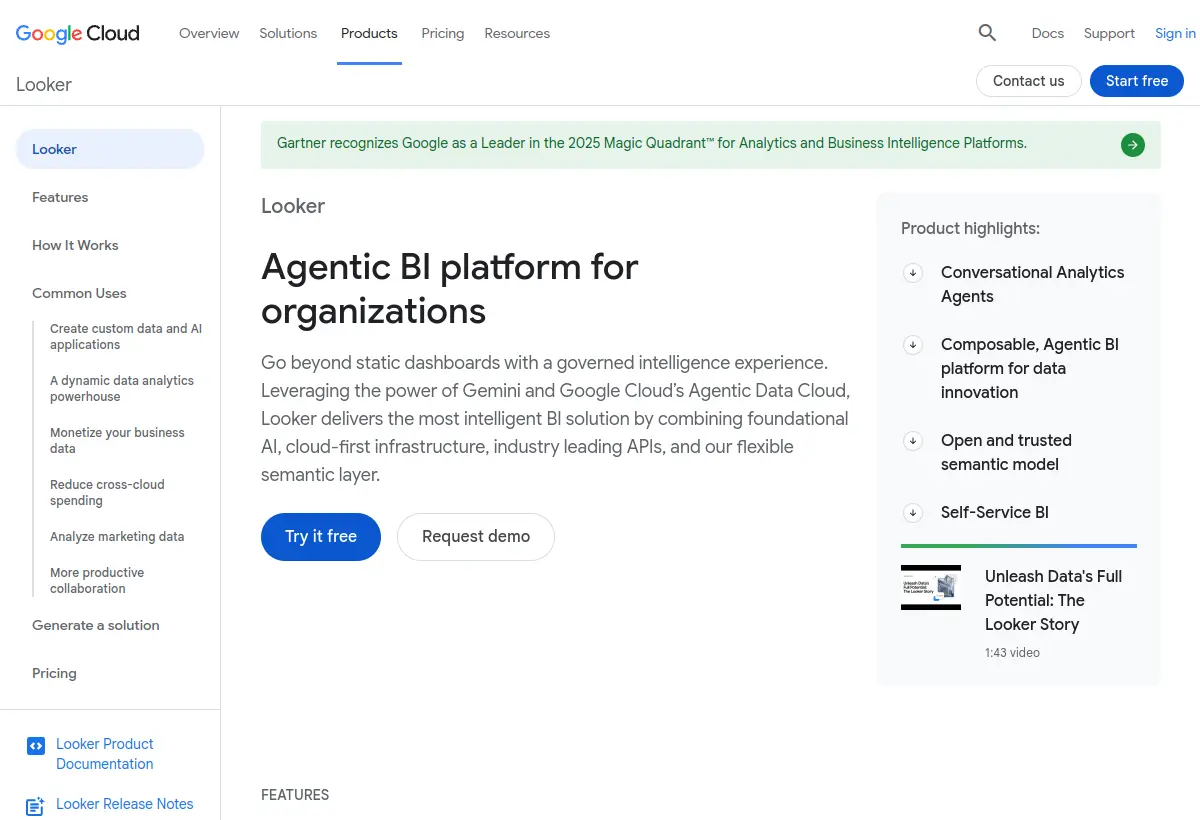
Google Cloud’s BI platform built on a semantic modeling layer (LookML) that governs metric definitions, so everyone reads the same numbers. Strong for data-mature teams.
It governs and serves metrics rather than modeling sales capacity. It needs data-engineering investment, and the sales logic still lives in the model you define.
5. Salesforce CRM Analytics: best native CRM analytics
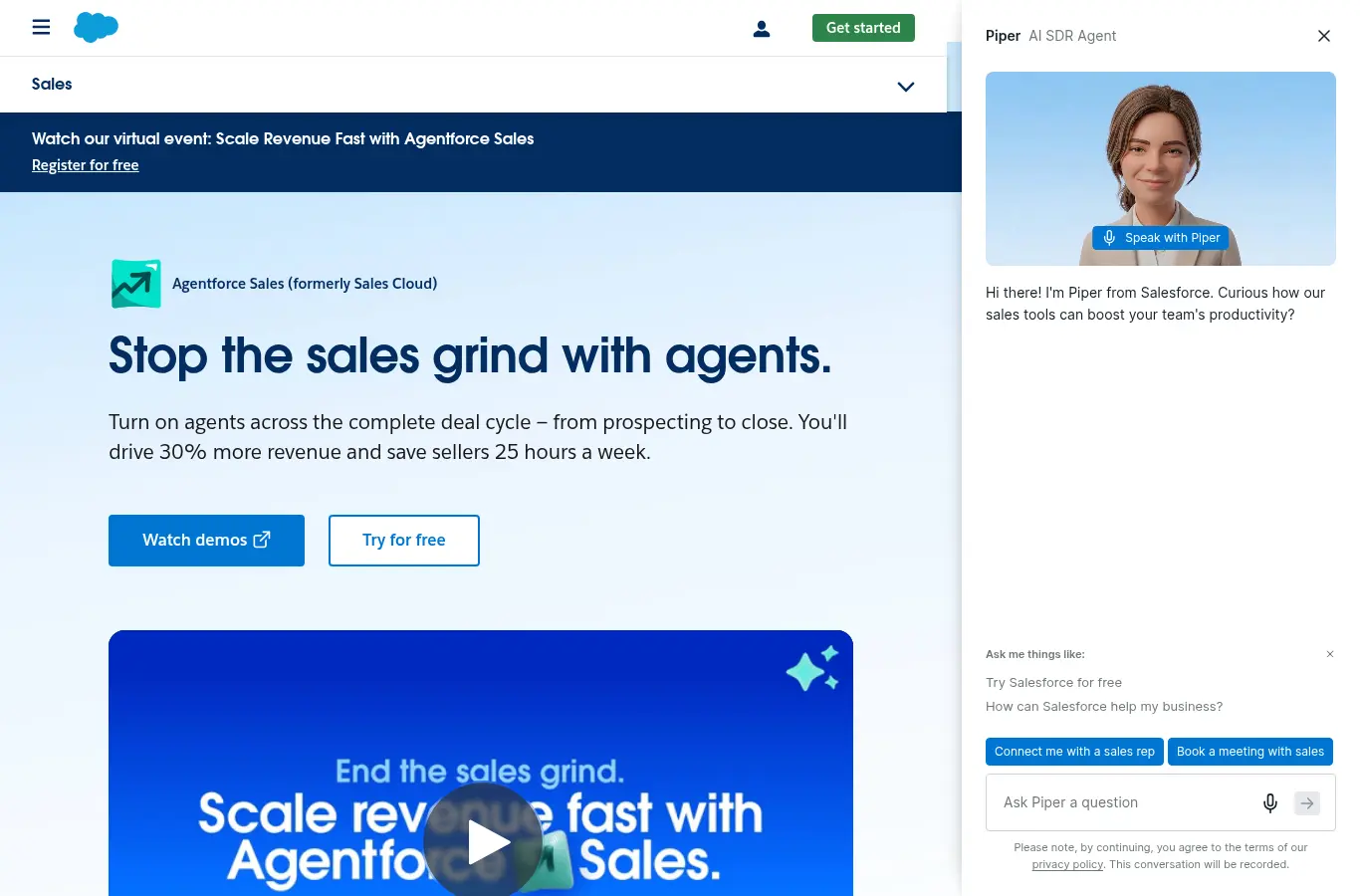
Salesforce’s native analytics layer (formerly Tableau CRM and Einstein Analytics), built to surface AI-driven insights and dashboards on CRM data without leaving the platform. Strong for Salesforce shops that want predictions on the data already there.
It analyzes the CRM well but is not a sales-capacity model: ramp curves and per-rep productive capacity are calculated fields you build, not native objects the tool already understands.
6. Gong: best conversation intelligence
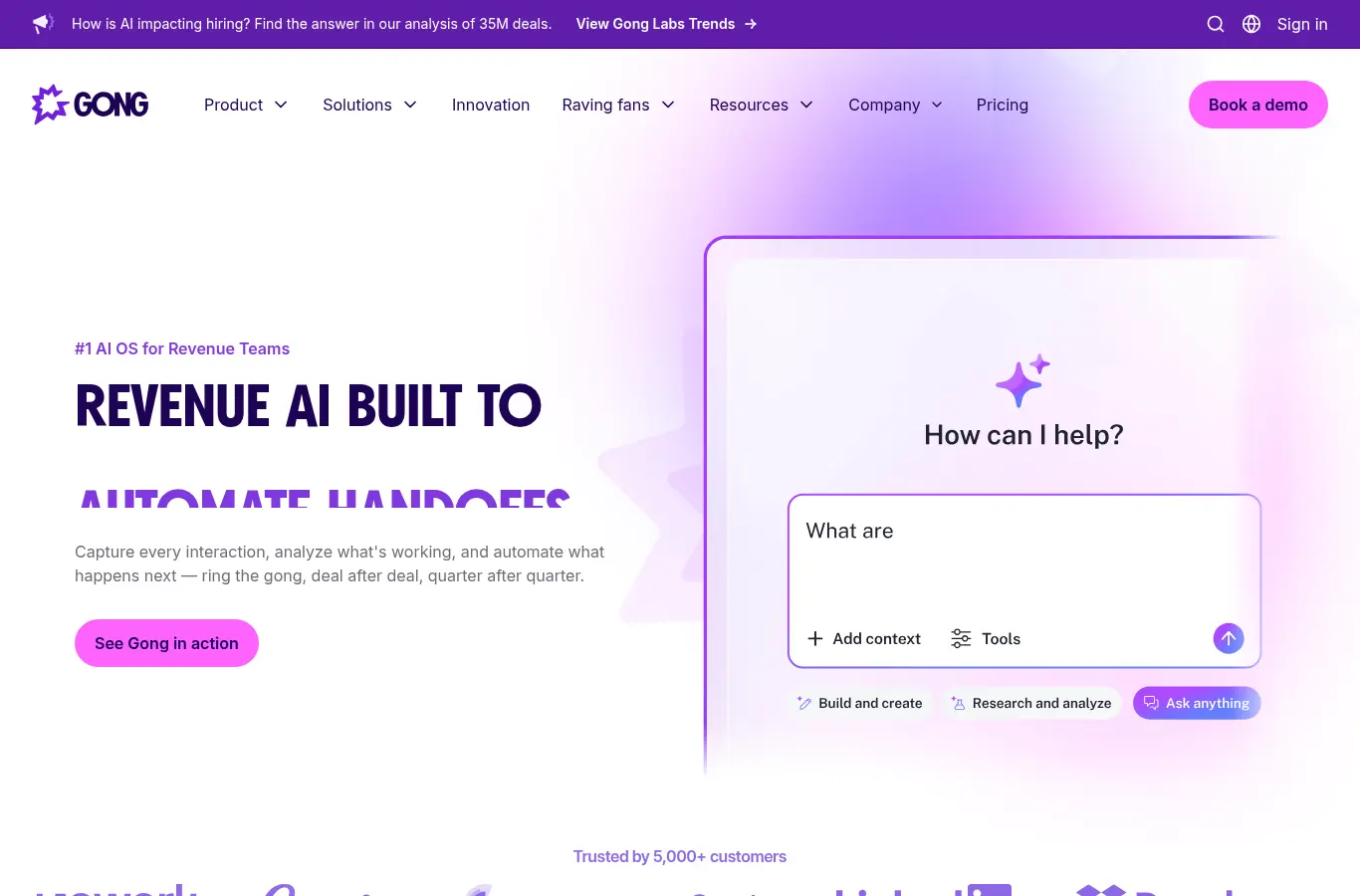
Revenue intelligence built on conversation and activity data, with forecasting and deal-risk insight layered on top. Gong reads what is actually happening in deals, calls, and emails.
It is intelligence-led rather than planning-led: excellent at explaining the pipeline and coaching reps, lighter on modeling the capacity and quota that produce next year’s number.
7. Clari: best forecast analytics
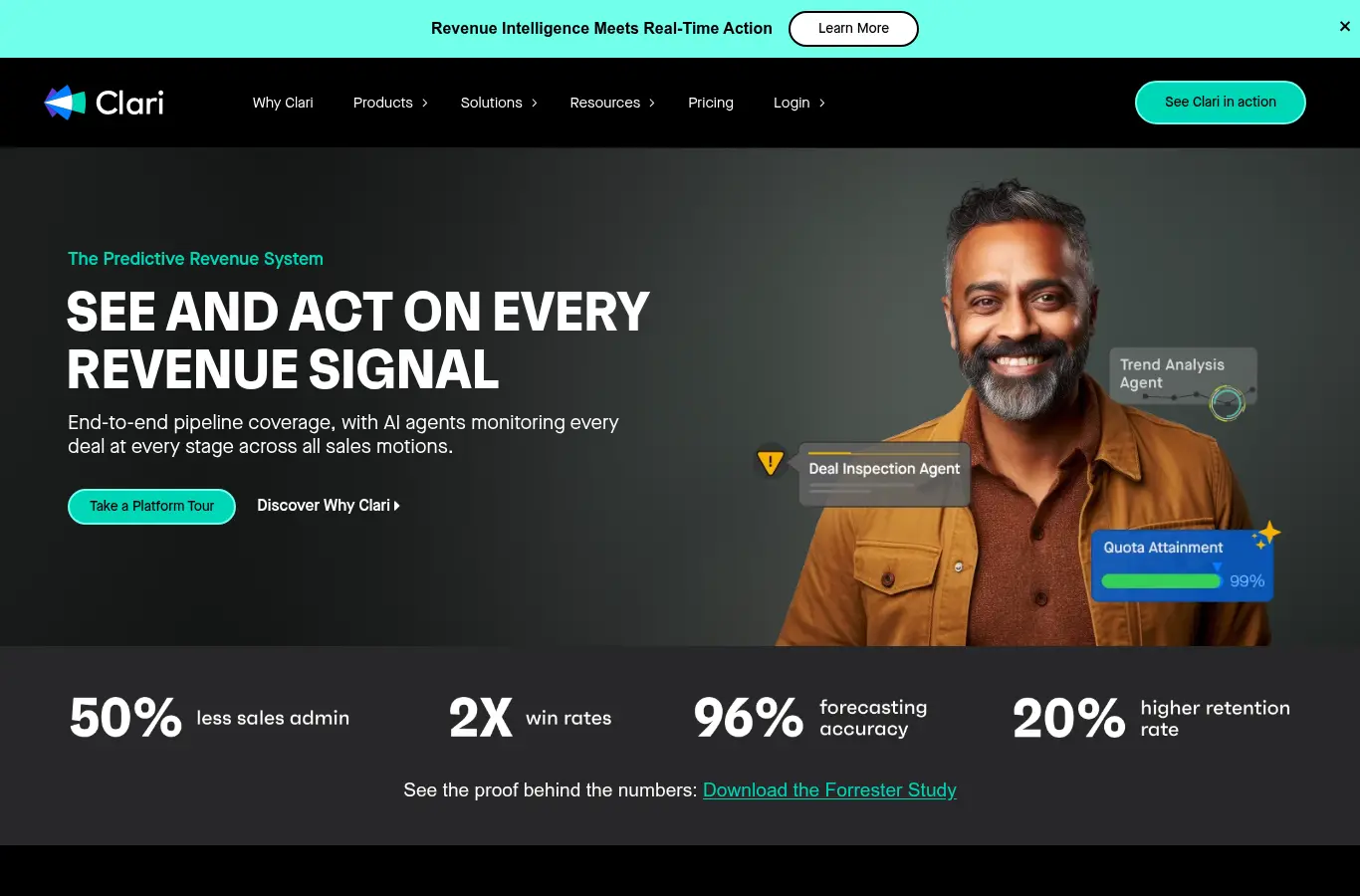
A revenue platform built around AI forecasting, deal inspection, and pipeline management for the in-quarter motion. Strong at calling the number and surfacing risk in deals already in flight.
It works on the pipeline that exists rather than the capacity that produces it. It answers whether you will hit this quarter, not how many ramped reps next year requires. Pair it with a capacity layer.
8. BoostUp: best revenue intelligence
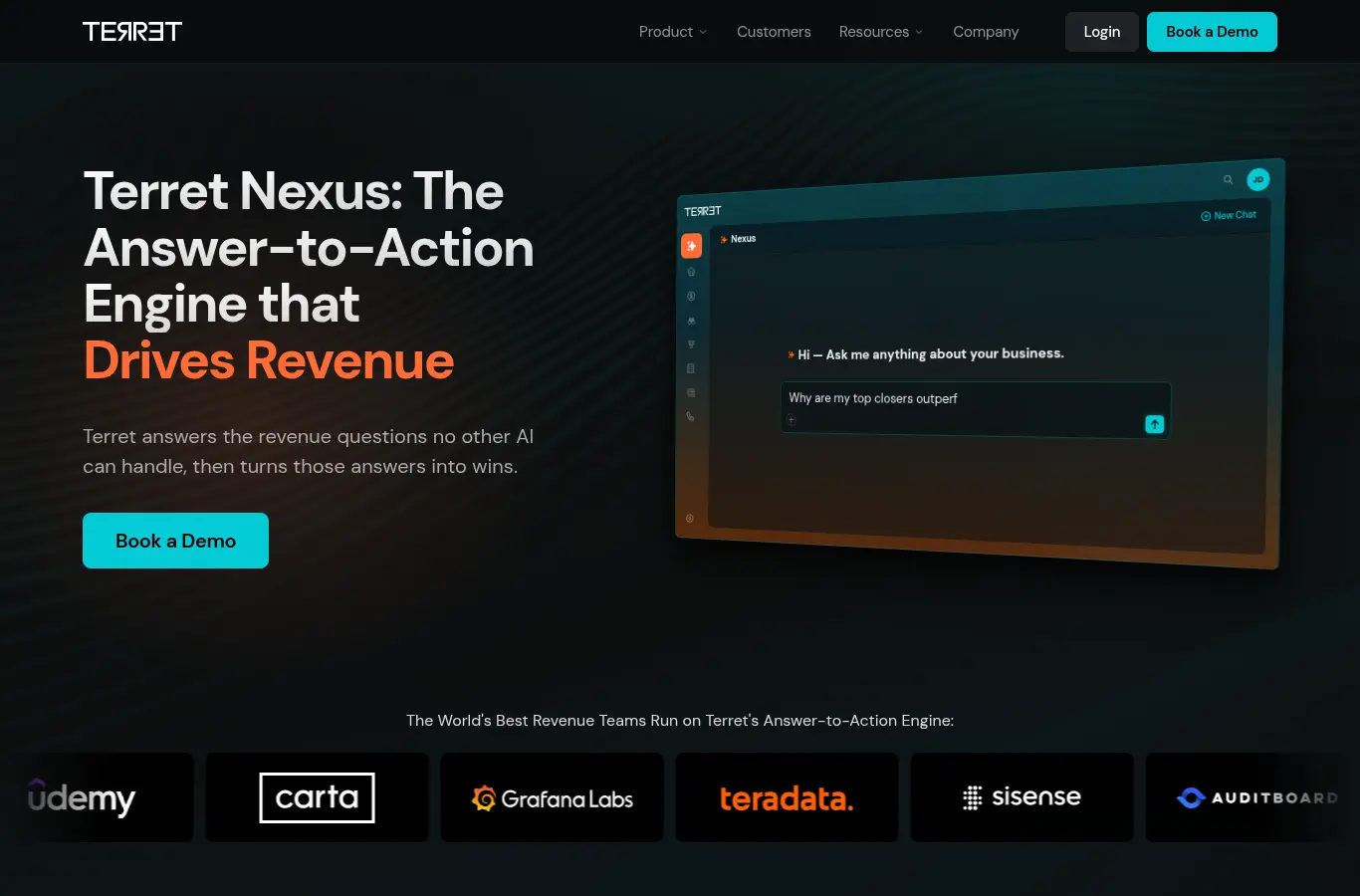
A revenue intelligence and forecasting platform focused on pipeline visibility, deal risk, and forecast accuracy across the revenue motion.
Like other RI tools it explains and predicts the pipeline you have rather than modeling the capacity that creates it. Buy it for forecast accuracy, not capacity planning.
9. Aviso: best enterprise AI forecasting
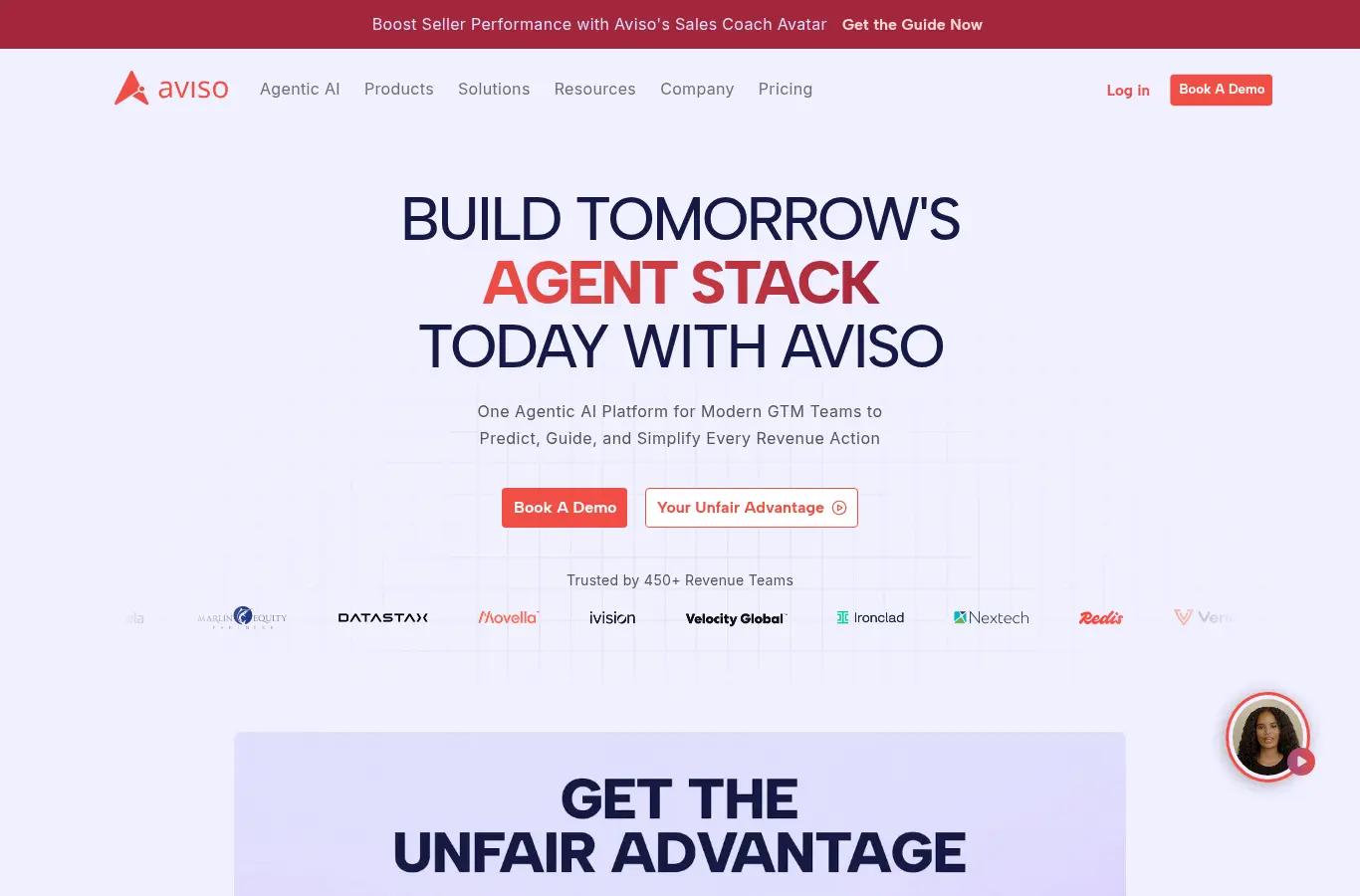
An AI-driven forecasting and revenue operations platform aimed at enterprise revenue teams, with predictive forecasting, deal insight, and conversational analytics.
It is prediction-focused: it calls the number and flags risk, but does not model per-rep capacity, ramp, or the headcount plan behind the target.
10. Mediafly: best analytics plus enablement
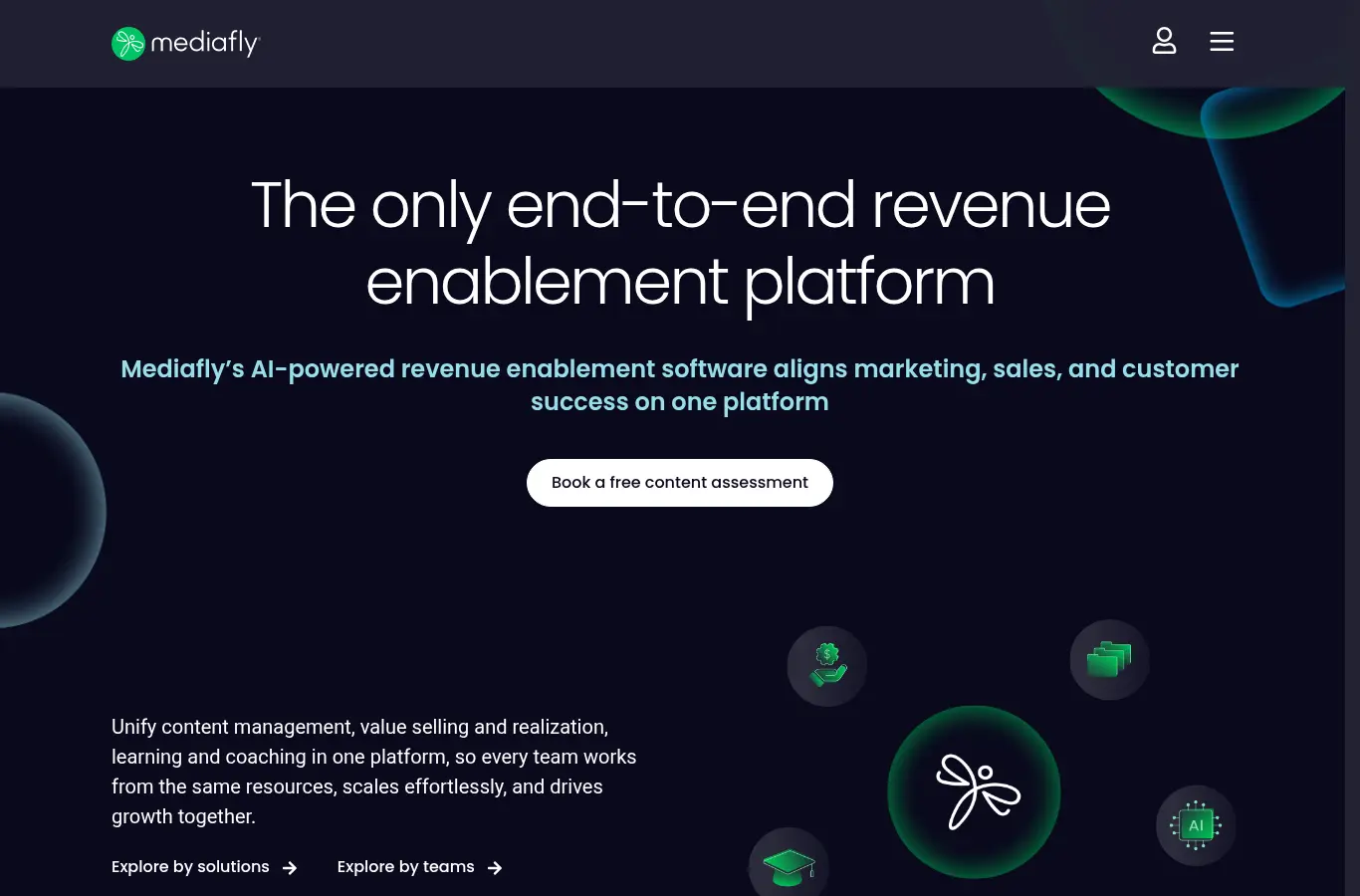
A revenue intelligence and enablement platform (formerly InsightSquared) that combines forecasting and pipeline analytics with sales content and enablement in one suite.
It reports and enables rather than plans capacity. It is strong on analytics and content; ramp-adjusted capacity and quota modeling are not its core.
11. HubSpot Reporting: best built-in CRM reporting
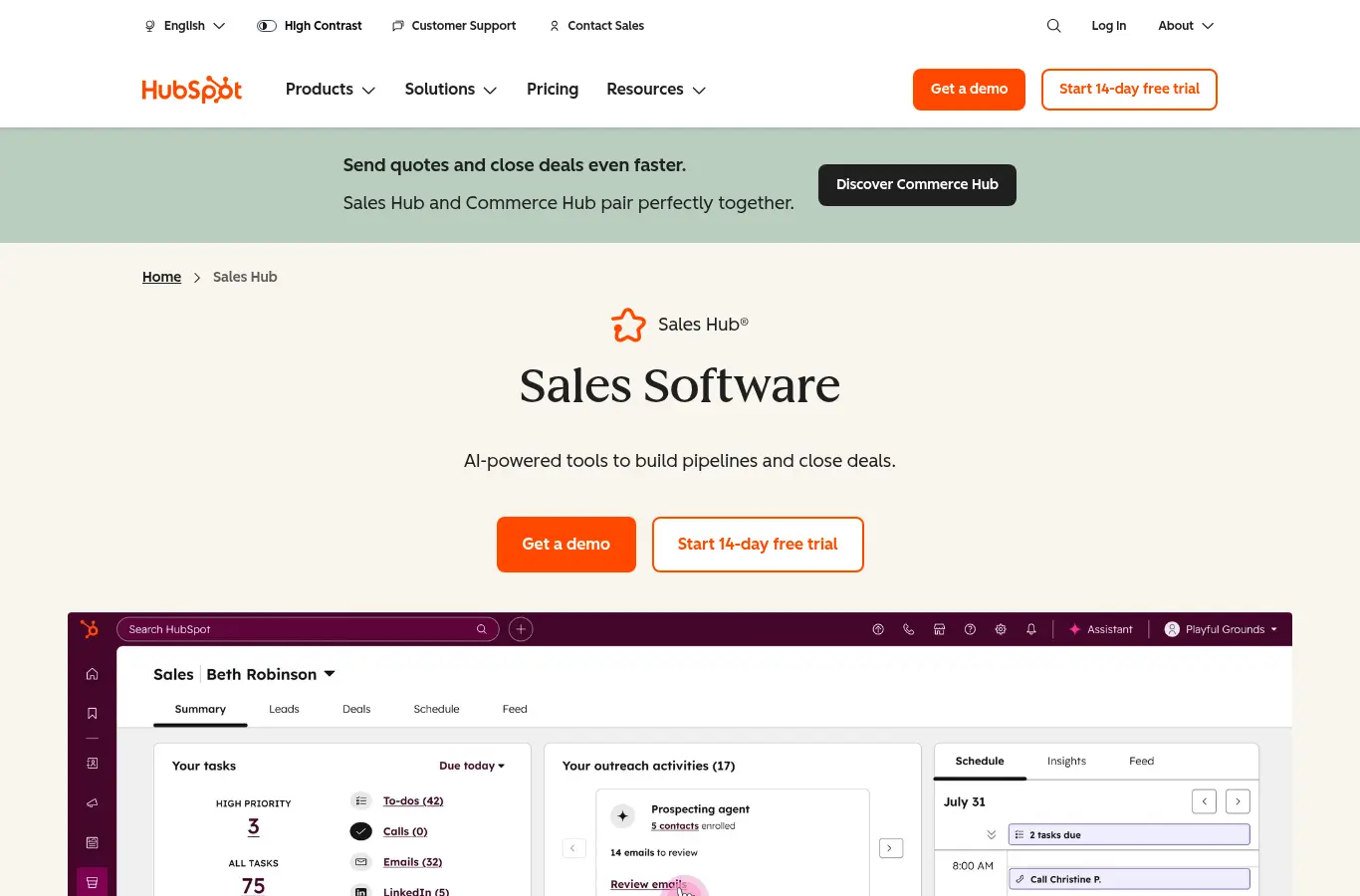
An approachable CRM and sales workspace with strong native reporting, popular with SMB and mid-market teams that want fast time to value without heavy administration.
It scales well until planning gets specialized: ramp-adjusted capacity, cohort math, and opportunity scoring are not native, so growing orgs add a planning layer on top of the CRM.
12. Salesforce Reports and Dashboards: best free native reporting
The reporting built into every Salesforce org: standard reports and dashboards on CRM data at no extra cost. For many teams it is the honest starting point before buying dedicated analytics.
It is basic by design: fine for pipeline and activity reporting, but not for cohort, ramp, or capacity analysis, which need a modeling layer on top of the CRM.
How to pick
- You need flexible BI across many sources. Tableau, Power BI, or Looker, plus an analyst who owns the sales data model.
- You want sales intelligence out of the box. Gong for conversations, Clari or BoostUp for pipeline, Mediafly for packaged reporting.
- You need analytics that end in staffing and quota decisions. Lative, so the numbers connect to capacity and the meeting ends with an action, not a follow-up data pull.
The five questions a sales analytics stack must answer weekly
Whatever you buy, the test is whether leadership can answer these five questions every Monday without a data pull. Where does attainment stand, by segment and cohort, against pace? Which segments are under-covered on pipeline, and is the cause volume or conversion? How is tenured productivity trending, separate from hiring mix?
Are the current ramp cohorts on or off their curve, and what does that do to the quarter? And what did last week’s forecast say versus what actually happened? A stack that answers all five is complete regardless of logo count; a stack that answers none of them is expensive decoration regardless of how many dashboards it renders. Write the five questions into the evaluation scorecard and score every demo against them.
A worked example: the same dip, three readings
A hypothetical team’s bookings fall 12% quarter over quarter. The BI dashboard shows the drop by region and product, accurately, and stops. The pipeline tool shows coverage fell to 2.1x in mid-market and flags three slipping deals. The capacity layer shows the real chain: two January hires are running eight weeks behind the ramp curve, tenured productivity is flat, and ramp-adjusted capacity, not demand, explains the miss.
Three tools, three readings, one of them actionable: protect the cohort, fix onboarding, and stop burning pipeline spend on a supply problem. The lesson is not that BI is wrong; it is that without the capacity lens, every dip defaults to a demand diagnosis, and the most expensive misdiagnosis in sales is treating a staffing problem with a marketing budget.
Build vs buy, honestly
The build-on-BI path makes sense under two conditions: a dedicated analyst who owns the sales data model as a real job, and stable definitions that have survived at least one planning cycle. Without both, packaged sales analytics win on total cost, because the hidden price of BI is not the license, it is the quiet decay of every dashboard after its author moves on.
A reasonable middle path for scaling teams: packaged tools for the operating cadence (forecast, pipeline, capacity) and BI reserved for ad hoc investigation, where decay does not matter because nothing depends on last quarter’s workbook.
Common buying mistakes
Buying dashboards for an undefined question. Decide the five questions leadership must answer weekly, then buy whatever answers them. Generic dashboards multiply; questions discipline.
Ignoring the maintenance owner. Every BI build decays without an owner. If no one owns the semantic layer, packaged sales analytics beat a beautiful abandoned Tableau workspace.
Analytics on dirty stages. Cohort and conversion analysis inherit CRM hygiene. Fix stage definitions first or every tool on this list will confidently mislead you.
Stopping at description. If quarterly reviews end with “interesting, let’s pull more data,” the stack is missing the decision layer, usually the capacity connection, not another chart type.
Frequently asked
What is sales analytics software?
Software that turns sales data, pipeline, activity, conversations, outcomes, into analysis of where revenue is won and lost, ranging from general BI to sales-native intelligence and capacity-connected planning analytics.
What is the difference between BI and sales analytics tools?
BI (Tableau, Power BI, Looker) is a general engine you teach about sales. Sales-native tools ship with quota, pipeline, and cohort logic included. Capacity-connected tools add the staffing and planning lens.
What metrics should sales analytics track?
Attainment and its distribution, stage conversion and cycle length by segment, pipeline coverage, tenure-adjusted productivity per rep, and capacity utilization. See what is sales productivity for the measurement logic.
Do AI analytics tools improve sales performance?
They improve detection, risk flags and anomalies surface earlier. Performance improves when the analytics connect to decisions: staffing, territory, quota, and pipeline actions.
When should a team add a capacity analytics layer?
Once headcount and segments make intuition unreliable, typically past 15 to 20 reps, or the first time a bookings dip cannot be explained as demand versus staffing. See how to calculate sales capacity.
The best analytics tool is the one your team acts on. Match it to the decision you need to make, and make sure at least one layer of the stack can tell a demand problem from a staffing one. See the full sales capacity planning guide, or book a demo to see capacity-connected analytics live.