
Sales planning software is supposed to answer one question the spreadsheet stops answering somewhere past the second hiring class: given the team you have and the team you are hiring, what can you actually deliver next year, and does the quota match it?
The Bridge Group’s 2024 SaaS AE Metrics Report (170+ B2B SaaS companies) found the share of AEs hitting quota fell to 51% in 2024 from 66% in 2022, and much of that decline traces to plans built by dividing a target by headcount instead of modeling real capacity. The right tool closes that gap; the wrong one automates it.
One disclosure before the ranking: Lative is our product, and it leads because the criterion this list is built around, planning from what the team can actually produce rather than what it costs, is what it does natively. It is judged on the same five criteria as everyone else, including a plain statement of what it is not.
Quick picks by use case
- Best capacity-aware planning layer: Lative
- Best enterprise connected planning: Anaplan
- Best modern modeling platform: Pigment
- Best for Workday finance shops: Workday Adaptive Planning
- Best planning next to comp: Varicent
- Best comp-led planning: Xactly
- Best CRM-native planning: Salesforce Sales Planning
- Best in-quarter forecasting: Clari
- Best revenue intelligence: Gong
- Best lightweight SMB pick: Forecastio
- Best planning inside the financial plan: Drivetrain
- Best free starting point: Spreadsheets
Comparison at a glance
| Tool | Best for | Pricing | Standout for planning |
|---|---|---|---|
| Lative | Capacity-aware planning on the CRM | Custom quote, no per-user | Ramp-adjusted capacity per rep |
| Anaplan | Enterprise multi-domain planning | Custom quote | Near-unlimited modeling depth |
| Pigment | Modern scenario modeling | Custom quote | Clean build and strong scenarios |
| Workday Adaptive | Workday-stack finance | Custom quote | Governed finance and workforce |
| Varicent | Planning next to comp | Custom quote | Territory, quota, and incentives |
| Xactly | Comp-led planning | Custom quote | Comp benchmark dataset |
| Salesforce Sales Planning | CRM-native carving | Add-on to Sales Cloud (Enterprise $175/user/mo) | Native territory and quota |
| Clari | In-quarter forecasting | Custom quote | AI forecast and deal inspection |
| Gong | Revenue intelligence | Custom quote | Conversation and activity insight |
| Forecastio | SMB and mid-market | Published; confirm current rate | Fast forecast and light planning |
| Drivetrain | Plan inside the financial plan | Custom quote | Driver-based revenue models |
| Spreadsheets | Early-stage teams | Free | Total flexibility |
Pricing verified on vendor pricing pages in June 2026 where published; custom-quote vendors do not list rates. Always confirm current pricing directly.
How we evaluated
Five criteria separate real sales planning software from a forecasting tool with a planning tab. Capacity math: does the tool model productive capacity per rep from ramp and attainment, or just count heads and divide the target? Live data connection: does the plan update from CRM actuals continuously, or wait for someone to re-key a spreadsheet each cycle? Scenario modeling: can you flex hiring timing, attrition, and ramp and see the impact immediately? Quota and territory linkage: does the plan connect to the quotas and territories you actually roll out? And time to value: can a RevOps team of one stand it up, or does it need a systems integrator and a quarter of build? The first criterion is the one most of the category quietly skips.
The 12 best sales planning tools in 2026
1. Lative: best capacity-aware planning layer
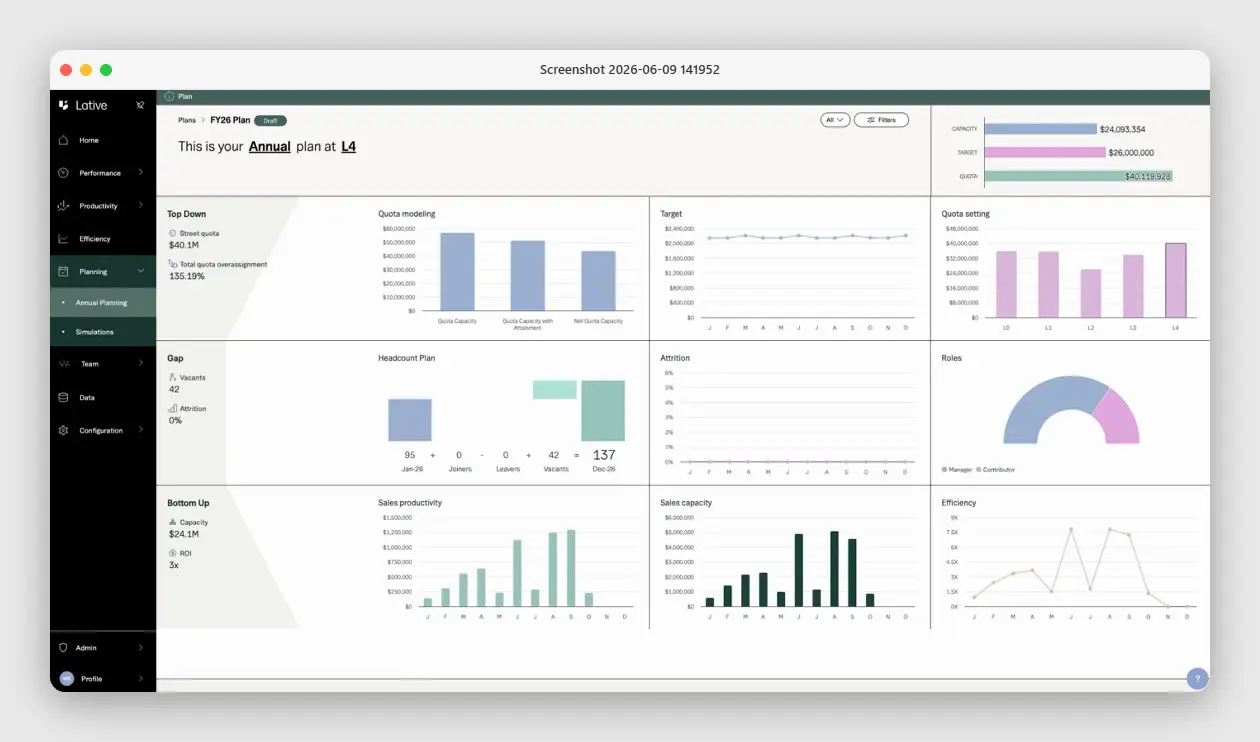
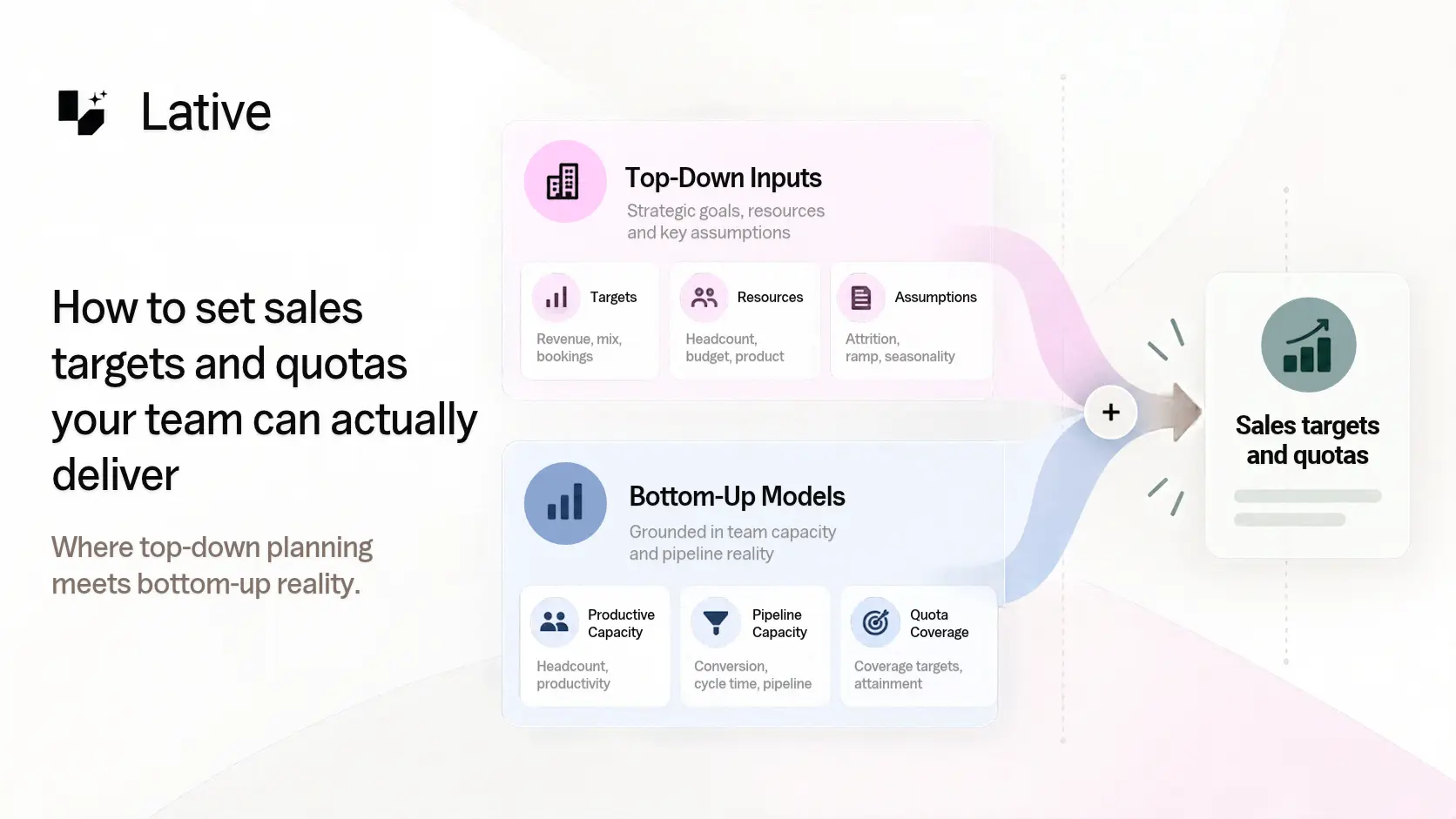
Full disclosure: Lative is our product, so weigh this entry with the skepticism every vendor self-ranking deserves. It leads because it plans from what the team can actually produce, ramp-adjusted, not just what headcount or pipeline imply. The Productivity module computes production per rep from closed-won data, tenure-adjusted and segmented; Average Ramping Time derives ramp curves from your real hire cohorts; and Annual Planning reconciles that bottom-up capacity against top-down target and quota on one screen.
What it is not: a full FP&A suite or a CRM. It does not model the whole P&L or store your pipeline; it reads the systems that do and makes their data plan-ready. For sales planning that focus is the point; if you also need supply-chain and opex modeling, pair it with an enterprise platform.
2. Anaplan: best enterprise connected planning
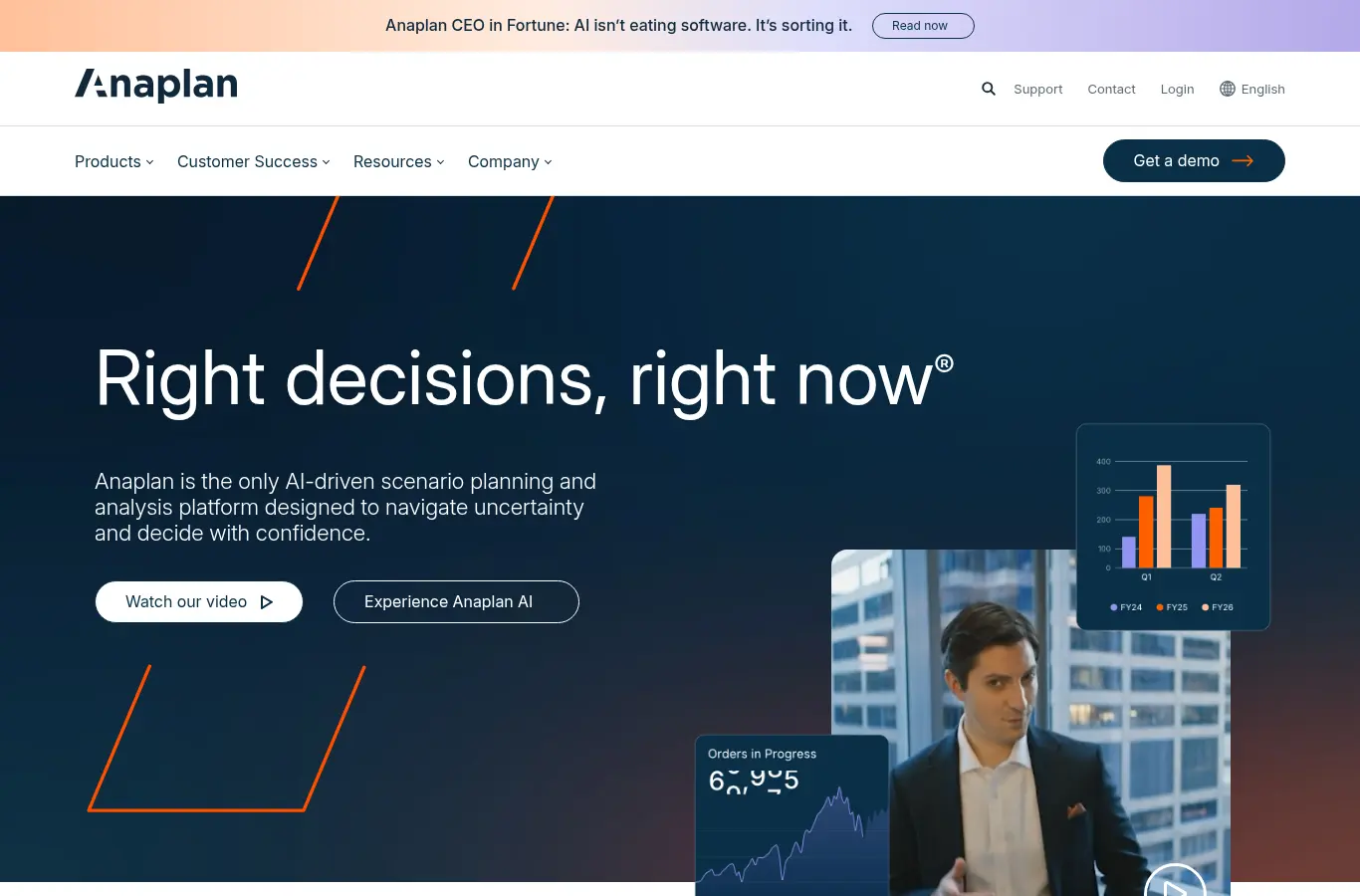
Enterprise connected planning with near-unlimited modeling flexibility across finance, sales, and operations, plus mature territory and quota capabilities at scale. It is the default when a dedicated planning team owns a multi-domain model and sales is one province of a much larger map.
The trade-off is weight. Implementations are measured in months, model maintenance is a standing job, and the ramp and cohort logic is still yours to build inside the model. For sales planning alone it is more platform than the problem needs.
3. Pigment: best modern modeling platform
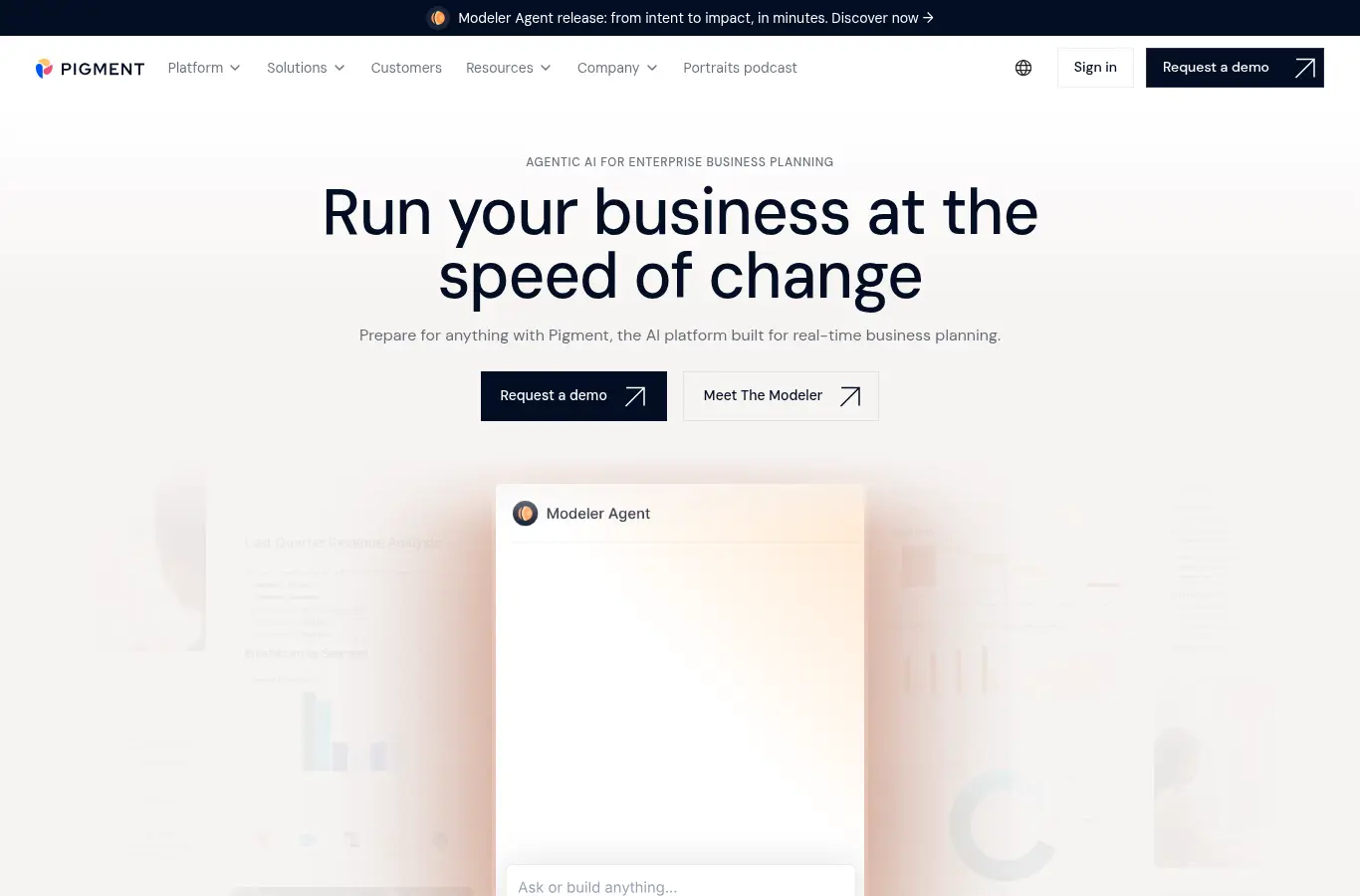
A modern business-planning platform with finance-grade models and a noticeably cleaner build experience than legacy suites. Scenario work is strong and the GTM-planning practice is growing fast, which makes it a credible Anaplan alternative for teams that value the build UX.
It is platform-first rather than sales-first, so the capacity logic, ramp curves, attainment, and cohort math are yours to build and maintain rather than productized out of the box. You get a great canvas; you still paint the capacity model.
4. Workday Adaptive Planning: best for Workday finance shops

Finance-first planning that extends into workforce and sales. It is the natural pick when finance already runs Workday and wants headcount, opex, and the revenue plan governed inside one environment, with identity and data already in place.
Sales-specific inputs like ramp curves and per-rep attainment are modeled generically rather than natively, so the capacity detail a CRO needs for quota decisions is custom build on top of a finance-shaped model.
5. Varicent: best planning next to comp
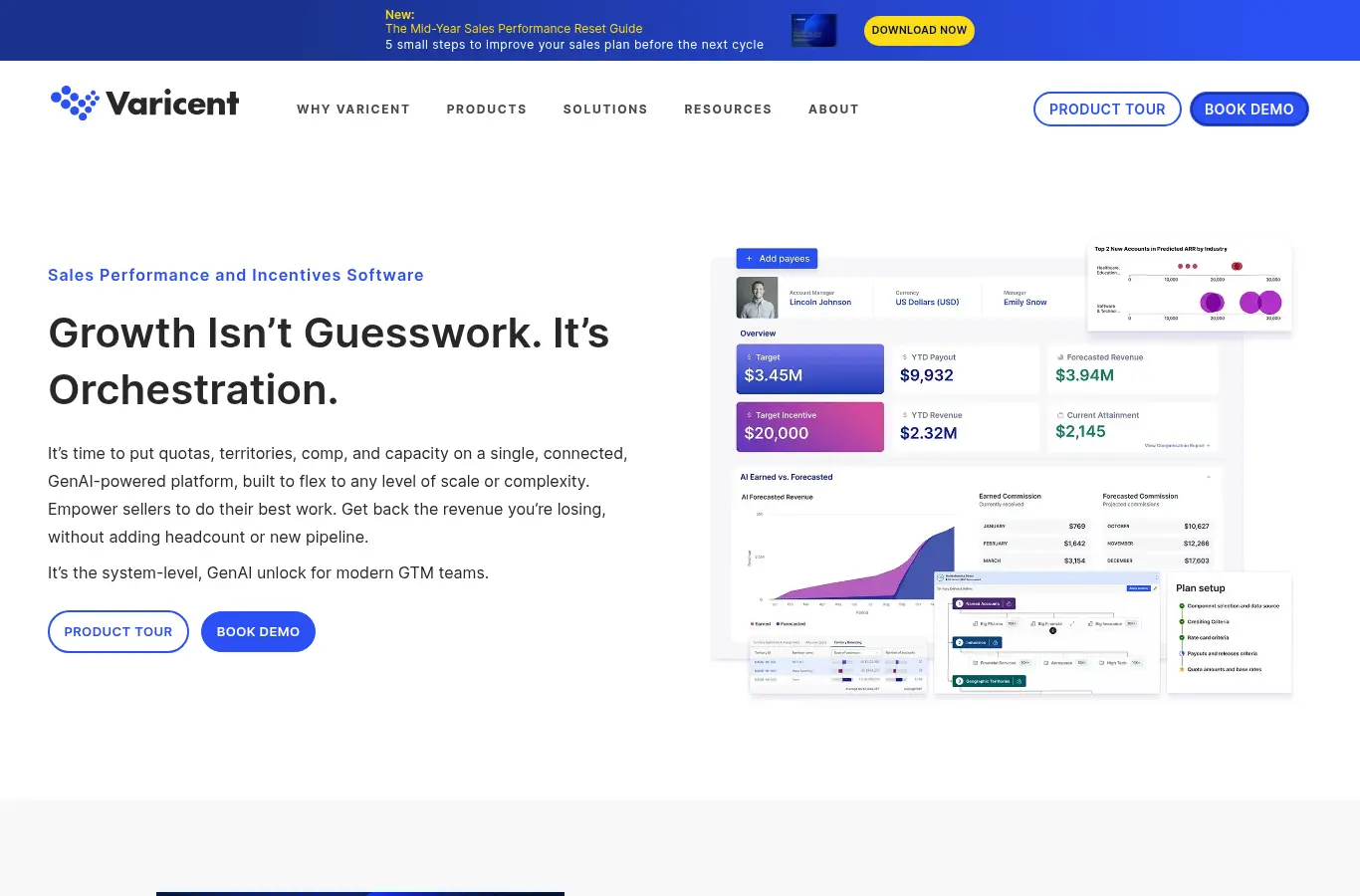
Sales performance management with deep roots in territory, quota, and incentive planning for larger sales orgs. Varicent is the right neighborhood when planning needs to live next to comp administration and territory carving rather than off on its own.
Its center of gravity is SPM, so capacity modeling is one capability among many rather than the core product. Ramp-adjusted, per-rep capacity is lighter here than in a tool built for it.
6. Xactly: best comp-led planning
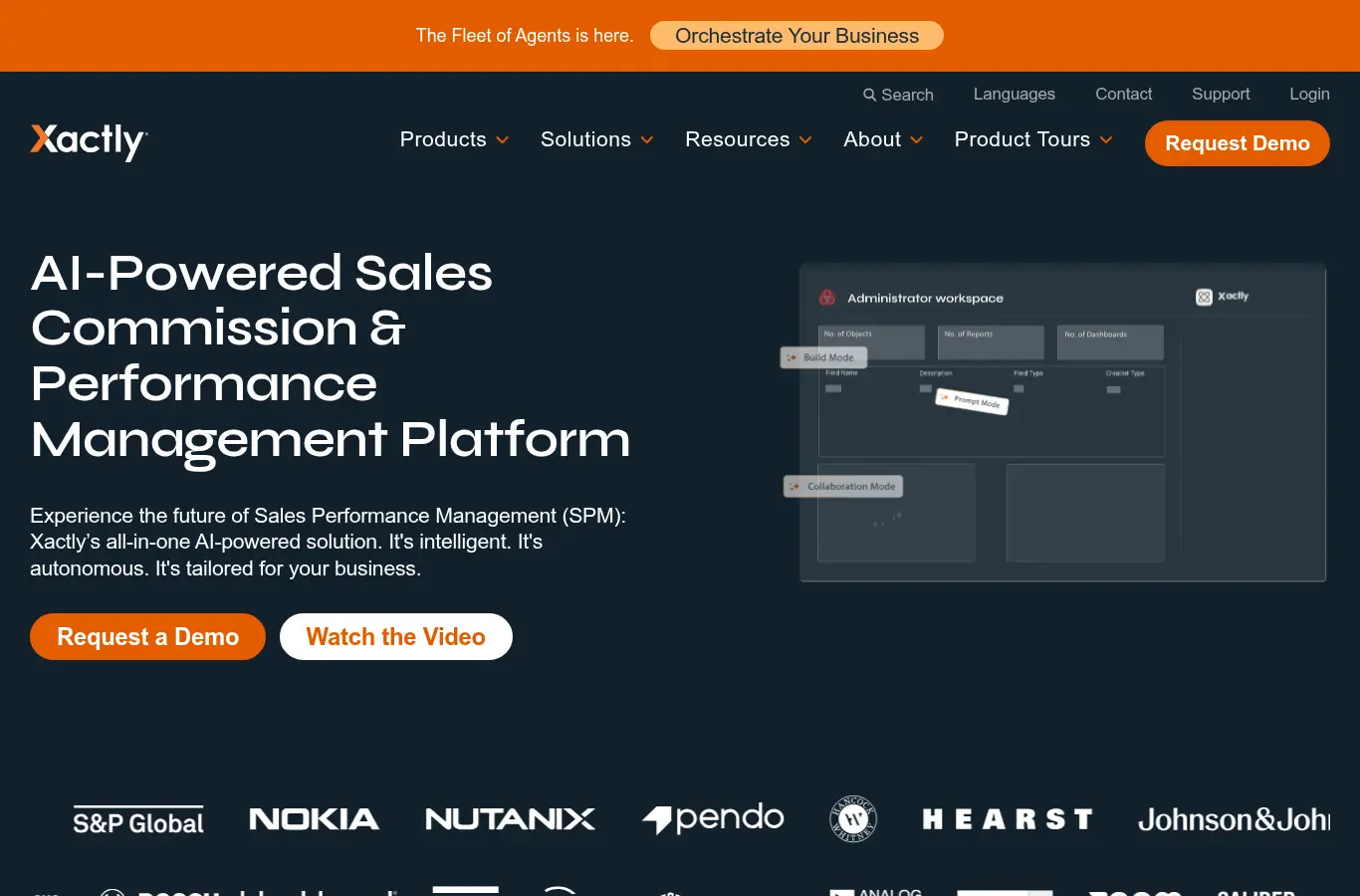
Best known for incentive compensation, with planning modules and a benchmark dataset accumulated over years of comp data. It is a sensible pick when comp and planning should share a vendor and you genuinely value the benchmarking.
Like Varicent, it is comp-led: the plan serves the comp model rather than the other way around, and ramp-cohort math is not a native object. Buy it for comp first and planning second.
7. Salesforce Sales Planning: best CRM-native planning
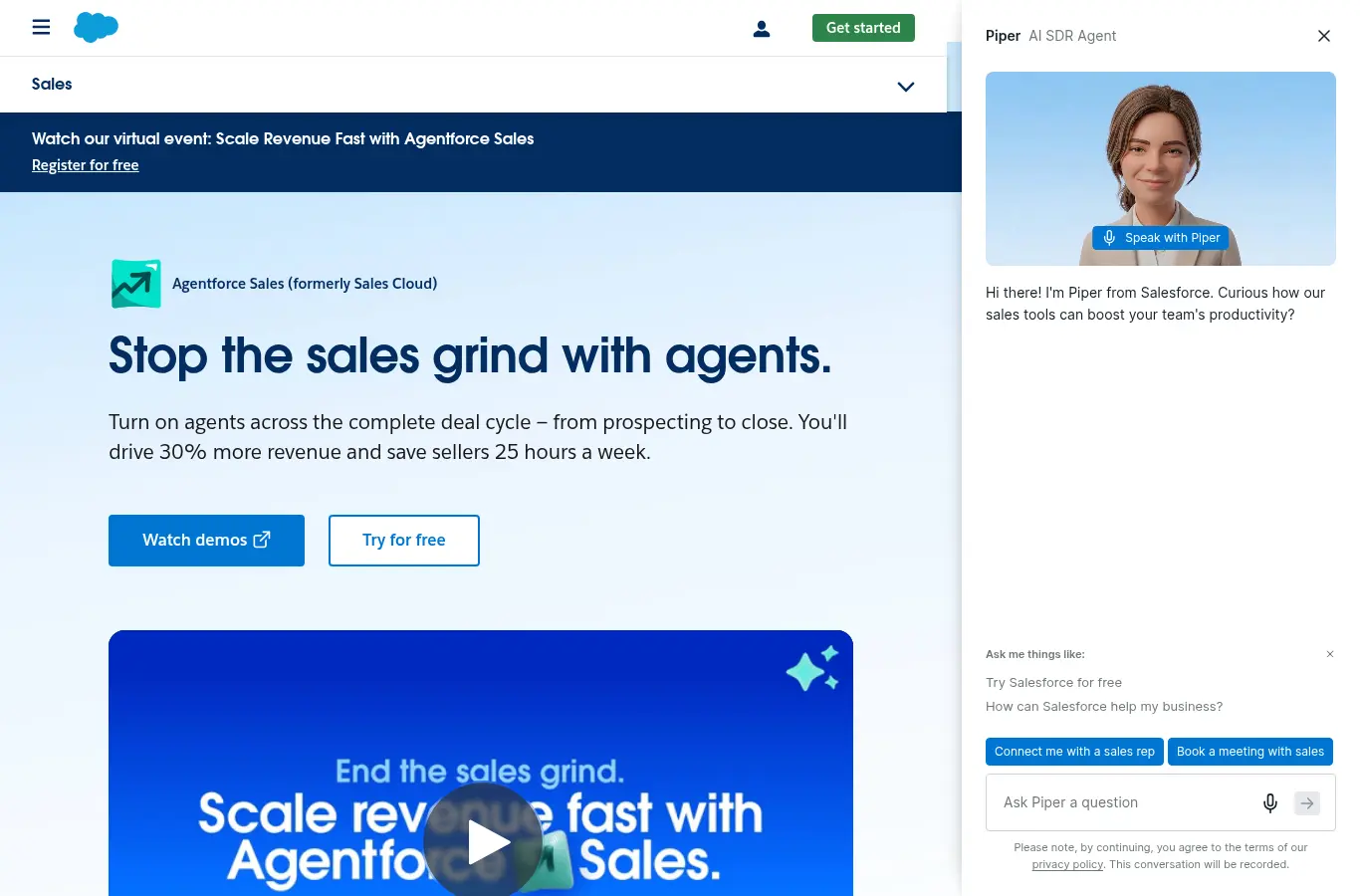
Native territory and quota planning inside Salesforce. It is convenient, requires no integration project, and is fine for straightforward annual carving on data your team already trusts and maintains.
It is lighter than dedicated tools on ramp-adjusted capacity math and continuous scenario modeling, which is exactly where plans break mid-year. It carves the plan; it does not keep it live against the team that has to deliver it.
8. Clari: best in-quarter forecasting
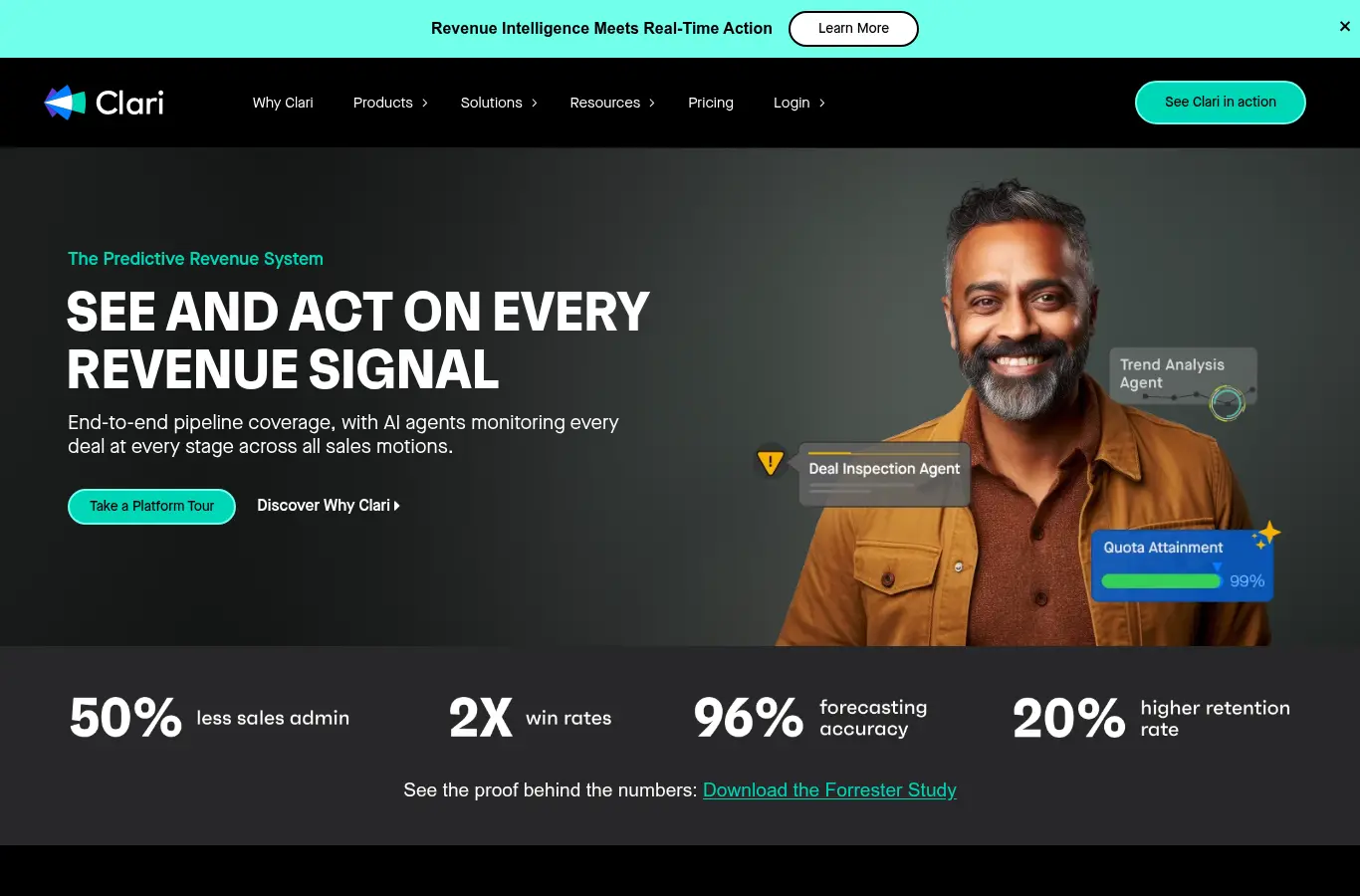
A revenue platform built around AI forecasting, deal inspection, and pipeline management for the in-quarter motion. Clari is strong at calling the number and surfacing risk in the deals already in flight, which is why many revenue orgs run it as their forecasting system of record.
For planning, it works on the pipeline that exists rather than the capacity that produces it. It answers whether you will hit this quarter, not how many ramped reps and what quota next year requires. Pair it with a capacity layer; the two solve different halves of the problem.
9. Gong: best revenue intelligence
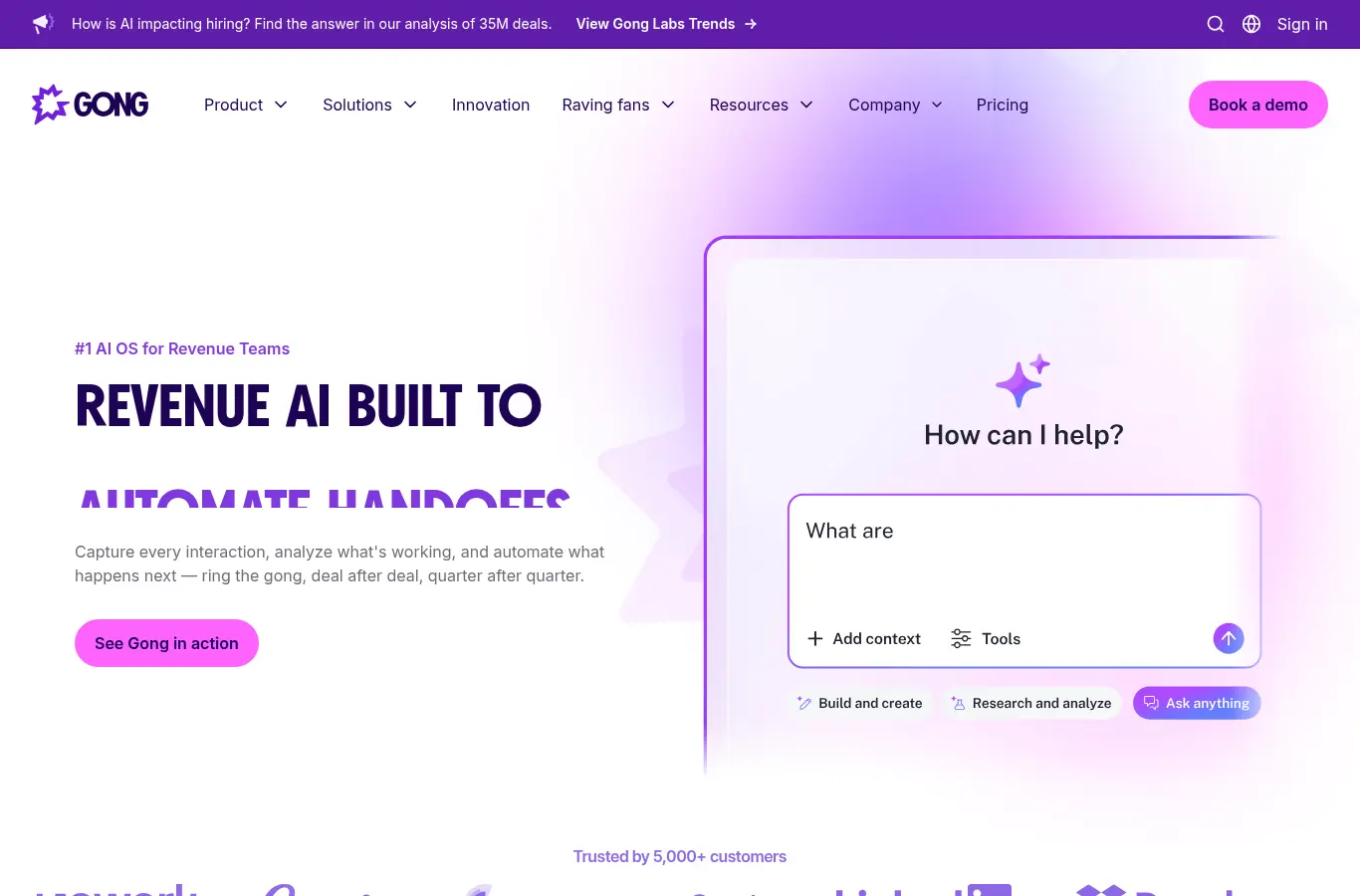
Revenue intelligence built on conversation and activity data, with forecasting and deal-risk insight layered on top. Gong reads what is actually happening in deals, calls, and emails, and turns that into pipeline and rep insight most planning tools never see.
It is intelligence-led rather than planning-led: excellent at explaining the pipeline and coaching reps, lighter on modeling the capacity and quota that produce next year’s number. It informs the plan; it does not build it.
10. Forecastio: best lightweight SMB and mid-market pick
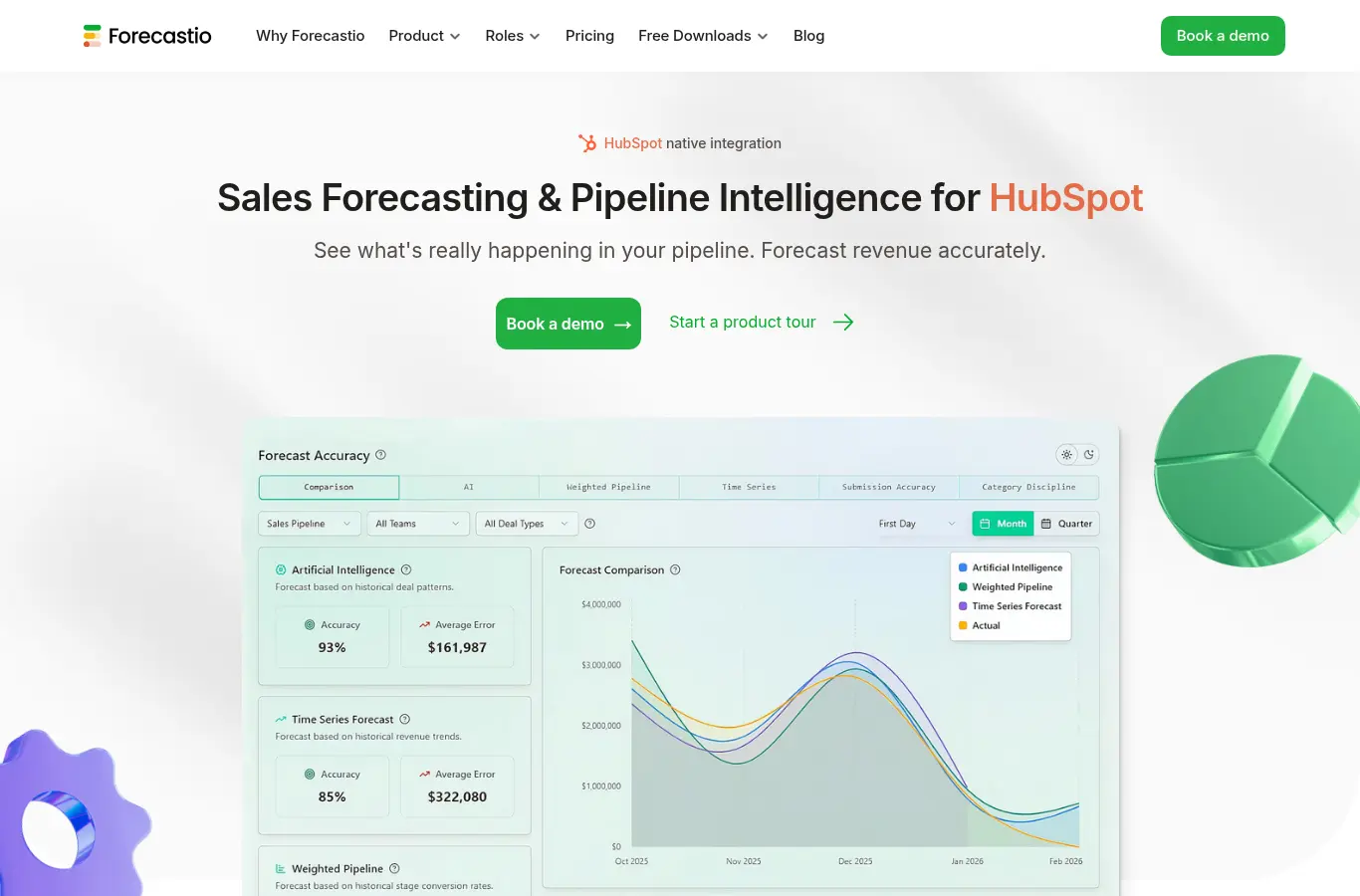
A focused forecasting and planning tool for SMB and mid-market teams on HubSpot or Salesforce. It is fast to stand up and priced for smaller teams, which is exactly what an early org needs before a capacity model becomes a full-time job.
It is forecast-led rather than capacity-led: good at calling the number, lighter on modeling the team that produces it. Multi-segment orgs with cohort hiring will outgrow it.
11. Drivetrain: best planning inside the financial plan
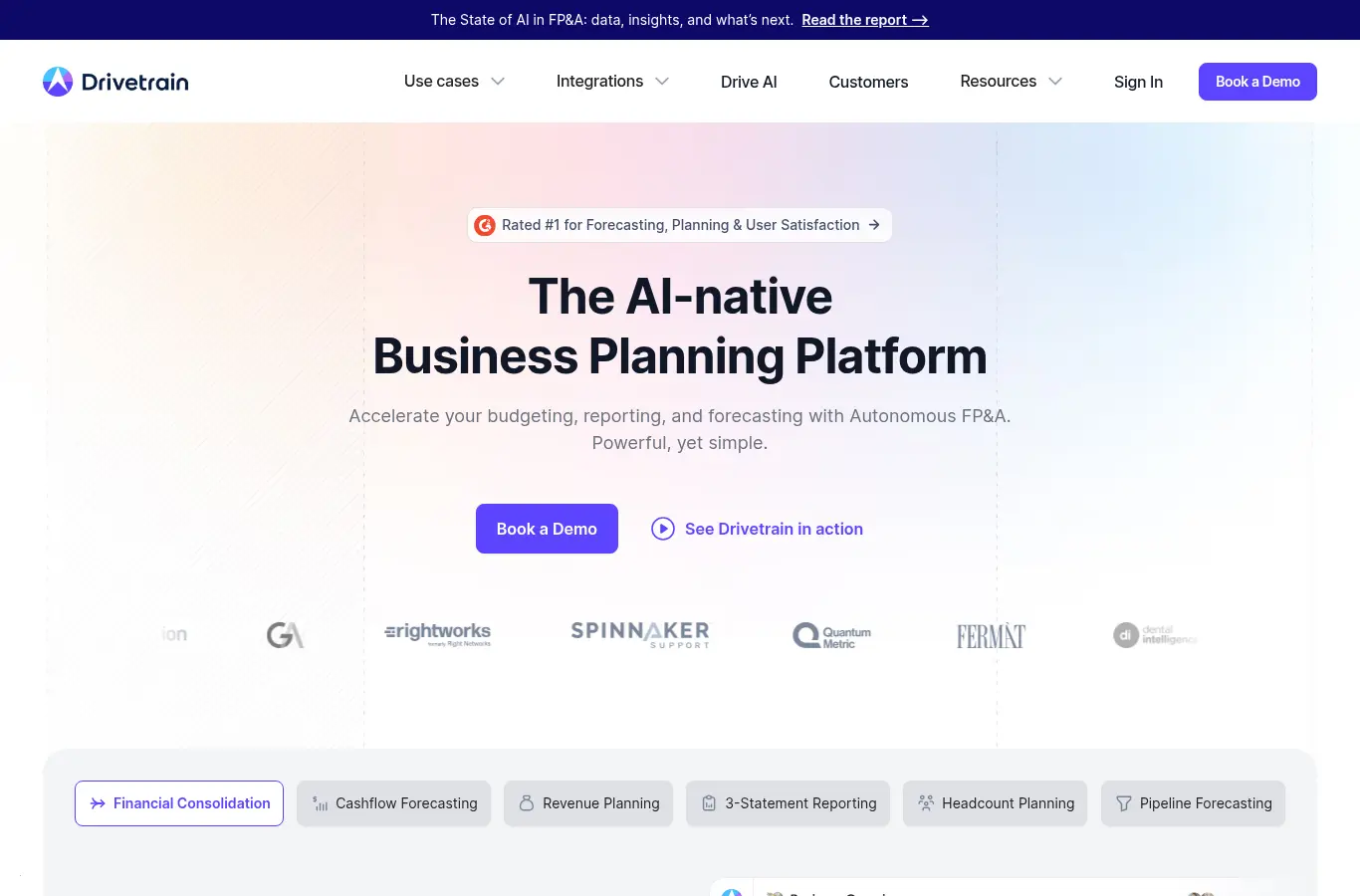
FP&A and business planning with revenue models built in. Drivetrain fits teams that want the sales plan to live inside a connected financial plan, with driver-based modeling tying capacity to burn and runway.
Like most FP&A tools, rep-level ramp and attainment detail requires custom model work; capacity is a driver you build rather than a native object the tool already understands.
12. Spreadsheets: best free starting point
Where most sales planning still happens, and genuinely fine early: a disciplined sheet with ramp adjustments beats no model at all, and the flexibility is total. For a single-segment team it is often the honest right answer.
The breaking point is predictable and structural. Multiple segments, cohort hiring, and mid-year changes turn the sheet into three diverging copies owned by finance, RevOps, and the CRO. When reconciling versions takes longer than planning, the spreadsheet has failed and a model has to take over.
The planning stack, not the planning tool
One framing that simplifies most evaluations: scaling teams end up with a planning stack, not a single tool, and the question is which layer each product owns. The CRM is the system of record for deals. The capacity layer (Lative) turns roster, ramp, and attainment into what the team can produce and what quotas should be. The inspection layer (Clari, Gong) tells you whether this quarter’s pipeline is real.
And the FP&A layer (Anaplan, Pigment, Drivetrain, Workday Adaptive) folds the revenue plan into the company plan. Buying mistakes are usually layer mistakes: asking an FP&A suite to model ramp curves, or asking a deal-inspection tool to architect next year’s quotas. Name the layer you are missing before you take a single demo, and half the market eliminates itself.
How to pick for your stage
- Early stage, under $10M ARR. A clean spreadsheet or a light tool like Forecastio. Spend the budget on pipeline, not planning platforms.
- Scaling, $10M to $100M ARR. The spreadsheet breaks here, and capacity mistakes start costing millions. A sales-first planning layer like Lative keeps capacity, quota, and forecast connected without an enterprise rollout; add deal inspection (Clari, Gong) if misses trace to deals rather than staffing.
- Enterprise, $100M+ ARR. Connected planning (Anaplan, Pigment, Workday Adaptive) for the whole business, frequently with a sales-specific capacity layer feeding it, plus formal ownership and refresh SLAs.
A 30-day rollout that sticks
Whichever tool wins, the rollout sequence is the same. Week one: connect the CRM read-only and reconcile closed-won totals to finance’s books, because a planning tool that disagrees with revenue is dead on arrival. Week two: load the roster with hire dates and segments, and validate the derived ramp curves against what your last two cohorts actually did.
Week three: run the bottom-up capacity number against the current target and hold one meeting, CRO, CFO, RevOps, off one screen, to walk the gap. Week four: set the monthly refresh cadence, name an owner, and retire the spreadsheet copies explicitly, because parallel spreadsheets that linger become the system of record again within a quarter.
Common buying mistakes
Buying for the build, not the refresh. Any tool models the plan once. Ask vendors to demo month four: two hires slipped, a top rep resigned, the CFO wants the new number today.
Assuming FP&A coverage equals sales planning coverage. FP&A suites model cost well and rep productivity poorly. If ramp curves and per-rep attainment are not native objects, the sales logic gets rebuilt by hand, in the tool you bought to avoid hand-building.
Skipping the data audit. Planning software runs on closed-won history, hire dates, and stage data. Ambiguous stage definitions poison every output; fix them first. Start with how to build a sales capacity plan to see which inputs matter.
Confusing forecasting with planning. Forecasting predicts this quarter from live pipeline; planning architects next year from capacity. Different cadences, different math, and frequently two different tools.
Frequently asked
What is sales planning software?
Software that models the sales plan, capacity, quota, territory, headcount, and forecast, as one connected system that updates when inputs change, replacing static spreadsheet planning.
How is sales planning software different from forecasting software?
Forecasting predicts what closes this period from pipeline. Planning architects targets, quotas, territories, and hiring from capacity. Mature teams run both, reconciled.
When should a company buy sales planning software?
Typically between $10M and $25M ARR, when cohort hiring and multiple segments make spreadsheet planning impossible to keep current. The signal: reconciling versions costs more than planning.
Can Salesforce do sales planning?
Partially. Native territory and quota tools handle annual carving; ramp-adjusted capacity math and continuous scenarios generally need a dedicated layer on top.
What inputs does sales planning software need?
The rep roster with hire dates, trailing attainment by segment, cohort ramp curves, attrition by tenure band, and clean CRM stage data.
Pick for where your plan actually breaks. For most scaling teams that is the moment a spreadsheet can no longer keep capacity and quota in sync. See the full sales capacity planning guide, or book a demo to see a connected plan on your own data.